Dev frameworks
Full-Page Screenshots in Puppeteer (and When an API Is Faster)
June 12, 2026 · 5 min read · Grabbit Team
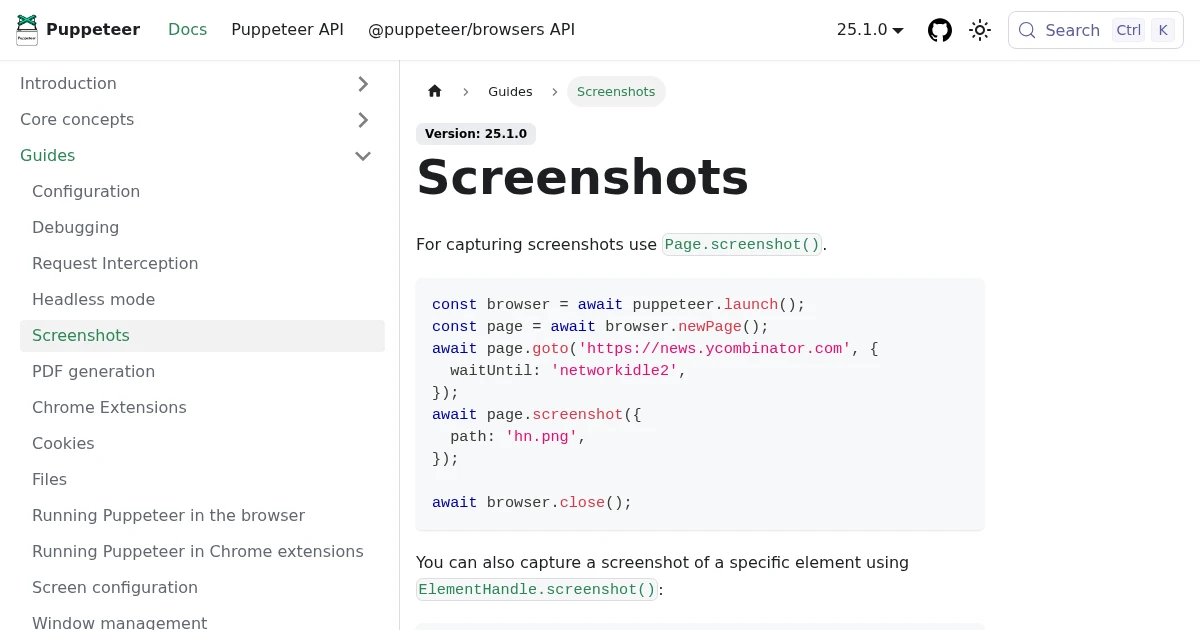
page.screenshot() is the whole API, and for a one-off capture on your laptop it is genuinely two lines of code. The work starts after that: full-page captures that come back cut off, fonts that render as fallbacks, and a headless Chromium process that eats memory in production. This guide covers the Puppeteer screenshot methods that work, the ones that quietly fail, and the point where running your own browser stops being worth it.
The basic Puppeteer screenshot
Launch a browser, open a page, navigate, capture:
import puppeteer from 'puppeteer';

const browser = await puppeteer.launch();
const page = await browser.newPage();

await page.goto('https://example.com', { waitUntil: 'networkidle0' });
await page.screenshot({ path: 'example.png' });

await browser.close();
The one detail that matters here is waitUntil: 'networkidle0'. The default for goto resolves as soon as the load event fires, which is often before images, web fonts, and client-rendered content are on the page. networkidle0 waits until there have been no network connections for 500ms, which is a much better proxy for "the page is actually done."
Full-page screenshots
By default page.screenshot() captures only the viewport. To capture the entire scrolling page, set fullPage: true:
await page.screenshot({ path: 'full.png', fullPage: true });
Puppeteer measures the full scroll height and stitches the result into a single tall image. This works on most static pages. It breaks on two kinds of page:
- Lazy-loaded content. If a page only renders sections as they scroll into view, a full-page capture can stop short because the lower sections never rendered. The fix is to scroll the page to the bottom yourself before capturing, then scroll back to the top.
- Sticky and fixed elements. A header with
position: fixedcan repeat down the stitched image or float over content, because the element stays pinned in the viewport while Puppeteer scrolls underneath it.
Here is the scroll-to-bottom workaround for lazy pages:
await page.evaluate(async () => {
  await new Promise((resolve) => {
    let total = 0;
    const step = 400;
    const timer = setInterval(() => {
      window.scrollBy(0, step);
      total += step;
      if (total >= document.body.scrollHeight) {
        clearInterval(timer);
        window.scrollTo(0, 0);
        resolve();
      }
    }, 100);
  });
});

await page.screenshot({ path: 'full.png', fullPage: true });
Screenshotting a single element
To capture one component instead of the whole page, get an ElementHandle and call screenshot() on it. Puppeteer crops to that element's bounding box:
const card = await page.$('#pricing-card');
await card.screenshot({ path: 'card.png' });
If page.$() returns null, the selector did not match yet. Use await page.waitForSelector('#pricing-card') first so you are not racing the render.
Higher-quality captures
Two settings control how sharp the output looks:
await page.setViewport({
  width: 1280,
  height: 720,
  deviceScaleFactor: 2, // capture at 2x for a crisp, retina-density image
});

// PNG is lossless; for JPEG you can trade size for quality
await page.screenshot({ path: 'sharp.jpg', type: 'jpeg', quality: 90 });
deviceScaleFactor: 2 doubles the pixel density, which is the single biggest win for screenshots that will be displayed on high-resolution screens. Beyond that, the most common quality bug is not resolution at all: it is capturing before web fonts have loaded, so the screenshot shows a fallback font. Wait for fonts explicitly when it matters:
await page.evaluate(() => document.fonts.ready);
Where running Puppeteer yourself gets expensive
Everything above runs fine on your machine. Production is where the cost shows up, and none of it is about the screenshot code:
- Provisioning Chromium. Headless Chromium needs a long list of system libraries. In a slim container or a serverless function you hit missing-dependency errors before you capture a single pixel.
- Memory and zombie processes. A browser that is not closed on every error path leaks memory. Under load you accumulate orphaned Chromium processes until the box falls over.
- Patching. Chromium ships security updates constantly. A long-lived screenshot service is a browser you now have to keep current.
- Concurrency. One browser handles one job at a time well. Ten thousand captures a day means a pool, a queue, and back-pressure, which is real infrastructure to build and operate.
This is the point where a hosted screenshot API is faster to ship: someone else runs the browser fleet, and you send one HTTP request.
The same capture as an API call
Here is the full-page capture above as a single request to Grabbit. No browser to install, patch, or scale:
curl https://api.grabbit.live/v1/grabs \
  -H "Authorization: Bearer sk_live_..." \
  -H "Content-Type: application/json" \
  -d '{
    "url": "https://example.com",
    "width": 1280,
    "full_page": true,
    "format": "webp"
  }'
The response includes a hosted image_url you can use directly:
{
  "id": "grb_01jx...",
  "status": "done",
  "image_url": "https://cdn.grabbit.live/grabs/grb_01jx....webp",
  "width": 1280,
  "format": "webp",
  "bytes": 48210,
  "execution_ms": 1180
}
The Puppeteer options you reach for most map directly onto request parameters: fullPage becomes full_page, the element handle pattern becomes a selector field, and the manual wait becomes delay_ms (0 to 10000). Width accepts 320 to 1920, height 240 to 1080, and format is png, jpeg, or webp.
# capture one element, after waiting 500ms for it to settle
-d '{
  "url": "https://example.com/pricing",
  "selector": "#pricing-card",
  "delay_ms": 500,
  "format": "png"
}'
Which to use
Reach for Puppeteer directly when you are already driving a browser for other reasons (scraping, end-to-end tests) and a screenshot is one more step, or when you need a one-off capture during development. Reach for an API when screenshots are a production feature and you would rather not operate a browser fleet to ship it.
For the full breakdown of full-page capture techniques across tools, see how to take a full-page screenshot. If you are weighing hosted options, the honest comparison of screenshot APIs covers the trade-offs without the marketing.
FAQ
- How do I take a full-page screenshot in Puppeteer?
- Pass fullPage: true to page.screenshot(). For example: await page.screenshot({ path: 'out.png', fullPage: true }). Puppeteer scrolls the page, measures the full scroll height, and stitches the result into one image. If the page lazy-loads content on scroll, the capture can come back short, so wait for the network to settle or scroll the page yourself before capturing.
- How do I screenshot a specific element in Puppeteer?
- Select the element with page.$('selector') to get an ElementHandle, then call screenshot() on that handle instead of the page. For example: const el = await page.$('#card'); await el.screenshot({ path: 'card.png' }). Puppeteer crops the image to that element's bounding box.
- How do I improve Puppeteer screenshot quality?
- Set a device scale factor for a higher-resolution capture: await page.setViewport({ width: 1280, height: 720, deviceScaleFactor: 2 }). For photographic content use PNG (lossless), and for JPEG set the quality option from 0 to 100. Make sure web fonts and images have finished loading before you capture, otherwise the screenshot shows fallback fonts or blank images.
- Why is my Puppeteer full-page screenshot blank or cut off?
- The two common causes are capturing before content has loaded and pages that render new content only as you scroll. Use waitUntil: 'networkidle0' on goto, await any specific element you need, and for lazy-loaded pages scroll to the bottom before capturing so every section has rendered.
- Is a screenshot API faster than running Puppeteer myself?
- For a few local captures during development, Puppeteer is fine. An API is faster to ship once you need screenshots in production, because you skip provisioning headless Chromium, keeping it patched, managing memory and zombie processes, and scaling concurrency. You send one HTTP request and get back a hosted image URL.
Capture any website with one API call
Get a free test key and wire your first request in two minutes.
Written by
Grabbit Team
Screenshots as a service
The team behind Grabbit, the screenshot API for developers and AI agents. We write about web capture, rendering, and automating screenshots at scale.
Keep reading
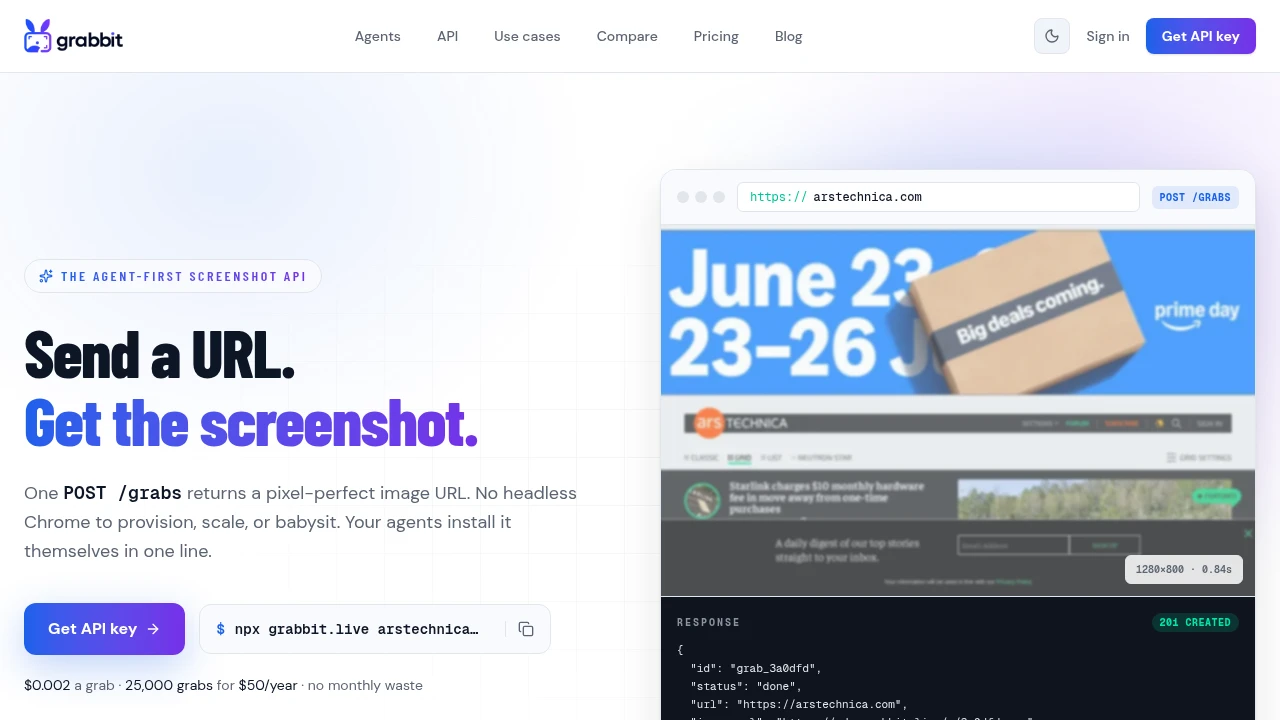
How to Take a Full-Page Screenshot (Every Method That Works in 2026)
How to take a full-page screenshot on Chrome, Firefox, Edge, Windows, Mac, iPhone, and Android, plus how to capture full pages automatically with an API.
Jun 10, 2026 · 4 min read
The Best Screenshot APIs in 2026 (An Honest Comparison)
Comparing the top screenshot APIs on billing model, per-grab cost, features, and agent support so you can pick the right one for your project.
Jun 11, 2026 · 5 min read
How to Run Puppeteer in Production Without It Crashing (and When to Stop)
Why Puppeteer that runs fine locally crashes in production: missing Chromium, /dev/shm limits, navigation timeouts, disconnected browsers, and OOM at concurrency. The fixes teams actually ship, and the honest case for handing screenshots to an API instead.
Oct 4, 2026 · 8 min read