OG images
@vercel/og vs a Screenshot API: When to Render OG Images with a Real Browser
June 30, 2026 · 6 min read · Grabbit Team
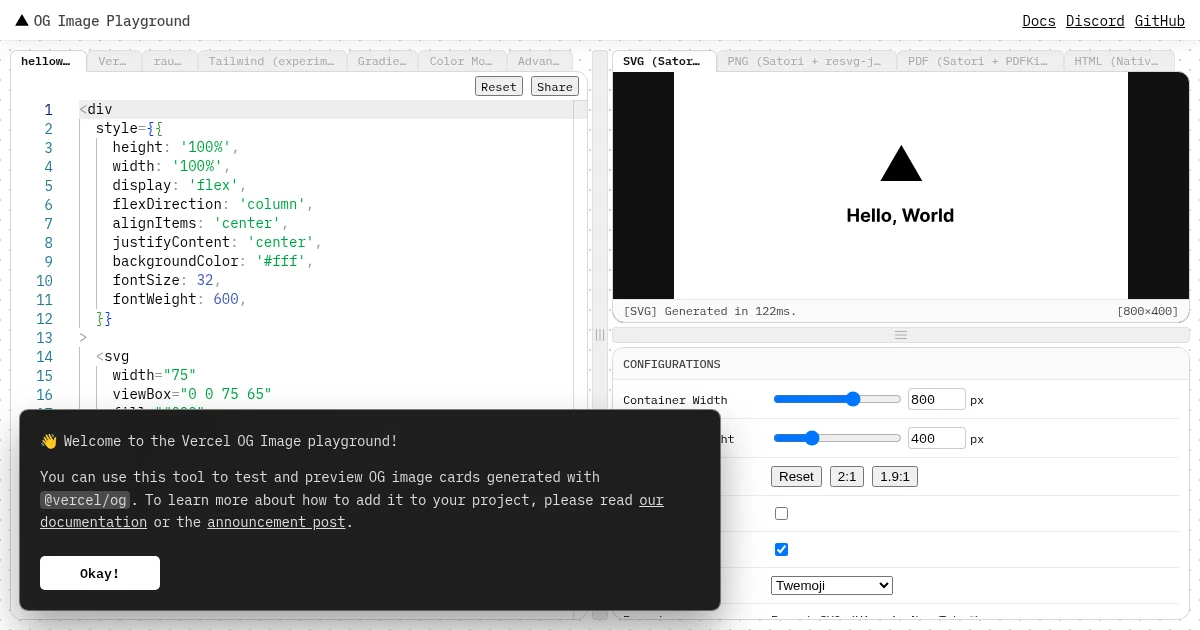
If you build with Next.js, @vercel/og is probably your default for dynamic Open Graph images, and for good reason: it is fast, it runs at the edge, and it is built in. But it renders with satori, which supports only a subset of CSS, and developers keep hitting the same wall. As one put it in a recent r/nextjs thread: "stuck with satori as long as possible tbh, the perf difference is real (its basically instant vs 1-2s for headless). only moved to a screenshot-based approach for like 3 templates out of 40+ that needed actual CSS grid or custom fonts satori chokes on."
That is the whole decision in one sentence. This guide gives you the rule for when to keep @vercel/og and when to render with a real browser instead.
The short answer
Keep @vercel/og for cards you design as a JSX layout (title, author, brand, a gradient) that do not need to match a real page. It is instant and edge-cached.
Reach for a screenshot API when one of two things is true:
- satori breaks on your content (CSS grid, right-to-left languages, fonts it cannot load), or
- you want the OG image to be a real render of an actual page or app, not a separate layout.
Then cache the rendered image per URL so the slower render happens once, not on every share.
What @vercel/og actually is (and its limits)
@vercel/og converts HTML and CSS into a PNG using satori, a renderer that turns markup into an image without a browser. That is why it is so fast. The tradeoff is that satori supports a deliberately limited slice of CSS:
- No CSS grid. Layouts have to be built with flexbox. Anything depending on grid will not render the way you expect.
- No bidirectional text. Right-to-left languages like Arabic (
ar-SA) and Hebrew (he-IL) can come out broken. A developer in the same thread noted they were evaluating alternatives "primarily because Satori does not support Right To Left layouts and languages... We have customers in the middle east and it straight up breaks." - Every font must be supplied explicitly. You pass each font and weight as data. Miss one and text falls back or fails.
None of this is a bug. satori trades CSS coverage for speed, and for the common case (a templated card you control) it is the right call. The problem is only when your content lives outside that subset.
When a real browser render is the better fit
A screenshot API renders with full Chromium, so it has none of satori's CSS limits. It is the better fit when:
- You hit a satori limit. CSS grid, RTL text, a font satori will not load, a CSS feature it does not support. A real browser already handles all of it.
- The OG image should be the real page. A dashboard, a chart, a map, a live preview of the actual content. With
@vercel/ogyou would rebuild that as a JSX layout and keep it in sync by hand. A screenshot captures what is already there. - You want one image pipeline across stacks. If not everything you ship is Next.js, a URL-in, image-out API gives every service the same OG path instead of porting satori everywhere.
The honest tradeoff is speed. A real browser render of a page typically takes one to two seconds, where satori is close to instant. You do not want that on the request path for every share, which is what caching is for.
Render once, cache forever
The pattern that makes the screenshot approach practical: render each unique URL once, store the result, and serve the stored image afterward. The slow one-to-two-second render happens a single time per page, and every share after that is a fast static file from your CDN. OG images are a perfect fit for this because the card for a given URL rarely changes.
So the decision is not "fast vs slow on every request." It is "fast layout you maintain in JSX" vs "real render you cache once." Pick based on whether your content fits satori, not on raw latency.
How to render an OG image with a screenshot API
Build or reuse a page at a public URL that shows the title and branding (the same idea as a templated OG route, except it is a real page a browser loads), then capture it at the standard OG size. Here is a single call against Grabbit's API capturing a card at 1200 by 630:
curl -X POST https://grabbit.live/api/v1/grabs \
  -H "Authorization: Bearer sk_live_your_key" \
  -H "Content-Type: application/json" \
  -d '{
    "url": "https://yoursite.com/og/my-post",
    "width": 1200,
    "height": 630,
    "format": "png",
    "delay_ms": 300
  }'
The response includes the hosted image URL. Store that, point og:image at it, and you are done. The delay_ms gives webfonts and any client rendering a moment to settle before the capture, so the card is never half-painted. Use format: "webp" if you want a smaller file, or jpeg for photographic cards.
If you want the OG image to be the full page rather than a fixed card, add "full_page": true and drop the height, though for social previews the 1200 by 630 card is almost always what you want because that is the exact size platforms render.
A simple decision table
| Your situation | Use |
|---|---|
| Templated card (title, author, brand) in JSX | @vercel/og |
| All-Next.js, content fits satori's CSS subset | @vercel/og |
| RTL language, CSS grid, or a font satori cannot load | Screenshot API |
| OG image should be a real render of the page or app | Screenshot API |
| One OG pipeline across multiple stacks, not just Next.js | Screenshot API |
It is not either/or for a whole project. The developer who started this was right to keep satori for 40-plus templates and only switch the 3 that broke. Use @vercel/og by default, and reach for a real browser render exactly where satori stops working.
Where to go next
Grabbit is a screenshot API that turns a URL into a hosted image with one call, which is the "real browser render" half of this decision. Pricing is a flat $0.002 per live capture. Annual-plan credits expire at term end; if you cancel, you keep them until then. Separately purchased top-up credits do not expire while your account remains active. Synchronous test requests return free placeholders for wiring, not live browser renders.
For the surrounding workflow, see how to add dynamic OG images in Next.js (both the native and screenshot paths), how to generate dynamic OG images from any URL, and what an OG image is if you are still getting broken link previews.
FAQ
- Should I use @vercel/og or a screenshot API for OG images?
- Use @vercel/og when the card is a layout you design in JSX (title, author, brand) that does not need to match a real page. It is fast and edge-cached. Reach for a screenshot API when satori breaks on your content (right-to-left languages, CSS grid, some custom fonts) or when you want the OG image to be a real render of an actual page or app. Cache the rendered image per URL so the slower render only happens once.
- Why does @vercel/og break on some layouts?
- @vercel/og renders with satori, which supports a deliberately limited subset of CSS. It does not support CSS grid, has no bidirectional text support so right-to-left languages like Arabic and Hebrew can render incorrectly, and needs every font and weight supplied explicitly. A real browser render does not have those limits because it is full Chromium.
- Is a screenshot API slower than @vercel/og?
- Yes. satori turns HTML and CSS into an image almost instantly, while a real browser render of a page typically takes one to two seconds. The fix is caching: render once per unique URL, store the image, and serve the stored file. The slow render happens once, not on every share.
- Can I screenshot my Next.js page for its own OG image?
- Yes. Build or reuse a page or template at a public URL that shows the title and branding, then capture it at 1200 by 630 with a screenshot API and point og:image at the stored result. This is the same pattern as a templated OG generator, except the source is a real rendered page instead of a JSX layout.
- Does the OG image have to be 1200 by 630?
- 1200 by 630 is the size every major platform renders as a full-width card, so it is the safe default whether you use @vercel/og or a screenshot API. Both approaches let you set those exact dimensions.
Capture any website with one API call
Get a free test key and wire your first request in two minutes.
Written by
Grabbit Team
Screenshots as a service
The team behind Grabbit, the screenshot API for developers and AI agents. We write about web capture, rendering, and automating screenshots at scale.
Keep reading
How to Add Dynamic OG Images in Next.js
Add dynamic Open Graph images to a Next.js app two ways: the built-in opengraph-image convention with @vercel/og for templated cards, and a screenshot API when you want the OG image to be a real render of the page.
Jun 15, 2026 · 6 min read
How to Generate Dynamic OG Images from Any URL
Generate a unique Open Graph image for every page by pointing a screenshot API at your HTML template. One template, zero design work, scales to any number of pages.
Jun 12, 2026 · 4 min read
What Is an OG Image? Why Your Shared Links Look Broken
An OG image is the preview image that appears when a link is shared on social media. Learn what it is, why it breaks, and how to automate one per page.
Jun 13, 2026 · 5 min read