Dev frameworks
How to Take Screenshots in Cypress (and When to Reach for an API)
July 12, 2026 · 5 min read · Grabbit Team
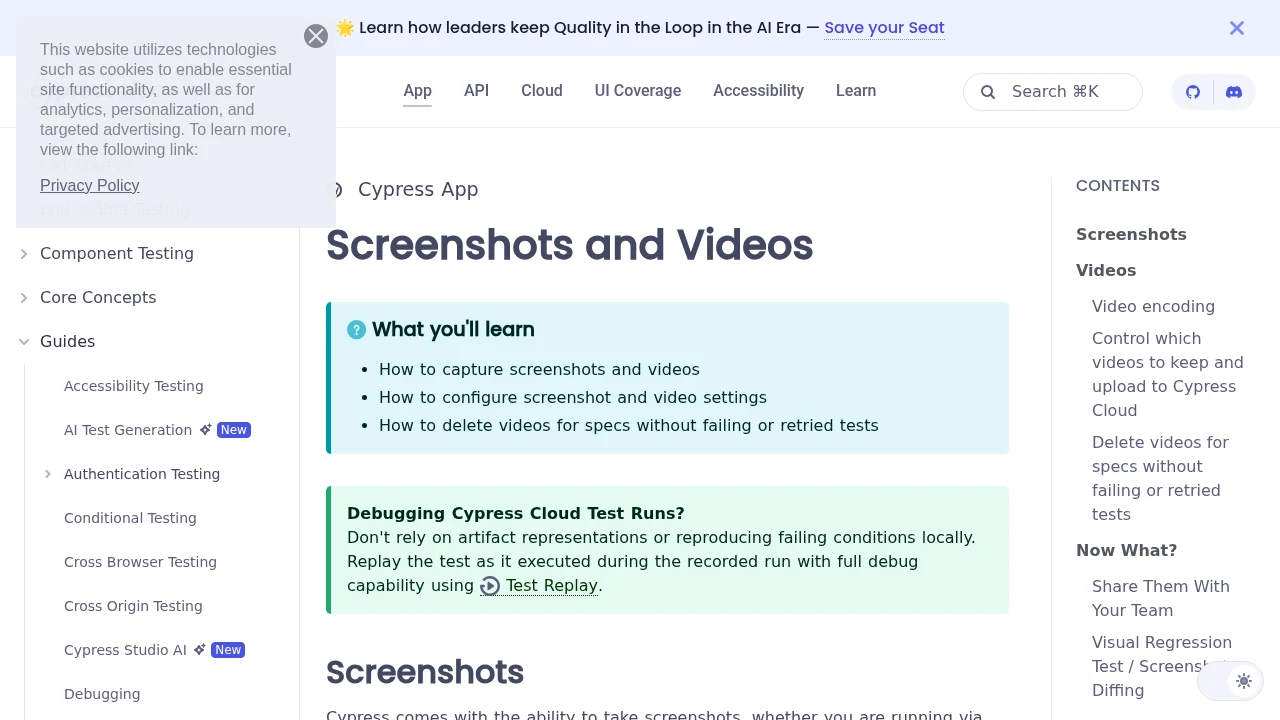
cy.screenshot() captures the application under test in one line, and Cypress takes a failure screenshot for you automatically when a test breaks during cypress run. That covers most of what you need inside a test. This guide walks through the manual command, full-page and element captures, where the files land, how to wire them into CI, and the two captures Cypress is not built for, where a hosted API is the cleaner tool.
The basic Cypress screenshot
Call cy.screenshot() anywhere in a test to capture the current state of the app:
describe('checkout', () => {
  it('shows the confirmation', () => {
    cy.visit('/checkout');
    cy.get('[data-cy=pay]').click();
    cy.contains('Order confirmed');
    cy.screenshot('order-confirmed');
  });
});
The optional first argument is the filename. Without it, Cypress names the image after the test. The screenshot captures the app under test in the runner's viewport, which defaults to 1000x660 and is set with viewportWidth and viewportHeight in your config.
Because Cypress runs inside the browser alongside your app, cy.screenshot() captures what the runner sees at that exact command, after the preceding commands have retried and settled. That is the reason to prefer it over an ad-hoc screenshot: it fires at a known, stable point in the test.
Full-page and element screenshots
cy.screenshot() takes a capture option that controls how much of the page is included:
// Full scrolling page (stitched from multiple slices)
cy.screenshot('home', { capture: 'fullPage' });

// Just the runner viewport, not the whole scrolling page
cy.screenshot('above-the-fold', { capture: 'viewport' });

// A single element, cropped to its bounding box
cy.get('[data-cy=pricing-card]').screenshot('pricing-card');
Calling .screenshot() on a subject (cy.get(...).screenshot()) crops to that element. This is the cleanest way to snapshot one component rather than a whole page.
Two edge cases to know: capture: 'fullPage' scrolls and stitches, so sticky or fixed-position headers can repeat across the stitched slices, and Cypress only captures the app it controls, never browser UI or a truly separate origin. For pixel-stable component shots, prefer element captures over full-page.
Where Cypress saves screenshots
By default, images go to cypress/screenshots, grouped by spec file. Change the folder in cypress.config.js:
const { defineConfig } = require('cypress');

module.exports = defineConfig({
  screenshotsFolder: 'cypress/artifacts/screenshots',
  e2e: {
    // ...
  },
});
You can also set screenshot defaults globally with Cypress.Screenshot.defaults() in a support file, for example to disable the timestamp or blackout dynamic regions before capture.
Automatic screenshots on failure
This is the feature you get for free. During a headless cypress run, Cypress automatically captures a screenshot the moment a test fails, named after the failing test and saved to the screenshots folder. You do not call cy.screenshot() at all.
It is on by default. To turn it off, set screenshotOnRunFailure:
module.exports = defineConfig({
  screenshotOnRunFailure: false,
  // ...
});
Note the runner difference: automatic failure screenshots happen only during cypress run (headless CI mode), not during interactive cypress open, where you already see the failure live in the runner.
Screenshots in CI
Failure screenshots are most valuable when a test breaks in CI and you cannot watch it happen. The pattern is: run the suite, then always upload the screenshots folder as an artifact so the images survive the run.
- name: Run Cypress
  run: npx cypress run

- name: Upload screenshots
  if: always()
  uses: actions/upload-artifact@v4
  with:
    name: cypress-screenshots
    path: cypress/screenshots
    retention-days: 7
The if: always() matters: a plain if: success() skips the upload exactly when a test failed, which is when you need the screenshot. With always(), a failed run still ships the captured images so you can see what the app looked like at the point of failure.
Where Cypress screenshots stop, and an API starts
cy.screenshot() is the right tool for capturing the app under test inside your suite. Two jobs sit outside that boundary:
- Capturing external URLs. Cypress restricts cross-origin navigation and captures only the app it controls. A test that references a third-party page, a partner's site, or your own production URL cannot cleanly screenshot it.
- Consistent cross-environment renders. A screenshot's fonts, emoji, and anti-aliasing depend on the OS the browser runs on. A shot taken on your macOS laptop and one taken on a Linux CI runner will differ, which produces false diffs in visual regression testing. Baselines need one consistent rendering environment.
For both, a hosted screenshot API captures a URL from a fixed environment and returns an image. Here is the same "capture a page" idea as a single request to Grabbit, no browser to provision:
curl https://api.grabbit.live/v1/grabs \
  -H "Authorization: Bearer sk_live_..." \
  -H "Content-Type: application/json" \
  -d '{
    "url": "https://example.com/pricing",
    "width": 1280,
    "height": 720,
    "full_page": true,
    "format": "webp"
  }'
The response includes a hosted image_url you can archive or diff:
{
  "id": "grb_01jx...",
  "status": "done",
  "image_url": "https://cdn.grabbit.live/grabs/grb_01jx....webp",
  "width": 1280,
  "format": "webp",
  "bytes": 52340,
  "execution_ms": 1240
}
The Cypress options you reach for map across directly. capture: 'fullPage' becomes "full_page": true, an element capture becomes a "selector" field, and any wait you would add before a shot becomes "delay_ms" (0 to 10000). Width accepts 320 to 1920, height 240 to 1080, and "format" is "png", "jpeg", or "webp".
# capture one component from a live URL, after it settles
-d '{
  "url": "https://example.com/dashboard",
  "selector": "[data-cy=chart]",
  "delay_ms": 800,
  "format": "png",
  "width": 1280,
  "height": 720
}'
Which to use
Use cy.screenshot() and Cypress's automatic failure screenshots for everything inside your test suite: capturing the app under test, saving evidence when a test breaks, and grabbing a component mid-flow. Reach for a screenshot API for the captures Cypress is not built for, external URLs you do not control and consistent renders from a fixed environment that you feed into your own diff or archive.
For the same walkthrough in a different runner, see how to take screenshots in Playwright. For the practice of catching UI regressions with baseline captures, see the screenshot testing guide. If you are choosing a hosted service, the screenshot API comparison weighs the trade-offs honestly.
FAQ
- How do you capture screenshots in Cypress?
- Call cy.screenshot() inside a test to take a manual screenshot of the application under test. You can pass a filename (cy.screenshot('after-login')) and options such as { capture: 'fullPage' }. Cypress also captures screenshots automatically when a test fails during cypress run, so you often get failure images without writing any code.
- Where does Cypress save screenshots?
- By default screenshots are written to the cypress/screenshots folder, organized by spec file. Change the location with the screenshotsFolder option in cypress.config.js. In CI, upload that folder as a build artifact so you can download the images after the run.
- How do I take a full-page screenshot in Cypress?
- Pass { capture: 'fullPage' } to cy.screenshot(): cy.screenshot('home', { capture: 'fullPage' }). Cypress scrolls the app under test and stitches the slices into one image. It only captures the app Cypress controls, and sticky or fixed elements can repeat in the stitched result, so review full-page shots before trusting them as baselines.
- How do I turn off screenshots on failure in Cypress?
- Set screenshotOnRunFailure to false in cypress.config.js (or via Cypress.Screenshot.defaults()) to stop the automatic failure screenshots taken during cypress run. Automatic failure screenshots are not taken during cypress open, only during headless cypress run.
- Can Cypress screenshot a URL it does not control?
- Not cleanly. cy.screenshot() captures the app under test inside the test runner, and cross-origin navigation is restricted. To capture an external URL, or to produce a consistent render from outside your test environment, call a hosted screenshot API with the URL and get back an image, then use it as an artifact or a baseline.
Capture any website with one API call
Get a free test key and wire your first request in two minutes.
Written by
Grabbit Team
Screenshots as a service
The team behind Grabbit, the screenshot API for developers and AI agents. We write about web capture, rendering, and automating screenshots at scale.
Keep reading
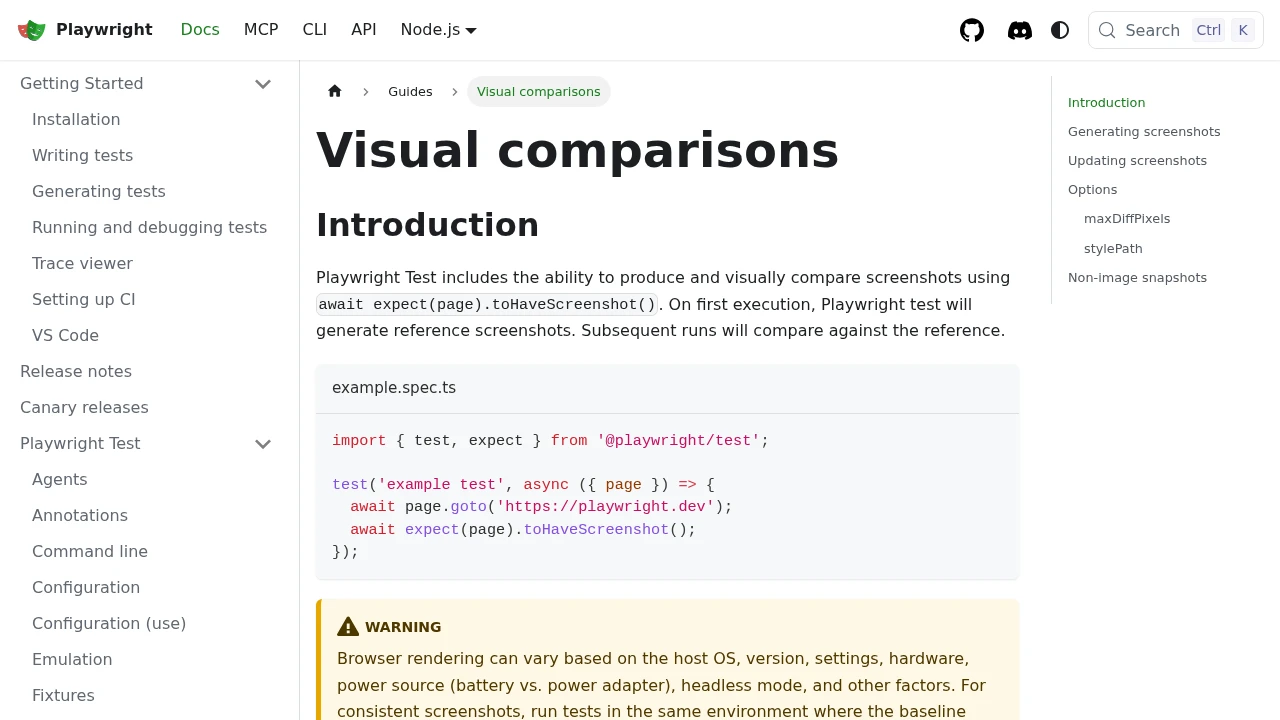
How to Take Screenshots in Playwright (Full Page, Elements, CI)
Everything you need to take screenshots in Playwright: the viewport default, full-page captures, element-level shots, and wiring it all into CI. Plus when to reach for an API instead.
Jun 14, 2026 · 11 min read
Screenshot Testing: How to Catch UI Regressions with Baseline Captures
How screenshot testing works: capture a baseline image of your UI, diff every new build against it, and catch layout regressions functional tests miss. Covers the false-positive traps and where a hosted render fits.
Jul 5, 2026 · 6 min read
The Best Screenshot APIs in 2026 (An Honest Comparison)
Comparing the top screenshot APIs on billing model, per-grab cost, features, and agent support so you can pick the right one for your project.
Jun 11, 2026 · 5 min read