Dev frameworks
How to Take a Website Screenshot in Node.js (4 Ways)
June 18, 2026 · 4 min read · Grabbit Team
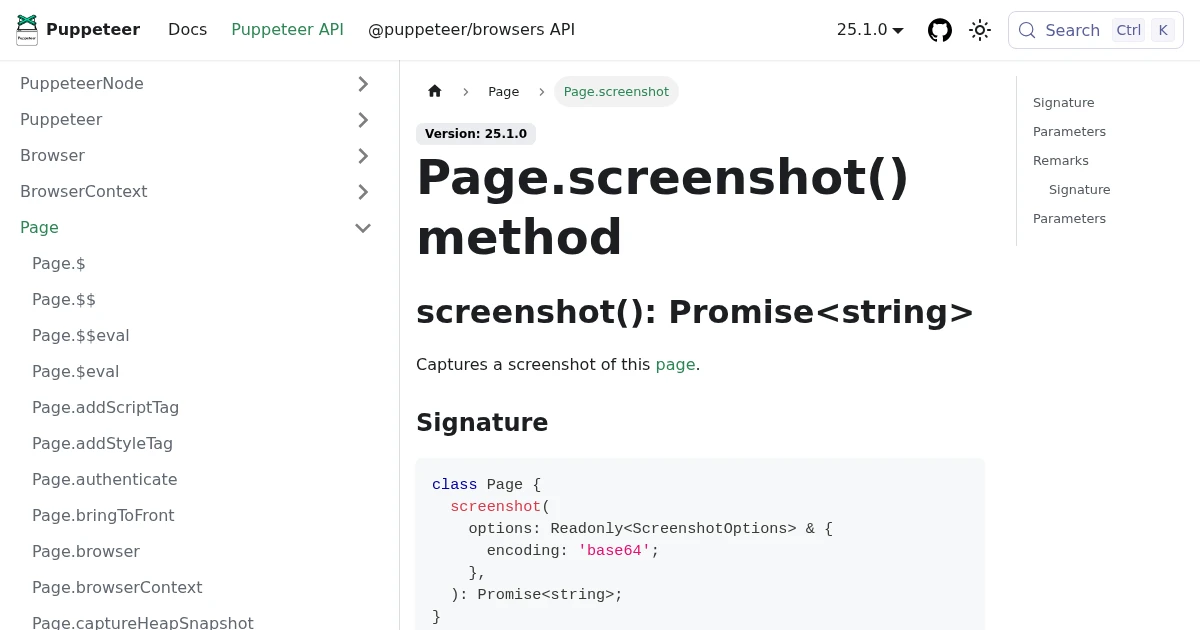
Node.js has no shortage of ways to screenshot a website. The honest list is four: Puppeteer, Playwright, a thin wrapper like capture-website, or a hosted API. The first three all run Chromium on your server; the fourth does not. This guide shows each with working code and the trade-off that decides which one you want.
1. Puppeteer (the default)
Puppeteer is the most common choice and drives headless Chrome directly:
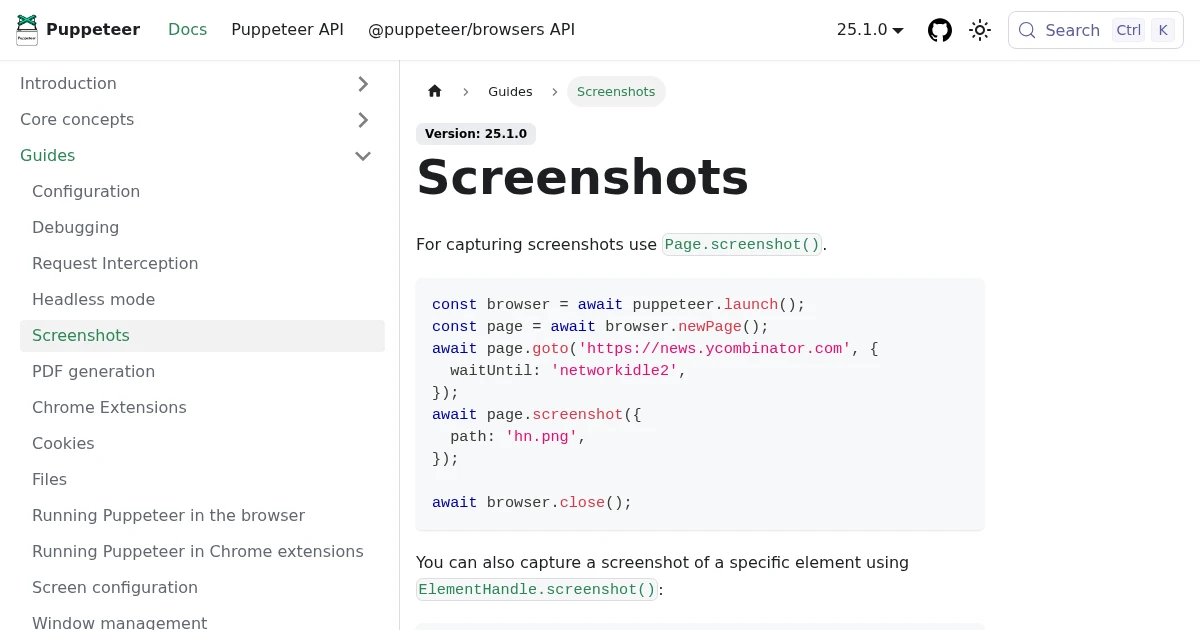
import puppeteer from 'puppeteer';

const browser = await puppeteer.launch();
const page = await browser.newPage();
await page.goto('https://example.com', { waitUntil: 'networkidle0' });
await page.screenshot({ path: 'example.png', fullPage: true });
await browser.close();
The detail that matters is waitUntil: 'networkidle0', which waits for the network to settle before capturing so you do not screenshot a half-loaded page. fullPage: true captures the whole scrolling page. For elements, quality, and the lazy-load gotchas, see full-page screenshots in Puppeteer.
2. Playwright (cross-browser)
Playwright has nearly identical code and adds Firefox and WebKit with one API:
import { chromium } from 'playwright';

const browser = await chromium.launch();
const page = await browser.newPage();
await page.goto('https://example.com');
await page.screenshot({ path: 'example.png', fullPage: true });
await browser.close();
The practical wins over Puppeteer are auto-waiting (less timing code) and being able to capture the same page in three engines, including the engine behind Safari. See screenshots in Playwright for the details.
3. capture-website (the short wrapper)
If you just want one screenshot and do not want to manage a browser lifecycle, capture-website wraps Puppeteer into one call:
import captureWebsite from 'capture-website';

await captureWebsite.file('https://example.com', 'example.png', {
  fullPage: true,
});
It still installs and runs Chromium under the hood, so the operational cost is the same as Puppeteer. It just hides the boilerplate. Avoid older packages like node-webshot that wrap the abandoned PhantomJS; do not build new code on them.
The cost the first three share
All three options above mean you run a browser on your server. None of the hard parts are the screenshot call:
- Provisioning Chromium. It needs a long list of system libraries. Slim containers and serverless functions hit missing-dependency errors before the first capture.
- Memory and zombie processes. A browser not closed on every error path leaks memory and orphans processes under load.
- Patching and scaling. Chromium ships security updates constantly, and one browser handles one job at a time, so volume means a pool and a queue.
If screenshots are a production feature rather than a script, this is infrastructure you now own.
4. A hosted API (no browser to run)
A screenshot API runs the browser fleet for you. From Node.js it is one fetch:
const res = await fetch('https://api.grabbit.live/v1/grabs', {
  method: 'POST',
  headers: {
    Authorization: 'Bearer sk_live_...',
    'Content-Type': 'application/json',
  },
  body: JSON.stringify({
    url: 'https://example.com',
    width: 1280,
    full_page: true,
    format: 'webp',
  }),
});

const { image_url } = await res.json();
The response is a hosted image URL:
{
  "id": "grb_01jx...",
  "status": "done",
  "image_url": "https://cdn.grabbit.live/grabs/grb_01jx....webp",
  "width": 1280,
  "format": "webp",
  "bytes": 48210,
  "execution_ms": 1180
}
The library options map onto request parameters: viewport is width (320 to 1920) and height (240 to 1080), full page is full_page, the element pattern is a selector field, and the manual wait becomes delay_ms (0 to 10000). format is png, jpeg, or webp.
Which to use
- Already running Puppeteer or Playwright for tests or scraping: add the screenshot call, you are done.
- A quick one-off script:
capture-websiteis the least code. - Screenshots are a production feature: an API, so you do not operate Chromium in your Node service at all.
For the framework deep dives, see screenshots in Puppeteer and screenshots in Playwright. If you are weighing hosted options, the honest comparison of screenshot APIs covers the trade-offs without the marketing.
FAQ
- How do I take a screenshot of a website in Node.js?
- Drive a headless browser. The most common library is Puppeteer: launch a browser, open the page, and call page.screenshot({ path: 'out.png' }). Playwright works the same way with cross-browser support. If you do not want to run a browser, call a hosted screenshot API with the URL over HTTP and get an image back.
- What is the easiest way to screenshot a webpage in Node.js?
- The capture-website package is the shortest path for a one-off: captureWebsite.file('https://example.com', 'out.png') wraps Puppeteer for you. For production where you do not want to operate Chromium, a hosted API is the least to maintain: one HTTP request returns a hosted image URL.
- How do I take a full-page screenshot in Node.js?
- In Puppeteer and Playwright, pass fullPage: true to page.screenshot(). The browser measures the full scroll height and stitches the page into one image. Watch for lazy-loaded content, which can come back short unless you scroll the page before capturing. A screenshot API exposes the same behavior as a full_page parameter.
- Can I take a website screenshot in Node.js without Puppeteer?
- Yes. Playwright is a direct alternative with cross-browser support. For zero browser management, call a hosted screenshot API: you send the URL and receive a hosted image, with no Chromium to install, patch, or scale. Older wrappers like node-webshot exist but rely on the abandoned PhantomJS, so avoid them for new code.
- Why is my Node.js screenshot blank or cut off?
- Usually because the capture ran before the page finished loading or only captured the viewport. Use waitUntil: 'networkidle0' on goto (Puppeteer) or Playwright's auto-wait, capture with fullPage: true for content below the fold, and wait for web fonts with document.fonts.ready so the image does not show fallback fonts.
Capture any website with one API call
Get a free test key and capture your first screenshot in two minutes.
Written by
Grabbit Team
Screenshots as a service
The team behind Grabbit, the screenshot API for developers and AI agents. We write about web capture, rendering, and automating screenshots at scale.
Keep reading
Full-Page Screenshots in Puppeteer (and When an API Is Faster)
How to take screenshots in Puppeteer: full page, specific elements, and high quality. Plus the failure modes that make people switch to a hosted screenshot API.
Jun 12, 2026 · 5 min read
How to Take Screenshots in Playwright (Full Page, Elements, CI)
Everything you need to take screenshots in Playwright: the viewport default, full-page captures, element-level shots, and wiring it all into CI. Plus when to reach for an API instead.
Jun 14, 2026 · 10 min read
The Best Screenshot APIs in 2026 (An Honest Comparison)
Comparing the top screenshot APIs on billing model, per-grab cost, features, and agent support so you can pick the right one for your project.
Jun 11, 2026 · 6 min read