Capture guides
How to Screenshot a List of URLs (Bulk Capture for Research and Audits)
June 19, 2026 · 6 min read · Grabbit Team
You have a spreadsheet, a sitemap, or a list of competitor pages, and you need a screenshot of each one. Doing it by hand means opening twenty tabs and pressing the capture key twenty times. This guide covers every method that actually works, from a free browser extension for a one-off batch to a scripted loop you can run on a schedule.
The short answer
To screenshot a list of URLs, loop over the list and capture each URL once. There is no magic "capture them all in one shot" primitive. Every tool, extension, or API does the same thing under the hood: it visits each page in turn and renders it. The real choice is how you drive that loop:
- One-off, a handful of URLs: a browser extension that reads a pasted list.
- Repeatable, or part of a pipeline: a short script that calls a screenshot API once per URL.
- You already write capture code: keep your headless browser, just point the loop at a managed renderer if local Chromium is flaky in CI.
Method 1: a browser extension (for a quick one-off)
If you just need to grab a dozen pages once and never again, a Chrome extension like Multiple Screenshots is the fastest path. You paste your list, it opens each page, captures it, and saves the files locally. No code.
The limits show up the moment the job repeats. Extensions run in your browser, on your machine, with your session. You cannot put that in CI, schedule it overnight, or hand it to a teammate as a reproducible step. For a true one-time audit, fine. For anything you will do again, it is a dead end.
Method 2: an open-source script (DIY headless)
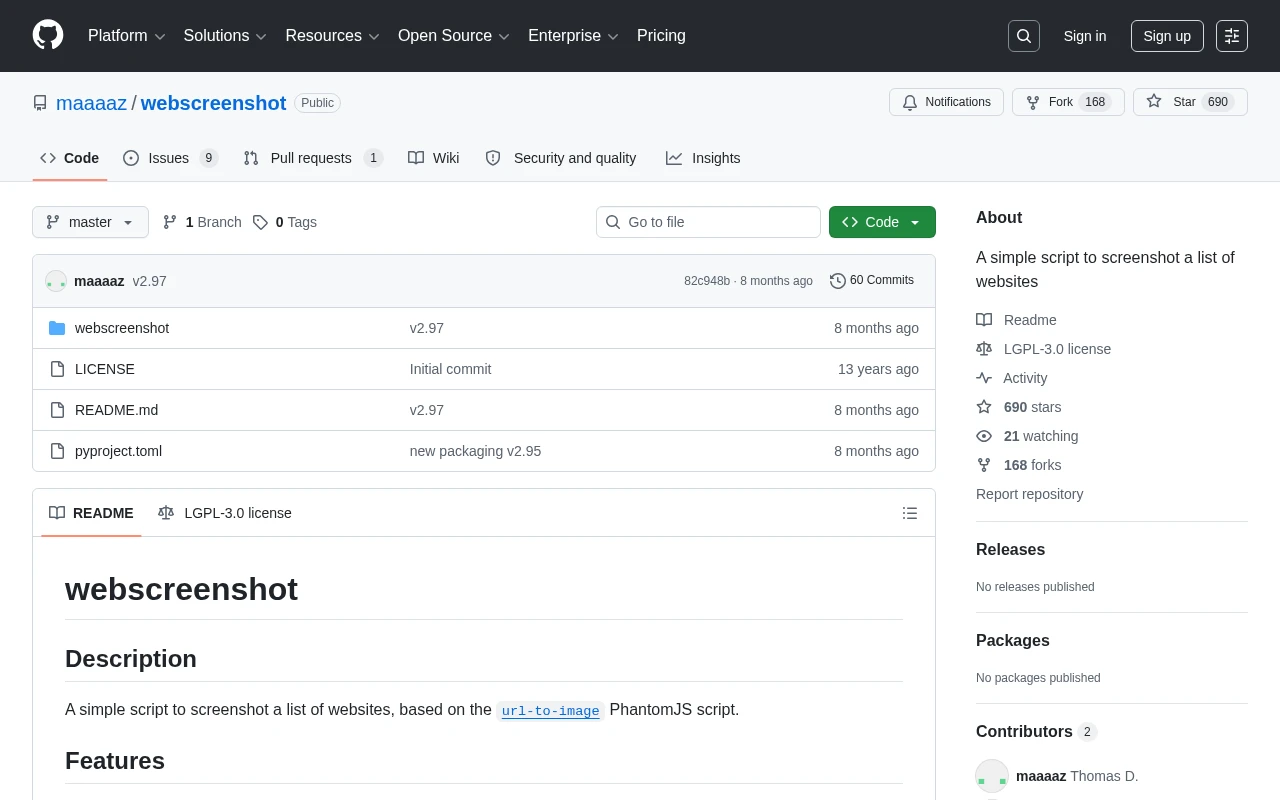
The classic developer answer is a script that drives a headless browser over the list. Tools like webscreenshot or a few lines of Puppeteer read a file of URLs and capture each one:
import puppeteer from 'puppeteer';
import { readFileSync } from 'node:fs';

const urls = readFileSync('urls.txt', 'utf8').trim().split('\n');
const browser = await puppeteer.launch();
const page = await browser.newPage();

for (const url of urls) {
  await page.goto(url, { waitUntil: 'networkidle2' });
  await page.screenshot({ path: `out/${encodeURIComponent(url)}.png`, fullPage: true });
}

await browser.close();
This works, and it is free. What it does not solve is everything around the capture: keeping Chromium installed and patched, handling pages that block headless browsers, dealing with cookie banners, and surviving in a CI runner or serverless function where a real browser binary is awkward to ship. Those problems scale with the size of your list. See screenshot a website from a URL for a fuller comparison of the DIY path versus an API.
Method 3: a screenshot API in a loop (repeatable)
When the job has to run more than once, a screenshot API turns each capture into a single HTTP request, so the loop is the whole program. You send a URL, you get back a hosted image. No browser to install, nothing to keep patched.
Here is the full pattern in Node. Read the list, capture each URL, and collect the hosted image URLs:
const urls = ['https://example.com', 'https://stripe.com', 'https://vercel.com'];
const results = [];

for (const url of urls) {
  const res = await fetch('https://api.grabbit.live/v1/grabs', {
    method: 'POST',
    headers: {
      Authorization: 'Bearer sk_live_...',
      'Content-Type': 'application/json',
    },
    body: JSON.stringify({ url, width: 1280, full_page: true, format: 'webp' }),
  });
  const data = await res.json();
  results.push({ url, image_url: data.image_url });
}

console.table(results);
Each response includes a hosted image_url, so you can drop the results straight into a CSV, a database, or a dashboard. Because every request is independent, you can keep the loop sequential for simplicity, or add limited concurrency if you want the batch to finish faster. This is exactly the kind of repeatable, scriptable job Grabbit's automated screenshots are built for, and you can wire it up with a free test key before adding a card.
A note on honesty: Grabbit does not expose a single "send me an array of URLs" endpoint. One request captures one URL. The loop above is the bulk pattern, and it keeps each capture independent so one bad URL never sinks the whole batch.
Choosing per-URL options
Each call in the loop is configured on its own, so a mixed list is no problem. The parameters that matter for a bulk job:
full_page: truecaptures the entire scrollable page, not just the viewport. Essential for audits where you want the whole page on record.widthsets the viewport (320 to 1920). Use a consistent width across the list so the screenshots line up for comparison.formatcan bepng,jpeg, orwebp. WebP keeps a large batch small on disk.delay_mswaits up to 10 seconds before the capture, which helps on pages that fade content in after load.
For a large list where you do not want to hold the connection open per request, the same endpoint accepts Prefer: respond-async (or ?async=true) and returns immediately with a job you poll later. That keeps a thousand-URL run from blocking your script.
Bulk screenshots for audits and monitoring
The reason most people want to screenshot a list of URLs is not the screenshots themselves, it is the comparison. Capture your competitors' landing pages today, capture them again next month, and the diff tells a story. Save each image_url next to its source URL and a timestamp, and you have the raw material for website change monitoring without building a crawler from scratch.
The same loop powers a few common jobs:
- SEO audits: snapshot every page in a sitemap to spot rendering or layout regressions.
- Competitor tracking: re-run the same list on a schedule and compare.
- QA evidence: capture key pages on every deploy and attach them to the release.
Wrapping up
Screenshotting a list of URLs always comes down to a loop. A browser extension covers a one-time batch; a DIY script works until local Chromium becomes the maintenance burden; a screenshot API turns the whole job into a few lines that run anywhere, including CI and serverless. Point the loop at your list, collect the hosted image URLs, and you have a repeatable bulk-capture pipeline. To automate it end to end, see Grabbit's automated screenshots.
FAQ
- How do I take a screenshot of a list of URLs?
- Loop over the list and capture each URL one at a time. For a one-off batch, a Chrome extension that reads a pasted list works. For anything repeatable, send each URL to a screenshot API in a loop from a short script and collect the hosted image URLs. That way the same job runs in CI, on a schedule, or on demand without a person clicking through each page.
- Is there a free tool to screenshot multiple URLs?
- Yes, several. Browser extensions like Multiple Screenshots let you paste a list and save each capture locally for free. Open-source scripts such as webscreenshot run the same job from the command line. The trade-off is that free tools are manual or unmaintained. A screenshot API with a free test environment lets you script the batch and only pay for live captures.
- How do I screenshot many URLs in bulk from a script?
- Read the URLs into an array, then call a screenshot API once per URL inside a loop. Each call returns a hosted image_url you can store in a database or CSV. Because each request is independent, you can run them sequentially for simplicity or with limited concurrency to go faster. No local headless browser to install or manage.
- What is the best way to screenshot URLs in bulk for an SEO or competitor audit?
- Keep the URL list in a file, capture full-page screenshots of each one through an API, and save the returned image URLs next to each source URL. Re-running the same list later gives you a visual diff over time, which is the foundation of competitor monitoring and visual change tracking.
- Can I screenshot a list of URLs without installing a browser?
- Yes. A screenshot API runs headless Chromium in the cloud, so you send HTTP requests with the URLs and get back rendered images. There is no Chromium binary, no WebDriver, and no per-machine browser management, which is what makes it practical to run a bulk job from CI or a serverless function.
Capture any website with one API call
Get a free test key and capture your first screenshot in two minutes.
Written by
Grabbit Team
Screenshots as a service
The team behind Grabbit, the screenshot API for developers and AI agents. We write about web capture, rendering, and automating screenshots at scale.
Keep reading
How to Screenshot a Website from a URL (No Browser Needed)
Skip the headless browser setup. Learn the three ways to capture a screenshot from a URL, and when a screenshot API beats Puppeteer or Playwright for production workloads.
Jun 15, 2026 · 7 min read
How to Take a Full-Page Screenshot (Every Method That Works in 2026)
How to take a full-page screenshot on Chrome, Firefox, Edge, Windows, Mac, iPhone, and Android, plus how to capture full pages automatically with an API.
Jun 10, 2026 · 4 min read
How to Monitor a Website for Visual Changes
A practical guide to website change monitoring: capture a baseline screenshot, re-capture on a schedule, diff the images, and alert when something changes.
Jun 16, 2026 · 7 min read