Testing & monitoring
Storybook Screenshot Testing: Catch Component Regressions (Without Chromatic)
July 11, 2026 · 5 min read · Grabbit Team
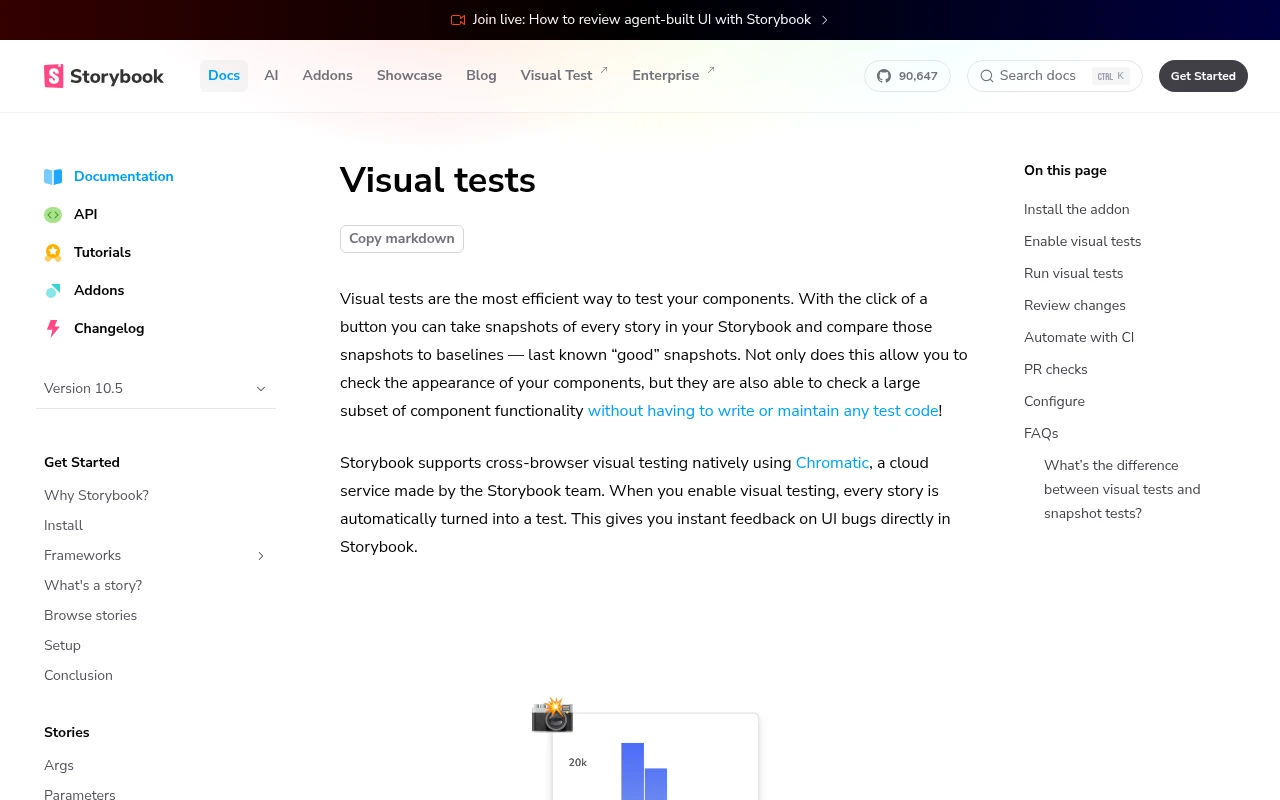
Storybook screenshot testing captures an image of each story and compares it against a stored baseline, so a visual regression in an isolated component fails a test instead of shipping. Chromatic and Happo package this as a paid cloud service, but the underlying loop (capture the story, diff against a baseline) is something you can run yourself with Playwright, Git, and your existing CI. This guide shows how, and where a hosted render helps.
Screenshot testing vs snapshot testing
Storybook ships two related but distinct ideas, and mixing them up is the most common source of confusion.
- Snapshot tests serialize the rendered DOM or HTML of a story and compare that text against a baseline. They catch markup changes but say nothing about how the component looks. A CSS change that visibly breaks the layout can leave the HTML identical.
- Screenshot tests (also called visual tests) capture the rendered image and compare pixels. They catch what the user actually sees: spacing, color, font rendering, a shifted button, a broken grid.
For catching visual regressions, you want screenshot tests. Snapshot tests are a lighter, faster check for structural changes.
The self-hosted setup: test-runner plus Playwright
The Storybook test-runner runs each story as a test using Playwright under the hood. That gives you a real browser and a page object inside every story, which is all you need to take a screenshot.
Point the runner at a built or deployed Storybook and add a global hook that screenshots each story after it renders. In .storybook/test-runner.ts:
import type { TestRunnerConfig } from '@storybook/test-runner';

const config: TestRunnerConfig = {
  async postVisit(page, context) {
    // context.id is the story id, e.g. "button--primary"
    const image = await page.screenshot({ fullPage: true });
    expect(image).toMatchSnapshot({
      customSnapshotIdentifier: context.id,
    });
  },
};

export default config;
The first run has no baseline, so it writes one and passes. Every run after that captures the story fresh, diffs it against the stored image, and fails when the pixels differ beyond your threshold. Commit the baseline images to Git so the accepted look travels with the code and shows up as a visual diff in pull requests.
Run it against a static Storybook build so captures are deterministic:
npx storybook build
npx http-server storybook-static --port 6006 &
npx test-storybook --url http://localhost:6006
That is the whole loop: no Chromatic, no Happo, no subscription. What the paid services add is a hosted baseline store, a review UI to approve changes, and a cross-browser fleet. If you do not need those yet, this is enough.
The real problem: baseline stability in CI
The most common frustration is a test that passes on your machine and fails in CI. This is almost never a real regression. It is the rendering environment: a different OS, different fonts, or a different browser build produces sub-pixel anti-aliasing differences that fail an exact-match comparison.
Two fixes, used together:
1. Generate baselines in the CI environment. Do not commit baselines captured on your Mac and expect them to match a Linux CI runner. Generate them inside the same container that runs the tests, commonly the official Playwright Docker image, so the rendering matches byte for byte.
2. Allow a small diff. Set a pixel tolerance so anti-aliasing noise does not fail the build. Start strict and loosen only as far as you must, or you will mask the real regressions you are trying to catch. Masking dynamic regions (timestamps, random data) the same way keeps captures deterministic.
Where a hosted screenshot API fits
To be precise about scope: the Storybook test-runner owns your components. It runs inside your test process, drives the story, and does the pixel diff. A screenshot API is not a replacement for it and does not do baseline comparison. It is a complementary capture layer for two specific jobs.
Consistent cross-environment baselines. If font and locale drift between machines makes your local Playwright snapshots flaky, capturing your deployed Storybook story URLs through a hosted browser fleet gives you a render from the same OS and fonts every run. You feed those images into your own diff.
Capturing a deployed Storybook you do not run locally. Point at the published story URL and get a hosted image back:
curl https://api.grabbit.live/v1/grabs \
  -H "Authorization: Bearer sk_live_..." \
  -H "Content-Type: application/json" \
  -d '{
    "url": "https://storybook.example.com/iframe.html?id=button--primary&viewMode=story",
    "width": 1280,
    "full_page": true,
    "format": "png",
    "delay_ms": 300
  }'
The response includes a hosted image you can store as a reference:
{
  "id": "grb_01jx...",
  "status": "done",
  "image_url": "https://cdn.grabbit.live/grabs/grb_01jx....png",
  "width": 1280,
  "format": "png",
  "bytes": 48210,
  "execution_ms": 1180
}
width accepts 320 to 1920, height 240 to 1080, full_page captures the whole story, format is png, jpeg, or webp, and delay_ms (0 to 10000) lets a component with animation or lazy-loaded content settle before the shot. The diff, the assertions, and the pass or fail stay in your test-runner. Grabbit captures the images.
Putting it together
- Use the Storybook test-runner with Playwright to capture and diff each story yourself. That is screenshot testing without Chromatic.
- Generate baselines in the CI container and allow a small pixel tolerance so you catch real regressions, not font noise.
- Reach for a hosted screenshot API when you need consistent cross-environment renders or to capture a deployed Storybook that lives outside your test process.
For the bigger picture, see the practical guide to visual regression testing and how screenshot testing works with baseline captures. For the framework-specific approach, see visual regression testing in Playwright.
FAQ
- What is Storybook screenshot testing?
- Storybook screenshot testing captures an image of each story (a component in a known state) and compares it against a stored baseline image. When the rendered pixels change unexpectedly, the diff fails, so you catch visual regressions in isolated components before they reach production. It is the visual sibling of a snapshot test, which compares HTML markup rather than the rendered image.
- How do I do screenshot testing in Storybook without Chromatic?
- Run the Storybook test-runner with Playwright against a built or deployed Storybook, and take a screenshot inside each story's play function (or with a global postVisit hook). Store the baseline images in Git and diff new captures against them in CI. Chromatic and Happo add a hosted baseline store and a review UI on top, but the core capture-and-diff loop runs on Playwright, Git, and your CI runner for free.
- What is the difference between snapshot and screenshot testing?
- A snapshot test serializes the rendered DOM or HTML and compares that text against a baseline. A screenshot test (also called a visual test) captures the rendered image and compares pixels. Snapshot tests catch markup changes; screenshot tests catch what the user actually sees, including CSS, layout, and font rendering that a DOM snapshot misses.
- What is the difference between Chromatic and Storybook?
- Storybook is the open-source tool for building and documenting UI components in isolation. Chromatic is a paid cloud service, built by the Storybook team, that adds automated visual regression tests, hosted baselines, and a collaborative review workflow on top of your stories. You can do screenshot testing without Chromatic by wiring up Playwright yourself.
- Why do Storybook screenshot tests fail in CI but pass locally?
- Almost always because the rendering environment differs: a different OS, fonts, or browser build produces sub-pixel differences from your local baseline. Generate and store baselines in the same container that runs CI (commonly the official Playwright Docker image), and set a small pixel-difference tolerance so anti-aliasing noise does not fail the build.
Capture any website with one API call
Get a free test key and wire your first request in two minutes.
Written by
Grabbit Team
Screenshots as a service
The team behind Grabbit, the screenshot API for developers and AI agents. We write about web capture, rendering, and automating screenshots at scale.
Keep reading
Visual Regression Testing: A Practical Guide for 2026
What visual regression testing is, how the baseline-and-diff workflow works, the best tools, and how consistent screenshots keep your visual tests from going flaky.
Jun 11, 2026 · 4 min read
Playwright Visual Regression Testing: Catch UI Bugs in CI
Set up visual regression testing in Playwright with toHaveScreenshot: baselines, diff thresholds, the CI flake problem, and where a screenshot API fits as a stable baseline source.
Jun 17, 2026 · 5 min read
Screenshot Testing: How to Catch UI Regressions with Baseline Captures
How screenshot testing works: capture a baseline image of your UI, diff every new build against it, and catch layout regressions functional tests miss. Covers the false-positive traps and where a hosted render fits.
Jul 5, 2026 · 6 min read