Testing & monitoring
The Best Visual Regression Testing Tools (Open Source and SaaS)
June 14, 2026 · 7 min read · Grabbit Team
If you search for visual regression testing tools you get a wall of "top 10" lists that all name slightly different products. This is a shorter, opinionated map: the open-source options worth starting with, the SaaS platforms worth paying for, and the one thing every tool depends on but few of the lists mention, a consistent capture.
For a primer on the workflow itself, see visual regression testing: a practical guide. This post is about choosing a tool.
How the tools differ (the three questions that matter)
Every visual regression tool runs the same capture, diff, review, approve loop. They differ on three axes:
- What it captures: isolated components, a local dev server, or deployed URLs.
- Where it runs: your CI (open source) or a hosted service (SaaS).
- How you review diffs: a generated HTML report, or a managed dashboard with baseline approval.
Match those to how you already build and the choice gets easy.
Open source tools
- Playwright ships
expect(page).toHaveScreenshot(), which captures and diffs against a stored baseline in one assertion. If you already run Playwright for end-to-end tests, this is the lowest-friction start. See how to take screenshots in Playwright for the capture options. - BackstopJS is the long-standing choice for page-level scenarios. You define viewports and URLs in a config file, and it generates a clean diff report. Good when you are testing pages rather than components.
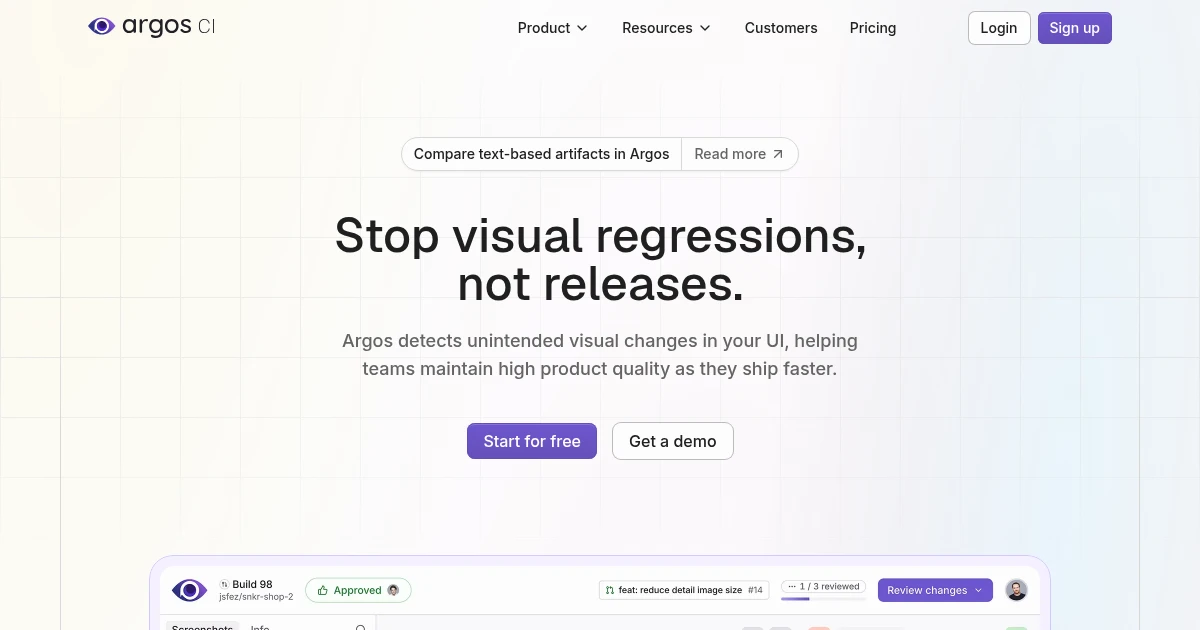
- Argos focuses on the review experience: it ingests screenshots from your CI and gives you a GitHub-integrated diff UI, with a self-hostable option.
- Loki is built for Storybook, capturing each story as a component snapshot. A natural fit if your design system already lives in Storybook.
These cover most needs without a subscription. The trade-off is that you own the infrastructure: running the browsers, storing baselines, and wiring the report into CI.
SaaS platforms
- Chromatic is the managed companion to Storybook, made by the Storybook team. It renders every story across browsers and gives you a review-and-approve workflow. Strong for component-driven teams.
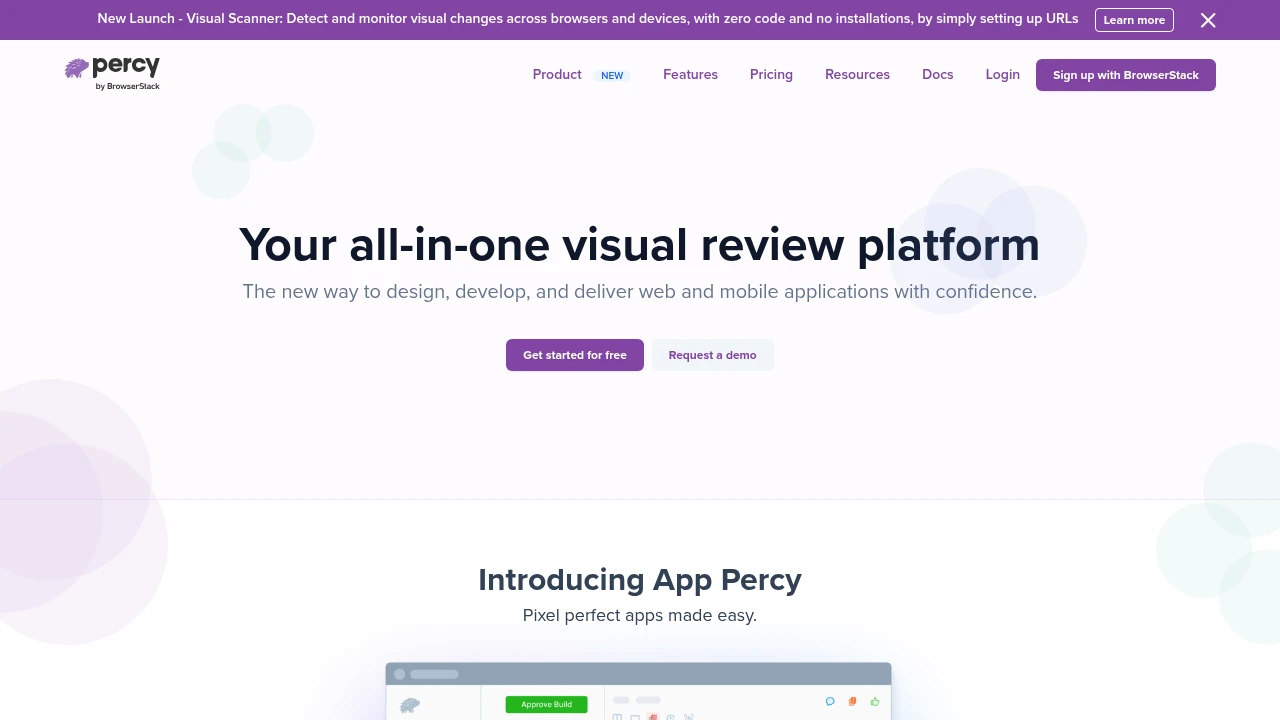
- Percy (part of BrowserStack) snapshots responsive pages and integrates tightly with CI, with a hosted dashboard for baseline management.
- Applitools leads on comparison technology: its Visual AI aims to flag meaningful changes while ignoring noise like anti-aliasing, which reduces false positives at scale.
- Sauce Labs bundles visual testing into a broader cross-browser cloud, useful if you already run functional tests there.
You pay for the review dashboard, cross-browser rendering, and not having to maintain capture infrastructure yourself.
The part every tool depends on: a consistent capture
A visual diff is only as trustworthy as the screenshot under it. The reason teams mute their visual suites is flakiness, and flakiness almost always comes from the capture step, not the diff: animations caught mid-flight, lazy-loaded content that had not settled, fonts loaded a frame late, or a viewport that drifted between baseline and comparison.
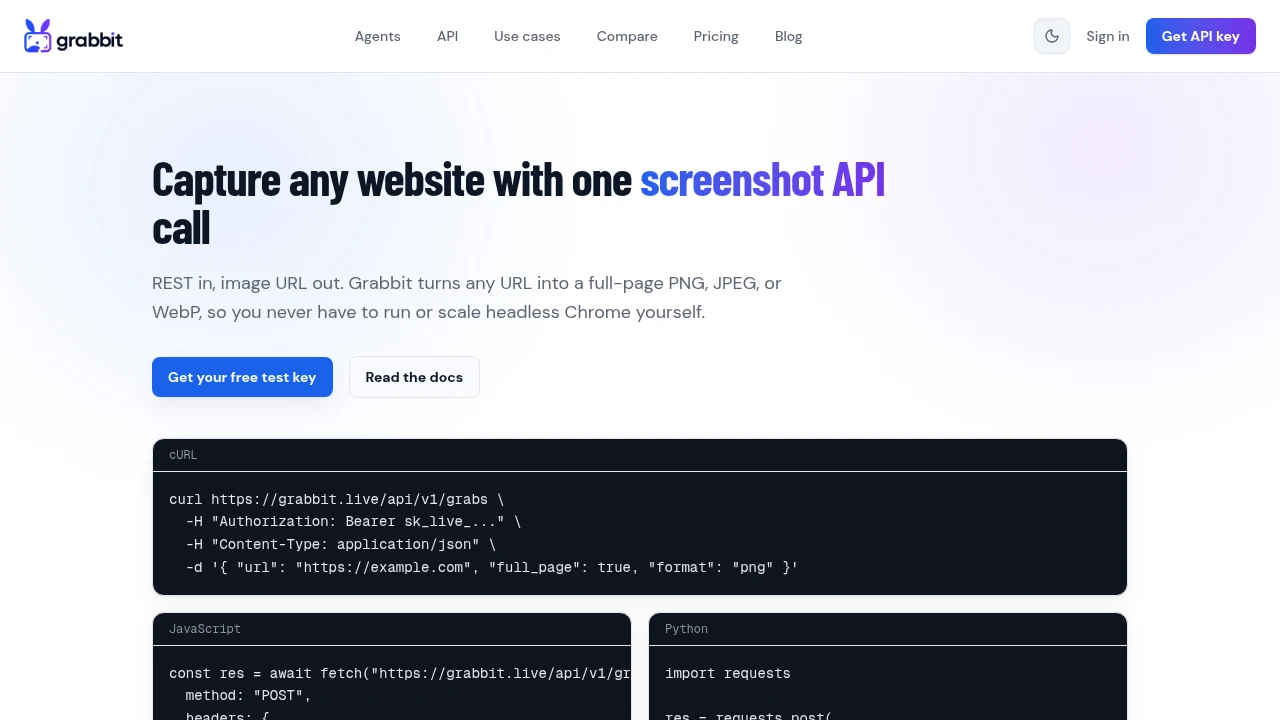
Component-bound tools control this by rendering in a sandbox. But when you want to test deployed URLs (staging, preview deploys, production canaries), you need a capture that looks identical every run, given the same input, without standing up and scaling headless browsers in CI. A screenshot API gives you exactly that:
curl https://api.grabbit.live/v1/grabs \
  -H "Authorization: Bearer sk_live_..." \
  -H "Content-Type: application/json" \
  -d '{
    "url": "https://staging.example.com/pricing",
    "width": 1280,
    "full_page": true,
    "delay_ms": 500
  }'
Pinning width keeps the layout identical between runs, full_page captures the whole document, and delay_ms waits for content to settle so lazy-loaded sections do not register as false diffs. Store the returned image_url as your baseline, capture the same URL on each deploy, and feed both images into whichever diff tool you picked above. Grabbit does not diff images for you; it is the deterministic capture layer your chosen tool builds on.
Why your baselines fail on someone else's machine
The most common reason a visual suite gets abandoned is not the tool. It is that baselines generated on one machine do not reproduce on another, so the suite fails on every pull request until someone deletes it.
The cause is almost always font rendering. Different operating systems ship different font families and different antialiasing, so the same page rendered on macOS and in a Linux CI container produces images that differ by thousands of pixels without a single line of your code changing. Browser version differences do the same thing on a smaller scale.
There are only two durable fixes, and every tool above assumes you have picked one:
- Generate and verify baselines in the same environment. In practice this means a container. If you use Playwright's built-in assertions, that is the official
mcr.microsoft.com/playwrightimage running both locally and in CI, which is why so many visual suites end up containerized. Running Playwright in Docker covers that setup and the browser-dependency issues that come with it. - Let a hosted service own the rendering environment. Managed platforms like Percy, Applitools, and Chromatic render on their own infrastructure, so the environment is identical by construction. A screenshot API does the same thing for the capture step: every grab of a given URL renders in the same place regardless of which laptop or runner triggered it.
Either way, pin the environment before you tune diff thresholds. Raising the threshold to silence font noise also silences the real regressions you built the suite to catch.
How often should you run visual regression tests?
The right cadence depends on where the tool captures. Component-bound tools (Storybook with Chromatic or Loki, Playwright component tests) are cheap and deterministic, so run them on every pull request: they render in a sandbox, finish fast, and catch a regression before it merges.
Deployed-URL checks are different. Capturing a live staging or production page costs more (a real render, a real page load) and the page can change for reasons unrelated to your code, so running them on every commit produces noise. Three cadences that work in practice:
- On each deploy to a preview or staging environment. This is the highest-signal moment: the exact build that will ship is live at a URL, and a diff against the last known-good capture catches layout regressions before promotion.
- On a schedule against production (hourly or daily) to catch changes a deploy did not introduce: a third-party embed that restyled itself, a CMS edit, an expired asset. This is closer to monitoring than testing. See how to monitor a website for visual changes for that pattern.
- On demand before a release as a final gate across your top pages.
For the deployed-URL cadences, the capture has to be identical each run or the schedule just generates false diffs. Pin the viewport and wait for content to settle so a scheduled 3am capture matches the baseline taken at deploy time:
curl https://api.grabbit.live/v1/grabs \
  -H "Authorization: Bearer sk_live_..." \
  -H "Content-Type: application/json" \
  -d '{
    "url": "https://example.com/pricing",
    "width": 1280,
    "full_page": true,
    "format": "webp",
    "delay_ms": 500
  }'
Because each grab of a given URL renders on the same hosted infrastructure, a capture triggered by a deploy and one triggered by a cron job produce the same image, which is the whole point of a baseline. At $0.002 per capture on prepaid credits that never reset, running a handful of key pages on every deploy plus a daily production sweep stays inexpensive, and you only pay for the captures you actually run.
Which one should you pick?
- Already using Playwright: add one
toHaveScreenshotassertion and grow from there. - Component library in Storybook: Loki (open source) or Chromatic (managed).
- Testing deployed pages, want it free: BackstopJS or Argos, fed consistent captures.
- Want a managed dashboard and minimal upkeep: Percy or Applitools.
Whatever you choose, start with a handful of high-value screens, make the captures deterministic first, and only expand once the suite is quiet enough to trust. For running captures on a schedule or across many URLs, see automated screenshots, and for every capture option see the screenshot API.
FAQ
- What is the top tool for automated visual regression testing?
- There is no single best tool; it depends on your stack. If you already run Playwright, its built-in toHaveScreenshot assertion is the fastest start. For component libraries, Storybook with Chromatic is the common choice. For a fully managed review workflow with cross-browser rendering, Percy and Applitools lead the SaaS category. For open source, BackstopJS and Argos are the most widely used.
- What are the best open source visual regression testing tools?
- BackstopJS (page-level scenarios with a CLI), Argos (a CI-friendly review UI you can self-host), Loki (built for Storybook components), and Playwright's built-in screenshot assertions are the most popular free options. Each handles the capture-and-diff loop; they differ mainly in where they run and how you review diffs.
- What is the difference between Percy and Applitools?
- Both are hosted visual testing platforms with review dashboards and baseline management. Applitools is known for its AI-based visual comparison (Visual AI) that aims to reduce false positives, while Percy (now part of BrowserStack) focuses on a tight CI integration and responsive snapshot rendering. The right one usually comes down to pricing and which CI and framework integrations you already use.
- Can I do visual regression testing with Playwright?
- Yes. Playwright ships expect(page).toHaveScreenshot(), which captures the page or an element and diffs it against a stored baseline in a single assertion, failing the test when the difference exceeds your threshold. It is the simplest path if you already use Playwright for end-to-end tests.
- Do visual regression tools work on deployed URLs, not just local components?
- Most framework-bound tools (Storybook, Playwright component tests) target local components or a local dev server. To test deployed URLs such as staging, preview deploys, or production, you capture each page consistently and diff the images. A screenshot API gives you that deterministic capture of a live URL without running headless browsers in your own CI.
Capture any website with one API call
Get a free test key and capture your first screenshot in two minutes.
Written by
Grabbit Team
Screenshots as a service
The team behind Grabbit, the screenshot API for developers and AI agents. We write about web capture, rendering, and automating screenshots at scale.
Keep reading
Visual Regression Testing: A Practical Guide for 2026
What visual regression testing is, how the baseline-and-diff workflow works, the best tools, and how consistent screenshots keep your visual tests from going flaky.
Jun 11, 2026 · 4 min read
How to Take Screenshots in Playwright (Full Page, Elements, CI)
Everything you need to take screenshots in Playwright: the viewport default, full-page captures, element-level shots, and wiring it all into CI. Plus when to reach for an API instead.
Jun 14, 2026 · 10 min read
How Percy Visual Testing Works (and When a Screenshot API Fits Your Workflow)
How Percy visual testing captures snapshots, diffs them against a baseline, and flags UI changes in review, plus where a screenshot API is the simpler fit for capturing pages outside your test suite.
Jul 30, 2026 · 5 min read