Comparisons
Browserbase Alternative: When You Need a Screenshot, Not a Whole Cloud Browser
August 10, 2026 · 7 min read · Grabbit Team
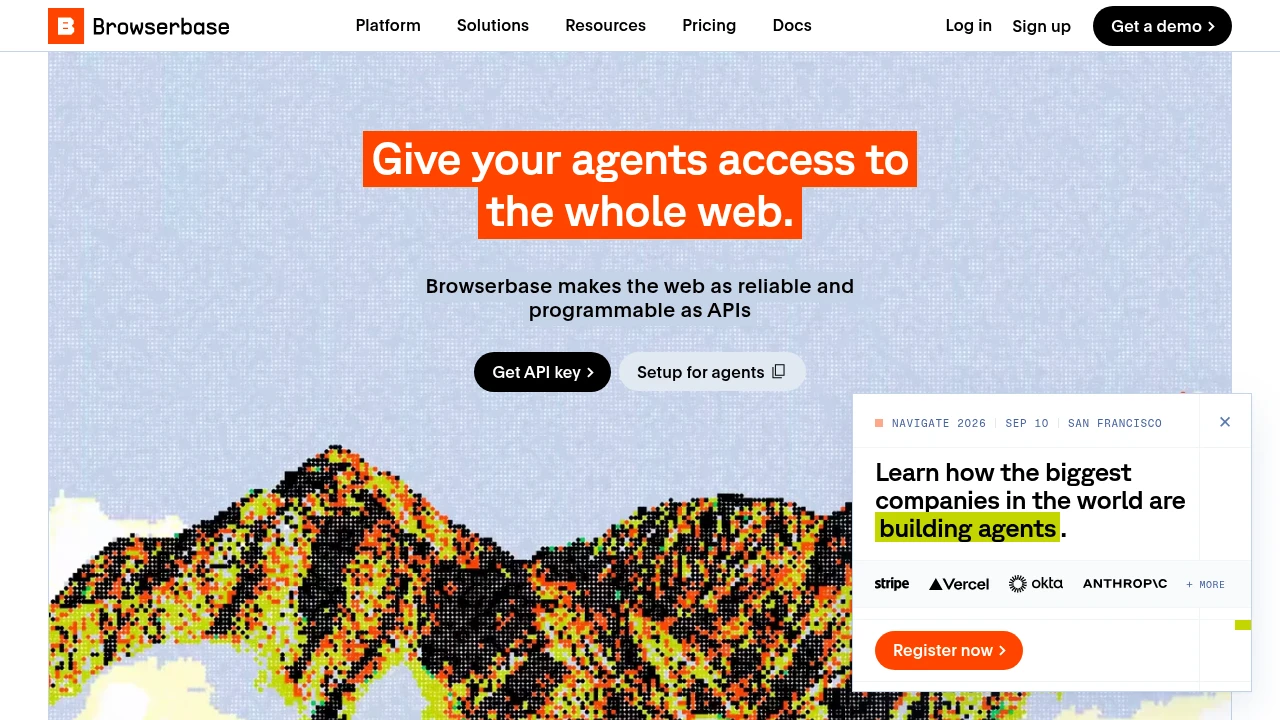
If you are searching for a Browserbase alternative, the first question worth asking is not "which vendor," it is "do I actually need a cloud browser?" Browserbase gives your code a full, programmable Chrome running in the cloud: persistent sessions, live interaction, stealth, the works. That is the right tool when you are driving a browser through multi-step flows. It is a lot of machinery when all you needed was a picture of a page.
This is an honest comparison, including an explicit section on when you should stay on Browserbase.
The short answer
Browserbase is cloud browser infrastructure for AI agents and automation: you open a session, connect over CDP or an SDK, and operate a real browser remotely. It is built to run whole interaction flows, and it bills accordingly (by session and concurrency).
If your job is narrower, capture a rendered screenshot of a URL, then a screenshot API is the simpler and usually cheaper alternative. You send one request with a URL and get back a hosted image. There is no session to open, keep alive, or tear down.
Grabbit is that alternative when the job is a screenshot: $0.002 per capture on flat prepaid credits that never reset or expire monthly, plus a built-in MCP server so an agent can call it as a tool. Grabbit is not a cloud browser and does not pretend to be one, and this post says plainly below when Browserbase is the correct choice.
Two different jobs that look similar
The reason "Browserbase alternative" is a confusing search is that a screenshot and a browser session look related but are different jobs:
- A cloud browser is a live, stateful thing. You navigate, click, type, wait, read the DOM, maybe hand control to a human. You are operating the page. Browserbase, Browserless, Hyperbrowser, Anchor Browser, and Steel all sell this.
- A screenshot API is a stateless request. You name a URL and how you want it rendered, and you get an image. You are observing the page, not operating it.
Most of the "Browserbase alternatives" you will find in a SERP are other cloud browsers, which makes sense if you truly need to drive a browser. But a large share of the traffic to that search is people who reached for a cloud browser because they thought a screenshot required one. It does not.
How they compare for the screenshot job
Scoped to "I need a rendered image of a URL," not to full browser automation. Cloud-browser pricing is session or minute based, so a per-grab comparison is only fair for the capture use case. Prices verified August 2026 from each provider's public pricing page.
| Tool | What it is | Billing shape | Best when |
|---|---|---|---|
| Grabbit | Screenshot API | Per grab ($0.002), flat prepaid | You need a rendered image of a URL |
| Browserbase | Cloud browser | Per session / concurrency | You drive a real browser through steps |
| Browserless | Cloud browser + REST screenshot | Per unit / monthly | You want full control and self-host options |
| Hyperbrowser | Cloud browser (containers) | Per session / monthly | Lightweight isolated sessions, CAPTCHA handling |
The honest read: if you need persistent sessions and live interaction, do not pick a screenshot API, pick a cloud browser. If you need a picture of a page, do not rent a whole browser to take it. Grabbit is also not the cheapest screenshot API in the field; Browserless and Thum.io list lower per-grab rates. Grabbit's edge is the fit and the billing model, prepaid credits that never expire, not a bottom-of-market rate. For the wider field of screenshot APIs specifically, see our honest comparison of the best screenshot APIs.
Why the billing shapes differ
This is the part that makes the cost comparison feel unfair until you see it: you are paying for different things.
A cloud browser holds a real Chrome open for you. You pay for the time that browser is alive and for how many you run at once, because keeping browsers healthy at concurrency is the expensive, hard part (memory creep, restart storms, sticky workers). That cost is real and Browserbase absorbs it so you do not lose weekends to it.
A screenshot API runs the render, uploads the image, and is done. There is no session to keep warm between calls, so it bills per capture. For a workload that is "render this URL, give me the image," paying for session time is paying for a capability you are not using.
Try it before you commit
You can wire up Grabbit and run it in CI before adding a card. Every account gets a test key (sk_test_...) that returns a placeholder image at no charge; switch to a live key (sk_live_...) when you want real captures. Here is a real request against Grabbit's API:
curl https://api.grabbit.live/v1/grabs \
  -H "Authorization: Bearer sk_live_..." \
  -H "Content-Type: application/json" \
  -d '{
    "url": "https://www.browserbase.com",
    "width": 1280,
    "height": 720,
    "format": "webp",
    "full_page": true
  }'
The response includes image_url (the hosted screenshot), bytes, execution_ms, and id. Use full_page: true for a scrolling capture, delay_ms (up to 10000) to wait for JavaScript-heavy content to settle, or selector to clip to a single element. Because test captures are free placeholders, prototyping the swap from a cloud-browser screenshot call to Grabbit costs nothing.
For AI agents
Many people arrive at Browserbase because an agent needs to work with the web, and "the agent needs the web" gets rounded up to "the agent needs a whole browser." Sometimes it does: if the agent clicks, types, and navigates across steps, that is a cloud-browser job and Browserbase (or an agent framework on top of it) is the right call.
But a large slice of agent-web work is just seeing a page: feed the rendered view into a vision step, verify your own frontend, or ground the model in what a URL actually looks like. For that, a screenshot API is the lighter path. Grabbit ships an MCP server, so the agent registers capture as a callable tool and gets back a hosted image_url to pass downstream, with no browser session to manage. For the agent-eyes use case in depth, see screenshots for AI agents.
When to stay on Browserbase
An honest comparison names when not to switch:
- You need multi-step interaction. Logging in, filling forms, clicking through a flow, reading the DOM between steps. A screenshot API captures a page; it cannot operate one.
- You need persistent, authenticated sessions. Holding a logged-in browser open across calls is exactly what a cloud browser is for.
- You use an interactive agent framework. Tools like Stagehand drive a real browser. A screenshot endpoint is not a substitute.
- You need live takeover or stealth. Human-in-the-loop control and advanced anti-bot handling are cloud-browser features, not screenshot-API features.
Grabbit's pitch is not "we replace Browserbase." It is narrower and honest: if the job is a screenshot, you do not need a whole cloud browser to take it, and paying per session for a per-image job is waste.
How to choose
- You need a rendered image of a URL: a screenshot API (Grabbit, or a cheaper-per-grab option if raw rate is all that matters).
- You drive a browser through multi-step flows: stay on Browserbase.
- You want a cloud browser but with self-host options: Browserless.
- Your agent needs to see, not operate, a page: Grabbit (one call + MCP).
- Your agent needs to click and navigate: Browserbase or an interactive framework.
For Grabbit's pricing, parameters, and agent onboarding, see the screenshot API page. To schedule captures without running any browser yourself, see screenshot automation.
FAQ
- What is a good Browserbase alternative?
- It depends on what you actually need. If you need a full programmable cloud browser (persistent sessions, live interaction, CAPTCHA handling, stealth), other cloud-browser vendors like Browserless, Hyperbrowser, Anchor Browser, or Steel are direct alternatives. If the only thing you need is a rendered screenshot of a URL, a screenshot API like Grabbit is simpler and cheaper: one POST, one hosted image back, no session to manage. Match the tool to the job, not to the category.
- Is a screenshot API cheaper than Browserbase?
- For the screenshot job, usually yes, because you are not paying for browser session time. Browserbase and similar cloud browsers bill by session or by the minute plus concurrency, which makes sense when you hold a browser open and interact with it. A screenshot API bills per capture. Grabbit is $0.002 per grab on flat prepaid credits that never expire. Grabbit is not the cheapest screenshot API overall (Browserless and Thum.io list lower per-grab rates), so compare on billing model and fit, not just the headline number.
- When should I stay on Browserbase?
- Stay when you genuinely need a full browser, not an image. That means multi-step navigation, filling forms and clicking through flows, persistent authenticated sessions, live human takeover, or agent frameworks like Stagehand that drive a real browser. Browserbase is built for that and does it well. A screenshot API cannot replace an interactive session; it captures a page, it does not operate one.
- Do I need a cloud browser just to take a screenshot?
- No. Taking a screenshot of a public URL does not require a persistent, interactive browser session. A screenshot API runs the render for you server-side and returns a hosted image. You only need a full cloud browser when the capture depends on multi-step interaction (logging in, clicking through a flow) that a single URL request cannot express.
- Can an AI agent use a screenshot API instead of a cloud browser?
- Yes, when the agent's job is to see a page rather than operate it. Grabbit ships an MCP server, so an agent registers screenshot capture as a callable tool and gets back a hosted image_url with no glue code. If your agent needs to click, type, and navigate across steps, that is a cloud-browser job. If it needs a rendered view of a page to reason over, a screenshot API is the lighter, cheaper path.
Capture any website with one API call
Get a free test key and capture your first screenshot in two minutes.
Written by
Grabbit Team
Screenshots as a service
The team behind Grabbit, the screenshot API for developers and AI agents. We write about web capture, rendering, and automating screenshots at scale.
Keep reading
Screenshots for AI Agents: Giving Your LLM Eyes on the Web
Multimodal LLMs can reason about images, but they need a way to see web pages. A screenshot API is the one-line bridge that turns any URL into a hosted image your agent can analyze.
Jun 18, 2026 · 5 min read
The Best Screenshot APIs in 2026 (An Honest Comparison)
Comparing the top screenshot APIs on billing model, per-grab cost, features, and agent support so you can pick the right one for your project.
Jun 11, 2026 · 6 min read
Screenshot Automation: How to Capture Web Pages on a Schedule
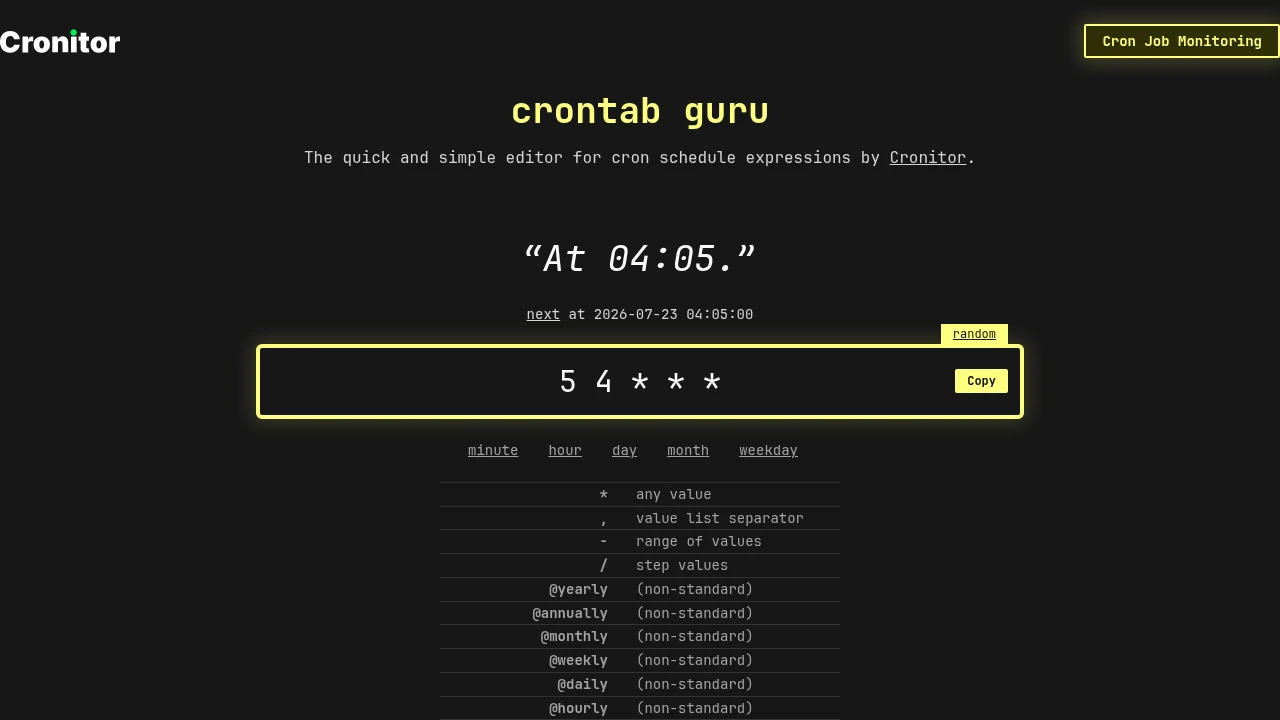
Automate website screenshots on a schedule without running a browser. How to wire a cron job to a screenshot API, pick an interval, keep captures consistent, and store the results.
Jul 22, 2026 · 7 min read