Product
Screenshots for AI Agents: Giving Your LLM Eyes on the Web
June 18, 2026 · 5 min read · Grabbit Team
Most LLMs process text. But a growing category of agent tasks is fundamentally visual: checking whether a deploy broke a page layout, verifying that an OG card looks right before a post goes live, monitoring a competitor's pricing page for changes. Text cannot do these jobs. A screenshot can.
The pattern is straightforward: capture a screenshot via API, get back a hosted image URL, pass that URL to a vision model. No headless browser to manage, no Puppeteer session to keep alive, no parsing fragile DOM trees.
Why text-only agents hit a wall
HTML is a poor proxy for what a user sees. Dynamic frameworks render client-side; the raw HTML is a template with no content. CSS controls what is visible and what is not. Interstitials, cookie banners, and lazy-loaded images change the actual visual state. A text-based agent scraping HTML sees none of this.
Vision models bypass the problem entirely. They look at the page the way a user does. The prerequisite: they need an image to analyze. That is what the screenshot API provides.
The capture-and-analyze pattern
The core loop for a vision-capable agent:
async function seeUrl(url: string): Promise<string> {
  const res = await fetch('https://api.grabbit.live/v1/grabs', {
    method: 'POST',
    headers: {
      'Authorization': `Bearer ${process.env.GRABBIT_API_KEY}`,
      'Content-Type': 'application/json',
    },
    body: JSON.stringify({
      url,
      width: 1280,
      height: 720,
      format: 'webp',
    }),
  });

  const grab = await res.json();
  return grab.image_url; // a hosted URL, ready to pass to any vision model
}
The function returns a URL your agent passes directly to whatever vision model it uses as an image input. The image is already hosted; the vision model fetches it. No base64 encoding, no file handling.
Capture params that matter for agents
Three params make the most difference in agentic contexts.
selector waits for a specific element to appear in the DOM, then captures just that element. Useful when you care about one component, not the whole page.
{
  "url": "https://yoursite.com/dashboard",
  "width": 1280,
  "height": 720,
  "format": "webp",
  "selector": "#revenue-chart"
}
The API returns an image of the #revenue-chart element. Pass that to a vision model to read a number, detect a visual anomaly, or compare it to a previous capture.
full_page captures the entire document height, not just the initial viewport. Set this when your agent needs to see content that loads below the fold.
delay_ms adds a fixed wait after page load. If the page fetches data from an API and renders it into the DOM, a delay_ms of 500 to 1000 gives the script time to finish before the capture fires.
Agentic use cases
Automated visual QA. After each deploy, an agent screenshots key pages and passes them to a vision model with a prompt describing what to look for. The model spots a broken nav, a missing hero image, or an overlapping button before a human does.
OG card verification. Before a post goes live, an agent screenshots the /og?title=... route at 1200 by 630, passes the image to a vision model, and confirms the title, author, and brand logo are all present and not clipped. See How to Generate Dynamic OG Images from Any URL for the template pattern this builds on.
Monitoring competitor pages. Capture a competitor's pricing page on a schedule, then diff the image against the previous capture using a vision model. An alert fires when the layout or text changes significantly.
Visual data extraction. Some dashboards render data into charts with no accessible API. A screenshot of the chart, analyzed by a vision model, extracts the numbers without reverse-engineering a private API.
Registering the tool in an agent
The pattern is the same across frameworks: define a function tool that accepts a URL and returns the image_url.
const screenshotTool = {
  name: 'screenshot_url',
  description: 'Capture a screenshot of a web page and return a hosted image URL for visual analysis.',
  parameters: {
    type: 'object',
    properties: {
      url: {
        type: 'string',
        description: 'The page to screenshot.',
      },
      selector: {
        type: 'string',
        description: 'Optional CSS selector. Waits for this element and captures it.',
      },
      full_page: {
        type: 'boolean',
        description: 'Capture the full document height.',
      },
      delay_ms: {
        type: 'number',
        description: 'Milliseconds to wait after page load before capturing.',
      },
    },
    required: ['url'],
  },
};
When the agent framework calls this tool and the function returns image_url, include it in the next LLM message as an image block. The model sees the page and can reason about it.
From agent tool to MCP server
If you use an MCP-compatible host, you can expose screenshot capability as an MCP tool. The agent calls screenshot_url, gets back an image URL, and uses it in the next turn. Grabbit is designed for exactly this: one API key, one endpoint, no browser runtime to maintain. For the one-command setup in Claude Code, Cursor, or any MCP host, see How to Add a Screenshot Tool to Your AI Agent with MCP. This pairs naturally with a browser-driving tool like Playwright MCP: the accessibility tree tells the agent what is on the page, a screenshot shows it what the page looks like.
Go further
For running this pattern on a full page set on a CI schedule, Visual Regression Testing: A Practical Guide covers the screenshot-and-compare approach in depth.
For capturing any URL on demand from your own code, see the Grabbit screenshot API.
FAQ
- How do AI agents see web pages?
- The standard pattern is a screenshot API: the agent sends a URL, the API renders the page in a real browser and returns a hosted image URL. The agent passes that image to a multimodal LLM for visual analysis. No browser management is needed on the agent side.
- Can a multimodal LLM analyze a screenshot of a web page?
- Yes. Models that accept image inputs can reason about what they see: reading text, identifying layout issues, comparing two screenshots for changes, or describing the visual content of a page. The prerequisite is a URL pointing to a hosted image, which a screenshot API provides.
- What screenshot API params are most useful for AI agents?
- The selector param is the most agentic: pass a CSS selector and the API waits for that element to appear, then captures just that element. full_page captures the complete document regardless of viewport height. delay_ms adds a fixed wait for JavaScript-heavy pages. format webp keeps images small, which matters when passing to a vision model API.
- How do I add screenshot capability to an AI agent?
- Define a tool function that accepts a URL, POSTs to POST /api/v1/grabs with your API key, and returns the image_url from the response. Pass that URL to your next LLM call as an image input. Most agent frameworks support image URLs directly in tool responses.
- Is a screenshot API more reliable than HTML parsing for AI agents?
- For visual tasks, yes. HTML parsing fails on JavaScript-rendered content and cannot reason about layout or visual hierarchy. A screenshot captures what a real user sees, including dynamically loaded content, CSS, and fonts. A vision model can then interpret the visual structure rather than a raw DOM tree.
Capture any website with one API call
Get a free test key and capture your first screenshot in two minutes.
Written by
Grabbit Team
Screenshots as a service
The team behind Grabbit, the screenshot API for developers and AI agents. We write about web capture, rendering, and automating screenshots at scale.
Keep reading
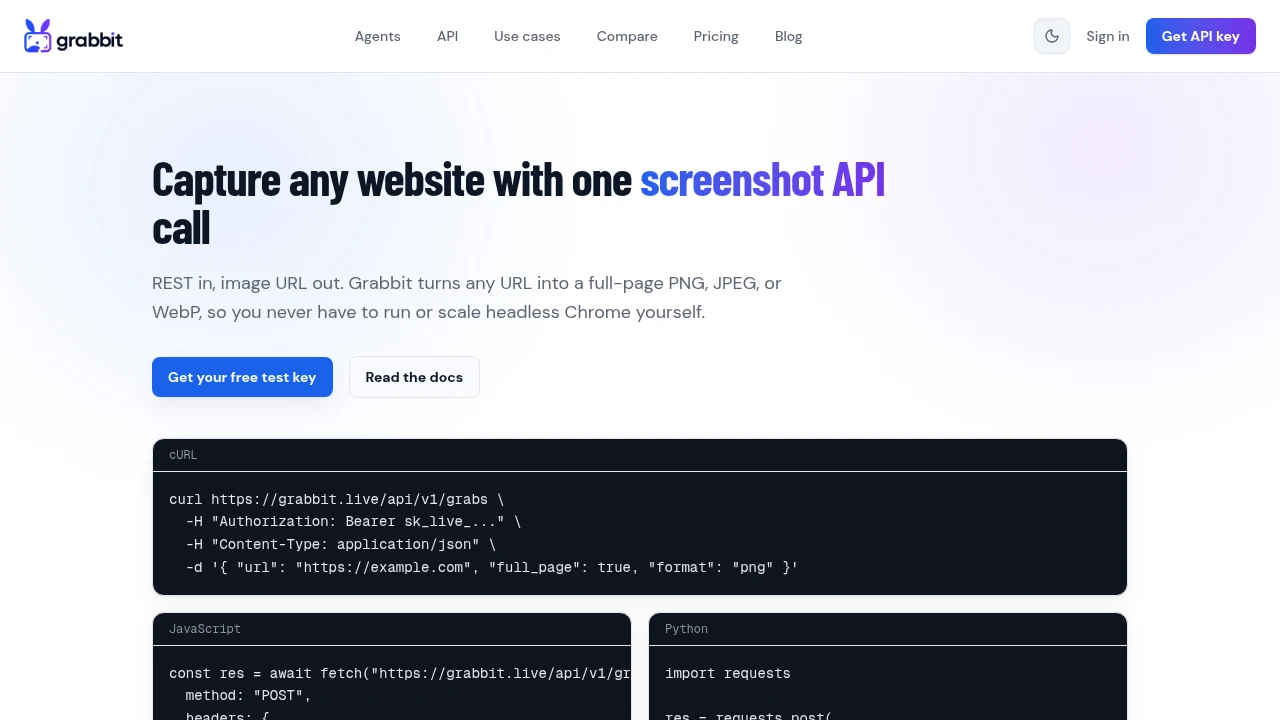
Visual Regression Testing: A Practical Guide for 2026
What visual regression testing is, how the baseline-and-diff workflow works, the best tools, and how consistent screenshots keep your visual tests from going flaky.
Jun 11, 2026 · 4 min read
How to Screenshot a Website from a URL (No Browser Needed)
Skip the headless browser setup. Learn the three ways to capture a screenshot from a URL, and when a screenshot API beats Puppeteer or Playwright for production workloads.
Jun 15, 2026 · 7 min read
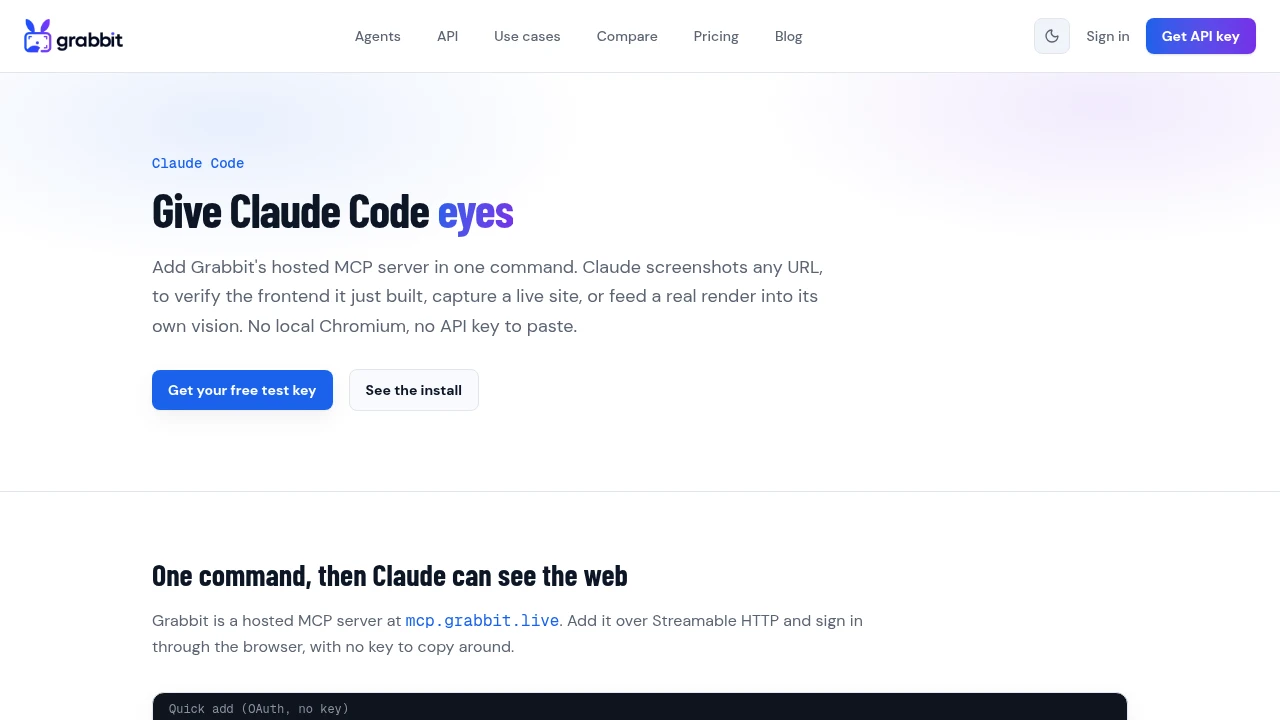
How to Add a Screenshot Tool to Your AI Agent with MCP
Give your AI agent the ability to screenshot any URL through a screenshot MCP server. Add Grabbit's hosted MCP in one command, no local Chromium, and let the agent see the web it is working on.
Jul 24, 2026 · 7 min read