Capture guides
How to Convert a URL to an Image (One Call, or a Thousand)
July 17, 2026 · 5 min read · Grabbit Team
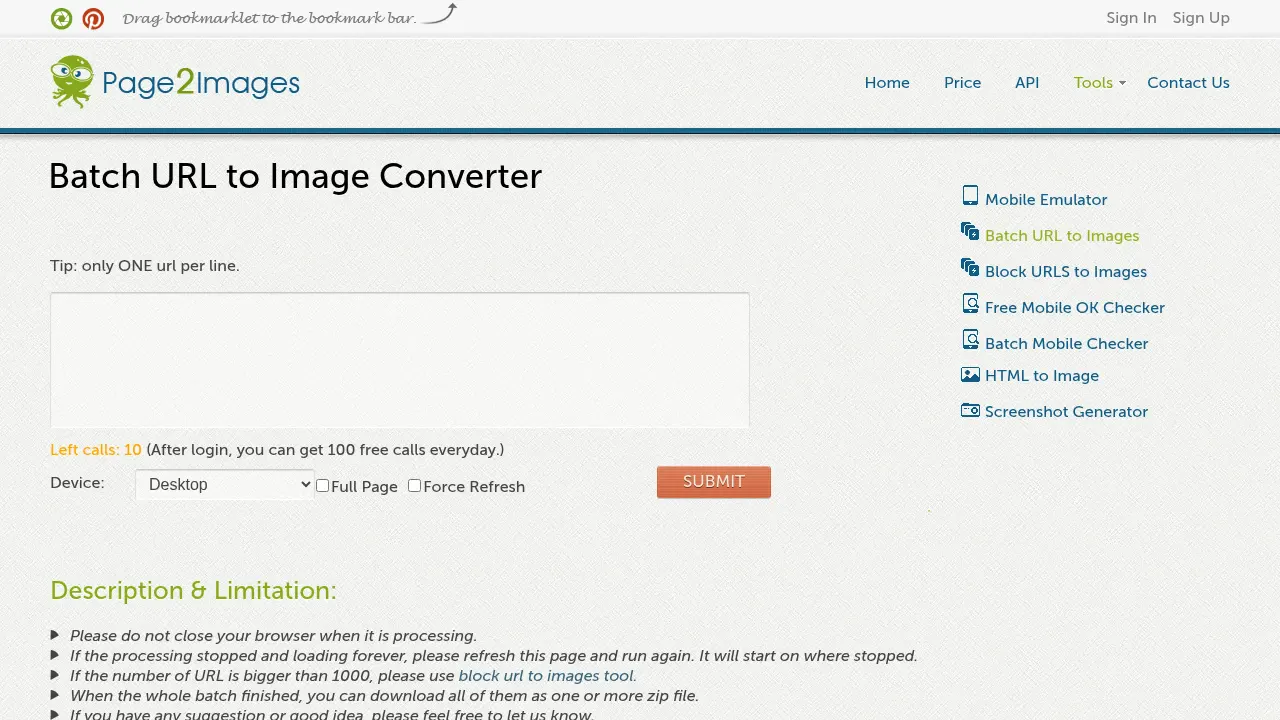
To convert a URL to an image, POST the URL to a screenshot API and it returns a hosted PNG, JPG, or WebP. One request in, one image link out. A real browser does the render in the cloud, so JavaScript runs and the picture matches what a person would see.
That is the easy part. The interesting part is what happens when you have four hundred URLs instead of one, which is where most homegrown conversion scripts fall over.
First, a disambiguation
Search for "convert URL to image" and you get two completely opposite tools mixed together:
- URL in, image out. You have a web address and you want a picture of that page. This is rendering.
- Image in, URL out. You have a file on your disk and you want a shareable link to it. This is uploading.
This guide is about the first one. If you are looking for the second, you want an image host, not a screenshot API.
The one-URL version
curl https://api.grabbit.live/v1/grabs \
  -H "Authorization: Bearer sk_live_..." \
  -H "Content-Type: application/json" \
  -d '{
    "url": "https://example.com",
    "width": 1280,
    "full_page": true,
    "format": "webp"
  }'
The response hands back a hosted image_url:
{
  "id": "grb_01jx...",
  "status": "done",
  "target_url": "https://example.com",
  "image_url": "https://cdn.grabbit.live/grabs/grb_01jx....webp",
  "width": 1280,
  "format": "webp",
  "bytes": 84120,
  "execution_ms": 1180,
  "created_at": "2026-07-17T09:00:00.000Z"
}
width accepts 320 to 1920, height 240 to 1080, and format takes png, jpeg, or webp. With full_page on, height is ignored and the render runs to the bottom of the document. If the page paints content after load, delay_ms waits up to 10000 milliseconds before the shutter fires, and selector waits for a specific element and crops to it.
For a full breakdown of format tradeoffs and the manual browser path, see converting a webpage to an image. The rest of this guide assumes you have more than one URL.
Scaling to a list
There is no separate bulk endpoint to learn. Converting a thousand URLs is the same call a thousand times. What changes is everything around the call.
Bound your concurrency. The obvious first draft fires every request at once:
// Don't do this with a real list.
const images = await Promise.all(urls.map(convert));
With ten URLs it works. With four hundred it trips the rate limit (60 requests per minute) and you get back a pile of rate_limit_exceeded errors instead of images. Cap the parallelism instead:
async function convertAll(urls, concurrency = 5) {
  const results = [];
  const queue = [...urls];

  async function worker() {
    while (queue.length > 0) {
      const url = queue.shift();
      try {
        const resp = await fetch('https://api.grabbit.live/v1/grabs', {
          method: 'POST',
          headers: {
            Authorization: 'Bearer sk_live_...',
            'Content-Type': 'application/json',
          },
          body: JSON.stringify({ url, width: 1280, full_page: true, format: 'webp' }),
        });
        const data = await resp.json();
        results.push({ url, image_url: data.image_url });
      } catch (err) {
        results.push({ url, error: String(err) });
      }
    }
  }

  await Promise.all(Array.from({ length: concurrency }, worker));
  return results;
}
Five workers pulling from a shared queue keeps you inside the limit and finishes a few hundred URLs in a couple of minutes. Note the try/catch inside the worker: one dead URL in the list should not take down the whole run.
Do not convert the same URL twice. Renders are the expensive step, and most lists have repeats or rerun on a schedule. Store the returned image_url keyed by the target URL and check that store first. A render you did yesterday is still a perfectly good image today unless the page changed.
Let long lists run async. With a live key, add ?async=true and the request returns a 202 immediately with a grab ID instead of holding the connection open while Chromium works. A test key still returns a synchronous 200 placeholder, so use a funded live key to verify polling and webhooks. A webhook fires when each live render lands. That way a thousand URLs is a thousand fast POSTs plus a thousand callbacks, rather than a thousand connections you have to keep alive. The automated screenshots guide covers the async and webhook flow end to end.
The async path applies the same validated delay_ms and selector values as the synchronous path. Use delay_ms when the page needs a fixed settle window, or selector when the capture should wait for and crop to one element.
What actually breaks
Bulk conversion fails in ways single conversion never shows you:
- The page is not done when the response is. A load event means the HTML arrived, not that the app painted. Client-rendered pages need
delay_msor, better, aselectorthat waits for the element that matters. Waiting on an element beats guessing at a timeout, because the timeout you tune on a fast page is wrong on a slow one. - Lazy-loaded content below the fold.
full_pagescrolls the document, which is what triggers most lazy loaders, but images that load on intersection may still need a shortdelay_msto finish decoding. - One bad URL in the list. Redirects, 404s, and pages that hang will happen in any list long enough. Catch per URL and keep going.
None of these are exotic. They are just invisible until you run the same code across a few hundred pages instead of one.
When to skip the API
Render locally instead when the markup lives in your app and never gets served at an address, or when you cannot make outbound requests at all. For the first case, HTML to image covers hosting your template at a URL and then capturing it.
For everything else, especially anything on a schedule or in CI, the API keeps Chromium out of your deployment entirely.
Next steps
If your list is the whole point, screenshotting a list of URLs goes deeper on the loop mechanics. The automated screenshots guide covers scheduling and webhooks, and screenshot from URL is the simplest possible starting point.
FAQ
- How do I convert a URL to an image?
- Send the URL to a screenshot API and it returns a hosted image. One POST request with the target URL gives back an image_url pointing at a PNG, JPG, or WebP render of that page. A real headless browser does the rendering in the cloud, so the page's JavaScript executes and the result looks the way it does in a browser.
- Can I convert URLs to images in batch?
- Yes. There is no special bulk endpoint needed: loop your list and call the same conversion endpoint once per URL, with a concurrency limit so you do not exceed the rate limit. For large lists, use the async mode so each request returns immediately and a webhook tells you when each render finishes.
- Is converting a URL to an image the same as converting an image to a URL?
- No, they are opposite jobs and the search results mix them together. Converting a URL to an image renders a web page and gives you a picture of it. Converting an image to a URL uploads a file you already have and gives you a link to it. If you want a picture of a web page, you want the first one.
- What image format should I use when converting a URL?
- WebP is the best default because it produces the smallest file at the same visual quality, which matters when you are storing thousands of renders. Use PNG when you need lossless output or a stable baseline for visual comparison, and JPEG when you need the broadest compatibility with older tooling.
- How do I convert a URL to an image without installing anything?
- Use a hosted API and call it over HTTP. Any language that can make a POST request can convert a URL to an image, so there is no headless Chrome to install, no browser binary to keep patched, and nothing extra in your container image.
Capture any website with one API call
Get a free test key and wire your first request in two minutes.
Written by
Grabbit Team
Screenshots as a service
The team behind Grabbit, the screenshot API for developers and AI agents. We write about web capture, rendering, and automating screenshots at scale.
Keep reading
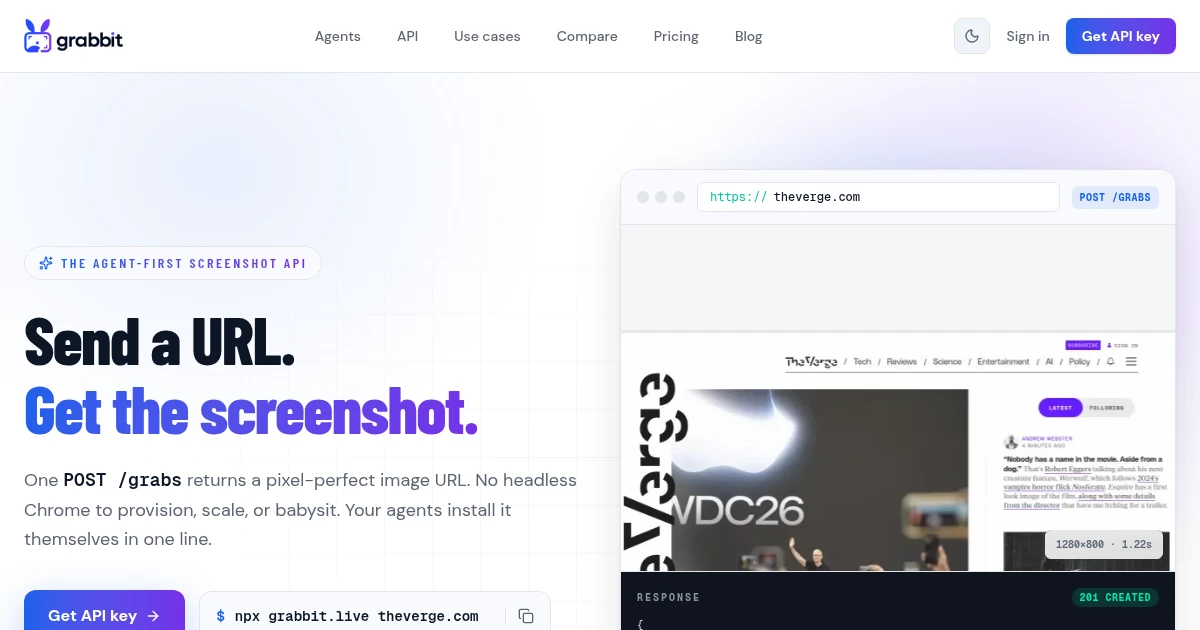
How to Convert a Webpage to an Image (URL to JPG, PNG, or WebP)
Turn any URL into a hosted JPG, PNG, or WebP image with one API call. No headless Chrome to install, no local converter, and the format and full-page options developers actually need.
Jul 1, 2026 · 6 min read
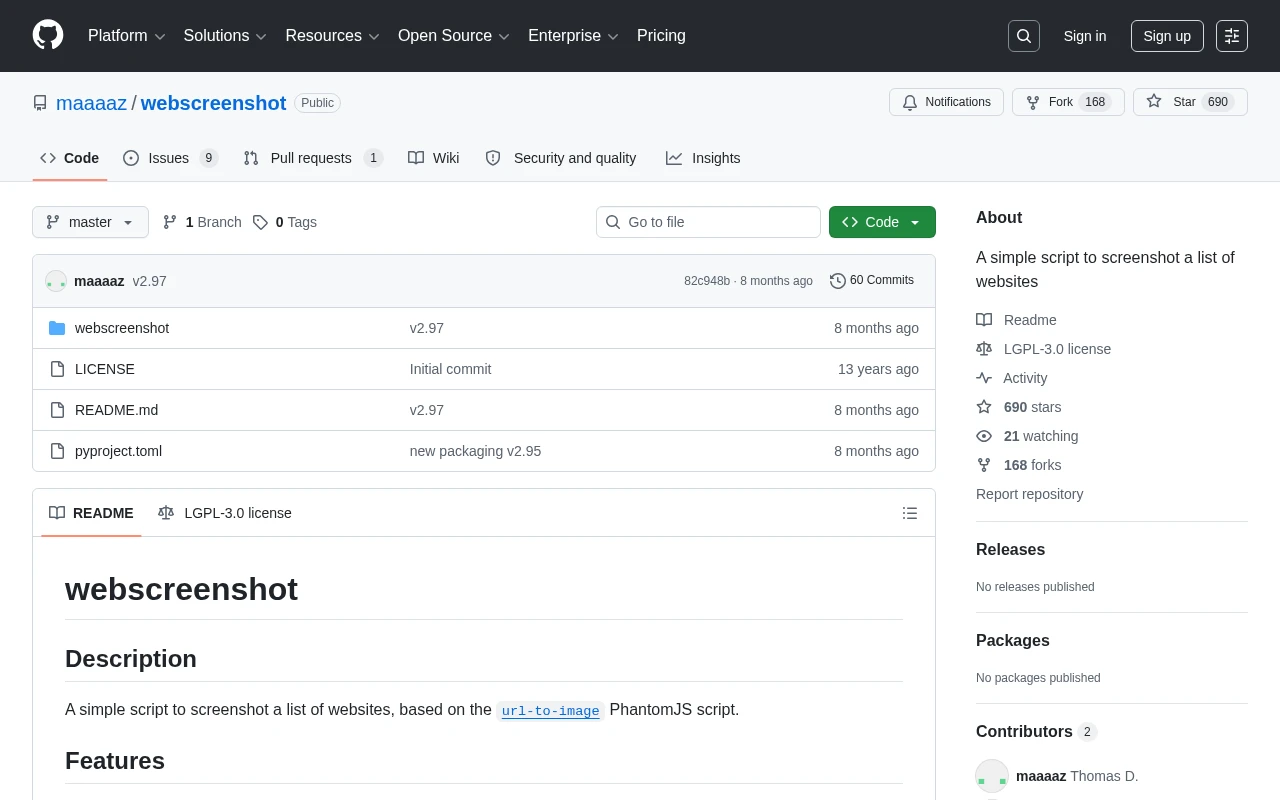
How to Screenshot a List of URLs (Bulk Capture for Research and Audits)
Capture screenshots of a whole list of URLs at once. Compare browser extensions, DIY scripts, and a screenshot API, with a runnable loop that turns a URL list into hosted images.
Jun 19, 2026 · 6 min read
How to Screenshot a Website from a URL (No Browser Needed)
Skip the headless browser setup. Learn the three ways to capture a screenshot from a URL, and when a screenshot API beats Puppeteer or Playwright for production workloads.
Jun 15, 2026 · 7 min read