Capture guides
How to Screenshot a Webpage Programmatically (URL to Image at Scale)
July 3, 2026 · 5 min read · Grabbit Team
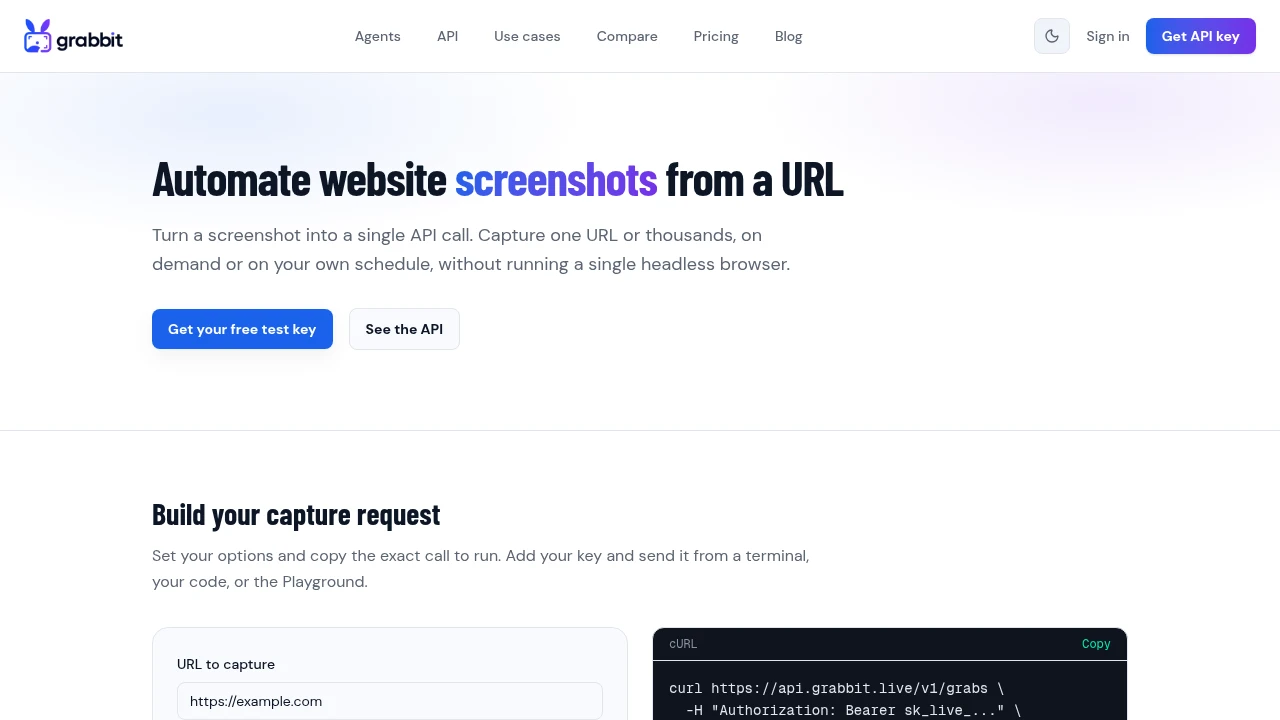
To screenshot a webpage programmatically, send one HTTP POST to a screenshot API with the target URL, then read the hosted image URL from the response. The headless browser runs in the cloud, so there is nothing to install and the same call works from a script, a serverless function, or a CI pipeline.
That is the whole job for a single page. The reason people search for this is that capturing one page is trivial and capturing many reliably is not. Below is the single-call version first, then how to run it over a full URL list without the capture step eating your afternoon.
The one-call version
curl https://api.grabbit.live/v1/grabs \
  -H "Authorization: Bearer sk_live_..." \
  -H "Content-Type: application/json" \
  -d '{
    "url": "https://example.com",
    "width": 1280,
    "height": 720,
    "format": "webp"
  }'
The response is JSON with a hosted image_url you can store and serve directly:
{
  "id": "grb_01jx...",
  "status": "done",
  "target_url": "https://example.com",
  "image_url": "https://cdn.grabbit.live/grabs/grb_01jx....webp",
  "width": 1280,
  "height": 720,
  "format": "webp",
  "bytes": 62140,
  "execution_ms": 940,
  "created_at": "2026-07-03T09:00:00.000Z"
}
The parameters you will reach for most:
widthbetween 320 and 1920 pixels,heightbetween 240 and 1080 (defaults 1280 x 720).full_page: truecaptures the entire scrollable page instead of the viewport. When it is on, height is measured from the rendered page, so you do not set one.formatispng,jpeg, orwebp. WebP is the smallest at comparable quality, which matters once you are storing thousands of captures.delay_ms(0 to 10000) waits a fixed time after load, andselectorwaits for a specific element. Use these for pages that render content client-side.
Why "just screenshot these URLs" is harder than it sounds
The single call is easy. The trouble starts the moment the job is "screenshot these 300 pages," because real pages fight the camera. Lazy-loaded images have not appeared yet. A cookie or consent banner sits on top of the content. Infinite-scroll pages never signal that they are done. Half the captures come back garbage, and the fix is not writing a loop, it is getting the wait-and-scroll timing right for pages you do not control.
Running your own headless Chrome gives you full control over that timing, but you also own the Chromium binary, the fonts and locale on the render host, the memory each page uses, and every flaky page that stalls. A hosted API moves that work off your machine: it runs a real browser, executes the page's JavaScript, dismisses common consent banners, and measures full-page height for you. Your code goes back to being a loop over a list.
If you only ever capture one page, that trade does not matter. At scale it is the entire point.
Screenshotting a URL list at scale
For a batch, send one request per URL and add the Prefer: respond-async header so each call returns immediately with a job ID instead of blocking until the render finishes:
import requests

BASE = "https://api.grabbit.live/v1/grabs"
HEADERS = {
    "Authorization": "Bearer sk_live_...",
    "Prefer": "respond-async",
}

urls = [
    "https://example.com",
    "https://example.com/pricing",
    "https://example.com/blog",
]

jobs = []
for url in urls:
    resp = requests.post(
        BASE,
        headers=HEADERS,
        json={"url": url, "full_page": True, "format": "webp"},
    )
    job = resp.json()
    jobs.append(job["id"])
    print(job["id"], job["status"])  # "pending"

# Later, poll each job until it is done, then read image_url:
for job_id in jobs:
    result = requests.get(f"{BASE}/{job_id}", headers=HEADERS).json()
    print(result["status"], result.get("image_url"))
With a live key, Prefer: respond-async returns 202 with status: "pending". Poll GET /api/v1/grabs/{id} until status is "done", then read image_url. You can queue up to 10 concurrent jobs per team, so throttle your loop to keep that many in flight and top up as needed. Test keys return a synchronous 200 placeholder, even when async is requested.
Two honesty notes worth stating plainly. First, the API captures one URL per request. It does not crawl a site and follow internal links for you, so you build the URL list (from a sitemap, a database, or a route manifest) and loop it. Second, live captures cost one credit each at $0.002 per grab. Annual-plan credits reset at renewal rather than monthly, while separately purchased top-up credits do not expire while your account remains active, so a run of 300 pages has a known per-run cost.
Waiting for JavaScript-rendered content
If a page loads content after the initial HTML, an instant capture can fire before that content is visible. Two options, in order of preference:
"selector": "#main-content"waits until that element exists in the DOM. Tied to a real content signal."delay_ms": 1500waits a fixed time. Simple, but it is guesswork, and it slows every capture in the batch.
Prefer selector when the page has a reliable element to key off, and fall back to delay_ms only when it does not. Pure server-rendered pages need neither.
This is also why client-side libraries like html2canvas are the wrong tool here: they serialize the current DOM inside a user's browser and never execute the page's own scripts, so anything loaded after render is missing. A hosted render runs the real page.
Next steps
The automated screenshots guide covers the async job queue, webhooks, and scheduling for production capture pipelines. For the single-page version and the DIY-versus-API tradeoff, see how to screenshot a website from a URL; for the batch pattern in depth, how to screenshot a list of URLs; and for choosing an output format, how to convert a webpage to an image.
FAQ
- How do I take a screenshot of a webpage programmatically?
- Send an HTTP POST to a screenshot API with the target URL in the JSON body and your API key in the Authorization header. The API runs a headless browser in the cloud, renders the page, and returns a hosted image URL. There is no browser binary to install and no driver to version-match, so the same call works from a script, a serverless function, or a CI job.
- Can I screenshot a whole webpage, not just the visible part?
- Yes. Set full_page to true and the API captures the entire scrollable height of the page instead of just the viewport. When full_page is on, the height is measured automatically from the rendered page, so you do not set a fixed height yourself.
- How do I screenshot a list of URLs at scale?
- Loop your URL list and send one request per URL. With a live key, add the Prefer: respond-async header so each request returns a job ID immediately (HTTP 202) instead of waiting for the render. Poll GET /api/v1/grabs/{id} until the status is done, then read image_url. You can queue up to 10 concurrent jobs per team. Test keys return a synchronous HTTP 200 placeholder, even when async is requested.
- How do I screenshot a webpage that loads content with JavaScript?
- Use a screenshot service that runs a real browser, so client-side JavaScript executes before the capture. If the content appears after a delay, add delay_ms to wait a fixed number of milliseconds, or selector to wait until a specific element is present in the DOM. Client-side libraries like html2canvas only serialize the current DOM and miss content loaded after render.
- What image format should I use for programmatic webpage screenshots?
- WebP is the best default because it is the smallest at comparable quality, which matters when you store thousands of captures. Use PNG when you need lossless output or transparency (for example, visual regression baselines), and JPEG when you want small photographic captures and do not need transparency.
Capture any website with one API call
Get a free test key and wire your first request in two minutes.
Written by
Grabbit Team
Screenshots as a service
The team behind Grabbit, the screenshot API for developers and AI agents. We write about web capture, rendering, and automating screenshots at scale.
Keep reading
How to Screenshot a Website from a URL (No Browser Needed)
Skip the headless browser setup. Learn the three ways to capture a screenshot from a URL, and when a screenshot API beats Puppeteer or Playwright for production workloads.
Jun 15, 2026 · 7 min read
How to Screenshot a List of URLs (Bulk Capture for Research and Audits)
Capture screenshots of a whole list of URLs at once. Compare browser extensions, DIY scripts, and a screenshot API, with a runnable loop that turns a URL list into hosted images.
Jun 19, 2026 · 6 min read
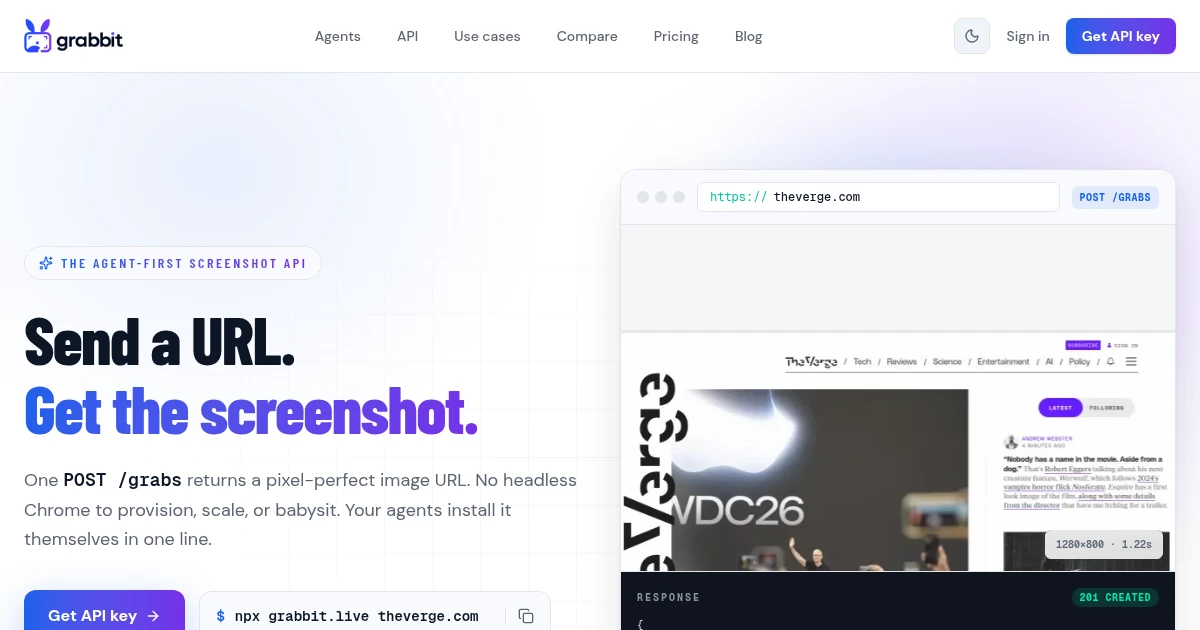
How to Convert a Webpage to an Image (URL to JPG, PNG, or WebP)
Turn any URL into a hosted JPG, PNG, or WebP image with one API call. No headless Chrome to install, no local converter, and the format and full-page options developers actually need.
Jul 1, 2026 · 6 min read