Capture guides
How to Screenshot Every Page of a Website (Build a Visual Site Audit)
July 28, 2026 · 6 min read · Grabbit Team
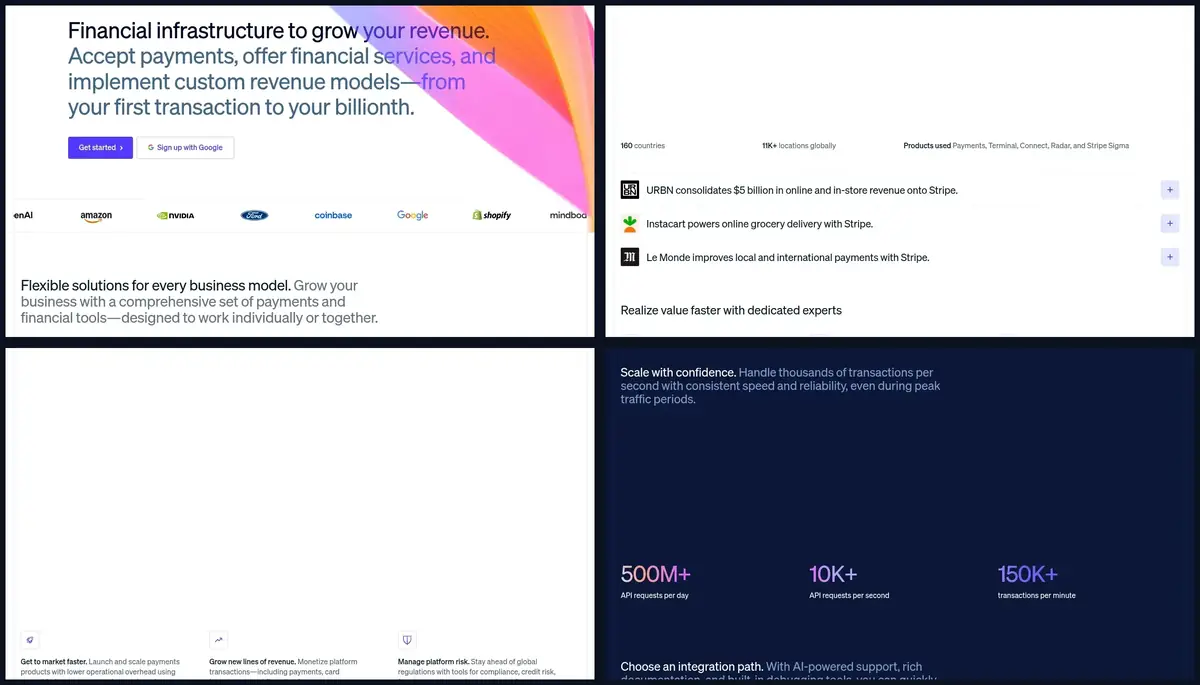
You are redesigning a site, migrating a CMS, or auditing a competitor, and you need a screenshot of every page, not just the one you happen to have open. The head query for this reads two ways. One is manual: capture the single long page in front of you. The other is the job most developers actually mean here: turn a whole site into one image per page for a visual inventory. This guide is about the second one.
The short answer
To screenshot every page of a website, do two things in order:
- Enumerate the routes. Get a flat list of the site's URLs, usually from its
sitemap.xmlor a small crawl step you run. - Loop the list through a capture. Send each URL to a screenshot API one at a time and collect the hosted image for every page.
There is no magic "shoot the whole site in one call" primitive. Every tool does the same thing underneath: it visits each page in turn and renders it. The real work is building the route list and driving the loop.
Why the manual tools stop at one page
The top of this SERP is full of single-page capture tools: the Chrome command menu's "Capture full size screenshot," Edge's Web capture, and extensions like GoFullPage. They are excellent at one thing, capturing the entire scrollable length of the page you are currently on. None of them screenshot a site. You would have to open every page yourself and press the capture key on each, which is exactly the tedium you are trying to avoid on a fifty-page audit.
For a true whole-site job you need the route list and a loop, which means code.
Step 1: enumerate the site's routes
Before you can capture every page, you need to know every page. Two reliable sources:
- The sitemap. Most sites publish
https://example.com/sitemap.xml, an XML file listing their canonical URLs. Fetch it, parse the<loc>entries, and you have your list. This is the cleanest source because the site owner already curated it. - A crawl step. No sitemap? Run a small crawler that starts at the homepage, follows internal links, and collects unique routes. Keep it scoped to the site's own domain so you do not wander off.
Either way you end up with a plain array of URLs. That array is the only input the capture loop needs.
One honest note up front: a screenshot API captures the URLs you hand it. It does not crawl your site or follow links on its own. The enumeration in this step is a job you run; the API's job starts once you have the list.
Step 2: loop the routes through a screenshot API
With the list in hand, each capture is a single HTTP request. You send a URL, you get back a hosted image. No browser to install, nothing to keep patched. Here is the full pattern in Node: read the routes, capture each one full-page, and collect the results.
// routes.json is your enumerated list, e.g. parsed from sitemap.xml
import { readFileSync } from 'node:fs';

const routes = JSON.parse(readFileSync('routes.json', 'utf8'));
const audit = [];

for (const url of routes) {
  const res = await fetch('https://api.grabbit.live/v1/grabs', {
    method: 'POST',
    headers: {
      Authorization: 'Bearer sk_live_...',
      'Content-Type': 'application/json',
    },
    body: JSON.stringify({ url, width: 1280, full_page: true, format: 'webp' }),
  });
  const data = await res.json();
  audit.push({ url, image_url: data.image_url });
}

console.table(audit);
Each response includes a hosted image_url, so you can drop the results straight into a CSV, a database, or a static gallery page. Because every request is independent, one page that 404s or hangs never sinks the rest of the audit. This is the same repeatable, scriptable job Grabbit's automated screenshots are built for, and you can wire it up with a free test key before adding a card. For the mechanics of driving a flat list of URLs, see how to screenshot a list of URLs; a whole-site audit is that same loop, fed by the routes you enumerated in step 1.
The options that matter for a whole-site audit
Each call in the loop is configured on its own, so a mixed set of pages is no problem:
full_page: truecaptures the entire scrollable page, not just the viewport. Essential for an audit where you want the whole page on record.widthsets the viewport (320 to 1920). Use one consistent width across the whole site so the pages line up when you compare them side by side.formatcan bepng,jpeg, orwebp. WebP keeps a large audit small on disk; PNG is worth it when you want lossless baselines.delay_mswaits up to 10 seconds before the capture, which helps on pages that fade content in after load.selectorcaptures just one element by CSS selector, useful if your audit only cares about, say, the header or a pricing table on every page.
For a large site where you do not want to hold a connection open per request, the same endpoint accepts Prefer: respond-async (or ?async=true) and returns immediately with a job you poll later. That keeps a several-hundred-page run from blocking your script.
Turn the captures into an audit
The reason to screenshot every page is rarely the images themselves, it is what you do with them:
- Redesign inventory. Before a rebuild, capture the current site so you have a visual record of every page you are replacing. Nothing gets forgotten in the migration.
- Visual QA after a deploy. Re-run the same route list on staging and production and eyeball the pages that changed.
- Competitor teardown. Snapshot a competitor's key pages, then re-run the list next month. Save each
image_urlnext to its source URL and a timestamp and the diff over time tells a story, which is the foundation of website change monitoring.
Because the loop is deterministic and hands-off, you can run it on a schedule with cron or a CI job and have a fresh visual snapshot of the whole site whenever you need one.
Wrapping up
Screenshotting every page of a website is always two steps: enumerate the routes, then loop them through a capture. Consumer extensions cover the single page in front of you; a whole-site audit needs the route list (from a sitemap or a crawl you run) and a loop that turns each URL into a hosted image. Point the loop at your list, collect the image URLs, and you have a repeatable visual audit that runs anywhere, including CI and serverless. To automate it end to end, see Grabbit's automated screenshots.
FAQ
- How do I take a screenshot of every page on a website?
- Enumerate the site's routes first (from its sitemap.xml or a crawl step you run), then capture each URL one at a time. There is no single primitive that shoots a whole site in one call. The reliable pattern is a short loop: read the route list, send each URL to a screenshot API, and collect the hosted image for every page. That produces one image per route for a redesign inventory or visual audit.
- Is there a tool to screenshot a whole website automatically?
- Yes, but it is two steps, not one. You supply or build the list of pages, then a tool loops over it. Consumer extensions like GoFullPage capture the single page you are on, so they do not cover a whole site. A screenshot API lets you script the loop over every route so the same audit runs on demand, in CI, or on a schedule without a person clicking through each page.
- How do I screenshot a scrolling or full-length website page?
- Set full_page: true on the capture so it renders the entire scrollable page, not just the viewport. Combined with looping over every route, that gives you a full-length screenshot of each page. On desktop Chrome you can also open the command menu with Ctrl+Shift+P (Cmd+Shift+P on Mac), type screenshot, and choose Capture full size screenshot, but that is manual and one page at a time.
- How do I get a list of all the pages on a website?
- Start with the site's sitemap.xml, which most sites publish at /sitemap.xml and which lists their canonical URLs. If there is no sitemap, run a small crawler that follows internal links from the homepage and collects the routes. Either way you end up with a flat list of URLs, which is the input the capture loop reads.
- Can I screenshot every page of a website without installing a browser?
- Yes. A screenshot API runs headless Chromium in the cloud, so you send one HTTP request per URL and get back a rendered image. There is no Chromium binary, no WebDriver, and no per-machine browser to manage, which is what makes a whole-site audit practical to run from CI or a serverless function.
Capture any website with one API call
Get a free test key and wire your first request in two minutes.
Written by
Grabbit Team
Screenshots as a service
The team behind Grabbit, the screenshot API for developers and AI agents. We write about web capture, rendering, and automating screenshots at scale.
Keep reading
How to Screenshot a List of URLs (Bulk Capture for Research and Audits)
Capture screenshots of a whole list of URLs at once. Compare browser extensions, DIY scripts, and a screenshot API, with a runnable loop that turns a URL list into hosted images.
Jun 19, 2026 · 6 min read
Screenshot Automation: How to Capture Web Pages on a Schedule
Automate website screenshots on a schedule without running a browser. How to wire a cron job to a screenshot API, pick an interval, keep captures consistent, and store the results.
Jul 22, 2026 · 7 min read
How to Monitor a Website for Visual Changes
A practical guide to website change monitoring: capture a baseline screenshot, re-capture on a schedule, diff the images, and alert when something changes.
Jun 16, 2026 · 7 min read