Dev frameworks
How to Take a Screenshot in Go with chromedp (and When to Skip It)
August 12, 2026 · 6 min read · Grabbit Team
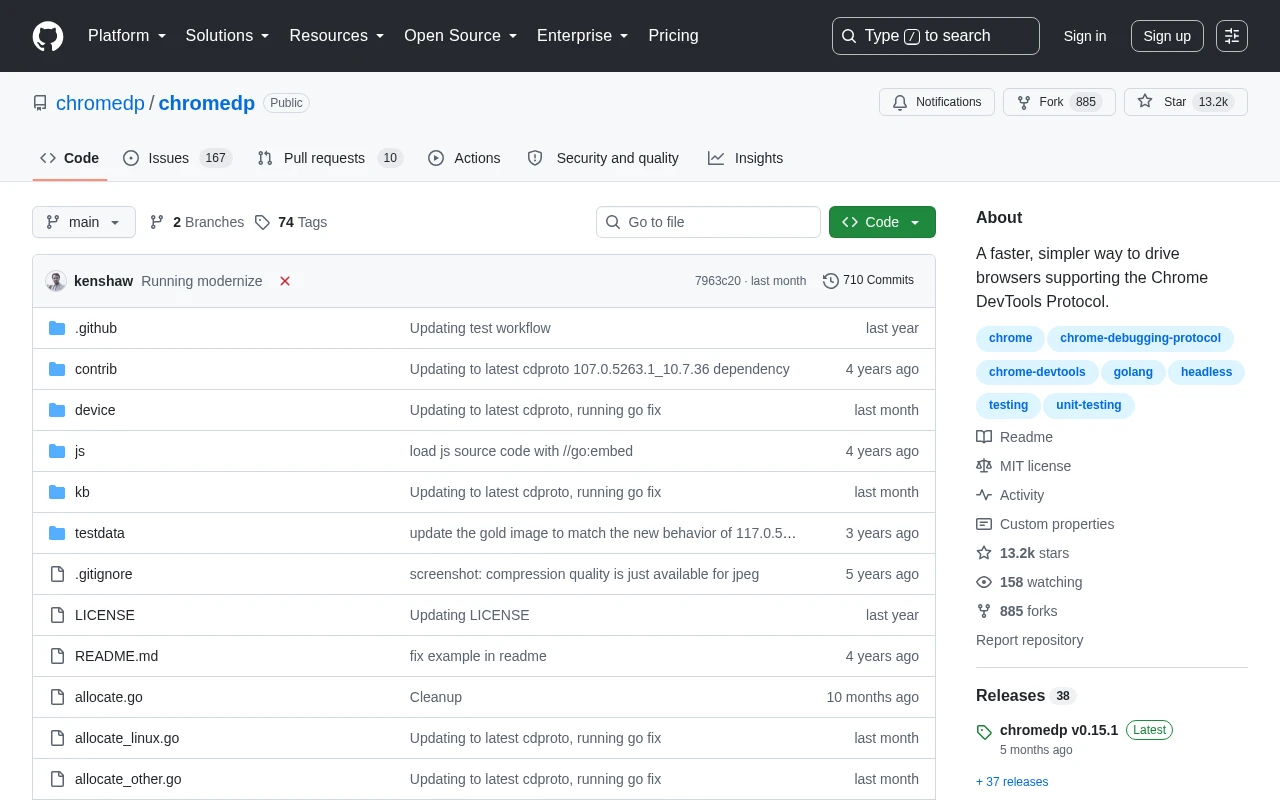
chromedp captures a screenshot in Go with one action, chromedp.CaptureScreenshot, but that captures only the visible viewport. Full pages, sharp high-DPI output, and single elements each need a different call, and two of them have gotchas that send people to Stack Overflow. This guide covers the basic capture, full-page screenshots, elements, the blurry-image and cut-off fixes, and the point where an API is less work than running Chrome inside your Go process.
The basic chromedp screenshot
chromedp drives a real headless Chrome over the Chrome DevTools Protocol, so there is a browser to start and stop. NewContext allocates it; CaptureScreenshot fills a byte buffer with a PNG of the current viewport:
package main

import (
	"context"
	"log"
	"os"

	"github.com/chromedp/chromedp"
)

func main() {
	ctx, cancel := chromedp.NewContext(context.Background())
	defer cancel()

	var buf []byte
	if err := chromedp.Run(ctx,
		chromedp.Navigate("https://example.com"),
		chromedp.CaptureScreenshot(&buf),
	); err != nil {
		log.Fatal(err)
	}

	if err := os.WriteFile("screenshot.png", buf, 0o644); err != nil {
		log.Fatal(err)
	}
}
CaptureScreenshot grabs whatever is currently visible in the browser window. If the page is taller than the viewport, everything below the fold is missing. That is the first thing to know before you build on it: the default is a viewport shot, not a full page.
Full-page screenshots
For the entire scrollable page, use FullScreenshot instead. It takes a quality argument and handles the document-height emulation for you:
var buf []byte
if err := chromedp.Run(ctx,
	chromedp.Navigate("https://example.com"),
	chromedp.FullScreenshot(&buf, 90),
); err != nil {
	log.Fatal(err)
}
The quality argument (0 to 100) only affects JPEG output; for PNG it is ignored. FullScreenshot is the call people miss, because the more discoverable CaptureScreenshot sounds like it should already do this. It does not.
Fixing the blurry full-page screenshot
The most common chromedp screenshot complaint is that FullScreenshot output looks soft or blurry. The cause is the device scale factor: chromedp renders at a scale of 1 by default, so on high-DPI layouts the image is under-sampled. Emulate the viewport at a higher scale before capturing:
var buf []byte
if err := chromedp.Run(ctx,
	chromedp.Navigate("https://example.com"),
	chromedp.EmulateViewport(1280, 800, chromedp.EmulateScale(2)),
	chromedp.FullScreenshot(&buf, 100),
); err != nil {
	log.Fatal(err)
}
EmulateScale(2) renders at 2x, the way a Retina display would, and the image comes out sharp. Raising the scale multiplies the pixel dimensions and the file size, so 2 is the usual sweet spot rather than going higher.
Screenshotting a single element
To capture one element instead of the page, pass a CSS selector to chromedp.Screenshot. chromedp scrolls the node into view and crops to its bounding box:
var buf []byte
if err := chromedp.Run(ctx,
	chromedp.Navigate("https://example.com"),
	chromedp.Screenshot("#pricing-card", &buf, chromedp.NodeVisible, chromedp.ByQuery),
); err != nil {
	log.Fatal(err)
}
chromedp.NodeVisible makes the run wait until the element is actually rendered before it captures, which avoids a blank or partial crop when the element loads late.
Waiting so the capture is not blank or cut off
Two problems account for most bad chromedp screenshots. The first is capturing before the page has finished rendering. Wait on something real rather than a fixed sleep:
chromedp.Run(ctx,
	chromedp.Navigate("https://example.com"),
	chromedp.WaitVisible("#pricing-card", chromedp.ByQuery),
	chromedp.CaptureScreenshot(&buf),
)
The second is the viewport-height confusion behind the GitHub issue where CaptureScreenshot returns the full height instead of the viewport, or vice versa. The rule is simple once you know it: CaptureScreenshot is bound to the current emulated viewport, and FullScreenshot overrides the height to the full document. If you get an unexpectedly tall or short image, check which of the two you called and what EmulateViewport set, because those two settings decide the output dimensions.
Running chromedp headless in production
On a server there is no display, so Chrome runs headless, and in a container it needs a couple of flags or it crashes on start:
opts := append(chromedp.DefaultExecAllocatorOptions[:],
	chromedp.Flag("headless", true),
	chromedp.NoSandbox,               // required in most CI/container images
	chromedp.DisableGPU,
)
allocCtx, cancelAlloc := chromedp.NewExecAllocator(context.Background(), opts...)
defer cancelAlloc()

ctx, cancel := chromedp.NewContext(allocCtx)
defer cancel()
The capture code is identical; the work is around it. The container image still needs a real Chrome or Chromium installed and version-matched to what chromedp expects. Web fonts have to be present or the screenshot shows fallback fonts. And at any real concurrency you own the browser lifecycle: a context per job, cancelled on every error path, and back-pressure so you are not launching more Chrome processes than the box can hold. That maintenance, not the CaptureScreenshot line, is where a chromedp screenshot service actually costs you time. It is the same headless-Chrome tax whether you drive it from Go, Python, or Selenium.
The same capture as an API call
If all you need from chromedp is a screenshot of a URL, a screenshot API runs the browser for you and there is no Chrome in your Go process at all. The full-page capture and the device-scale tuning above collapse into one request with a real full_page flag:
curl https://api.grabbit.live/v1/grabs \
  -H "Authorization: Bearer sk_live_..." \
  -H "Content-Type: application/json" \
  -d '{
    "url": "https://example.com",
    "width": 1280,
    "full_page": true,
    "format": "webp"
  }'
The response includes a hosted image_url you can use directly:
{
  "id": "grb_01jx...",
  "status": "done",
  "image_url": "https://cdn.grabbit.live/grabs/grb_01jx....webp",
  "width": 1280,
  "format": "webp",
  "bytes": 48210,
  "execution_ms": 1180
}
The chromedp patterns map onto request parameters: the emulated viewport is width (320 to 1920) and height (240 to 1080), FullScreenshot is full_page, the element crop is a selector field, and the explicit wait becomes delay_ms (0 to 10000). format is png, jpeg, or webp. Pricing is a flat $0.002 per capture on prepaid credits that do not expire, so an occasional capture does not mean carrying a browser fleet or a monthly quota.
To be clear about scope: this replaces chromedp only for the capture job. If you are scripting clicks, form fills, RunResponse waits, or scraping in Go, chromedp is the right tool and you should keep it. The API renders and captures a URL; it does not run your automation.
Which to use
Reach for chromedp when you are already driving a browser from Go, or when the screenshot is one step in a larger automation that clicks, types, and evaluates JavaScript. Reach for an API when the screenshot itself is the product, especially if you want full-page captures, sharp high-DPI output, and hosted image URLs without shipping and babysitting Chrome alongside your Go service.
For the same capture in other languages, see screenshots in Python and screenshots in Selenium. If you are weighing hosted options, the honest comparison of screenshot APIs covers the trade-offs without the marketing.
FAQ
- How do I take a screenshot in chromedp?
- Create a context with chromedp.NewContext, then run chromedp.Navigate followed by chromedp.CaptureScreenshot(&buf) to fill a byte buffer with a PNG of the current viewport. Write the buffer to disk with os.WriteFile. That is the whole capture: chromedp drives a real headless Chrome over the DevTools Protocol, so the screenshot matches what Chrome renders.
- How do I take a full-page screenshot in chromedp?
- Use chromedp.FullScreenshot(&buf, quality) instead of CaptureScreenshot. It captures the entire scrollable page, not just the viewport, by emulating the full document height for you. The quality argument (0 to 100) only affects JPEG output; for PNG it is ignored. If the result looks blurry, raise the device scale factor (see below).
- Why is my chromedp FullScreenshot blurry?
- FullScreenshot renders at the default device scale factor of 1, so on high-DPI layouts the image can look soft. Set a higher DeviceScaleFactor with chromedp.EmulateViewport(width, height, chromedp.EmulateScale(2)) before capturing, which renders at 2x and produces a sharp image. This is the single most common chromedp screenshot complaint.
- How do I screenshot a specific element in chromedp?
- Call chromedp.Screenshot(sel, &buf, chromedp.NodeVisible, chromedp.ByQuery), passing a CSS selector. chromedp scrolls the node into view and crops the image to that element's bounding box. Use chromedp.NodeVisible so the run waits until the element is actually rendered before capturing.
- Is a screenshot API easier than running chromedp?
- For capturing a URL, often yes. chromedp means shipping a Chrome binary with your Go service and owning the DevTools plumbing, device-scale tuning, and memory management yourself. A screenshot API takes one HTTP POST with a full_page flag and returns a hosted image. Use chromedp when you need to script clicks, form fills, or scraping in Go; reach for an API when the screenshot itself is the deliverable.
Capture any website with one API call
Get a free test key and capture your first screenshot in two minutes.
Written by
Grabbit Team
Screenshots as a service
The team behind Grabbit, the screenshot API for developers and AI agents. We write about web capture, rendering, and automating screenshots at scale.
Keep reading
How to Screenshot a Website in Python (3 Approaches That Work)
Three ways to capture a website screenshot in Python: Selenium, Playwright, and a hosted API. Full-page captures, the gotchas each one hits, and when to skip running a browser entirely.
Jun 17, 2026 · 5 min read
How to Take Screenshots in Selenium (Full Page and Element)
How to capture screenshots in Selenium WebDriver: the viewport default, the full-page workarounds Selenium does not handle natively, single elements, and when a screenshot API is less work.
Jun 16, 2026 · 5 min read
The Best Screenshot APIs in 2026 (An Honest Comparison)
Comparing the top screenshot APIs on billing model, per-grab cost, features, and agent support so you can pick the right one for your project.
Jun 11, 2026 · 6 min read