Capture guides
HTML to PNG: How to Render HTML to a PNG Image (URL to PNG via API)
August 4, 2026 · 5 min read · Grabbit Team
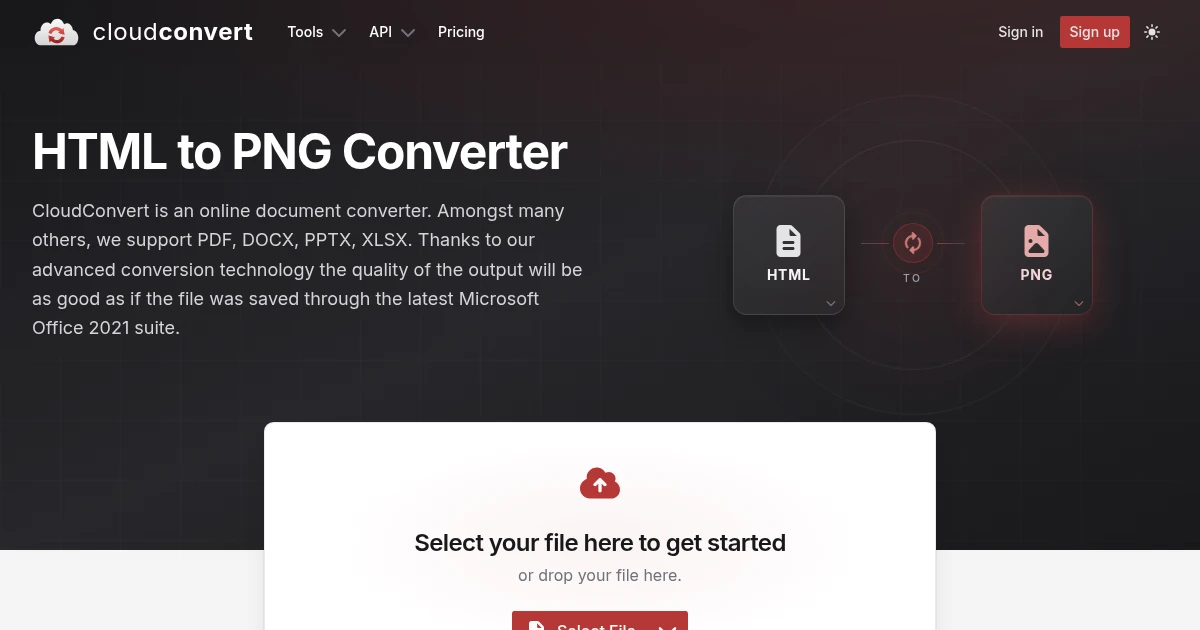
The reliable way to render HTML to a PNG is to host the HTML at a URL, then capture that URL with a screenshot API and format set to png. The API loads the page in a real headless browser and returns a hosted PNG image. This is the same pattern behind a dynamic OG image or a generated card: your HTML lives at a route, and one API call turns it into a pixel-accurate image.
The reason to lead with the URL is that most "HTML to PNG" jobs are really "render this page and give me a PNG." The top converters agree: PDFCrowd's own answer to "can I convert HTML to image" is to open its web-page tab and enter the URL, and cdkm and Convertio both take a URL as the input. If you have HTML you control, publishing it at a URL first is what makes the capture repeatable from code.
Render an HTML page to PNG with one API call
Host your HTML at a URL (a public page, a template route in your app, or a local server), then POST that URL. PNG is the default format, so a plain capture already returns a PNG:
curl -X POST https://api.grabbit.live/v1/grabs \
  -H "Authorization: Bearer sk_live_..." \
  -H "Content-Type: application/json" \
  -d '{
    "url": "https://example.com/card",
    "width": 1200,
    "height": 630,
    "format": "png"
  }'
The response is JSON with a hosted image_url:
{
  "id": "grb_01jx...",
  "status": "done",
  "target_url": "https://example.com/card",
  "image_url": "https://cdn.grabbit.live/grabs/grb_01jx....png",
  "width": 1200,
  "height": 630,
  "format": "png",
  "bytes": 41280,
  "execution_ms": 910,
  "created_at": "2026-08-04T09:00:00.000Z"
}
Store that image_url, embed it in a page, or hand it to another service. Because PNG is the default, leaving format off entirely still returns a PNG.
The parameters you will reach for most:
width(320 to 1920) andheight(240 to 1080) set the canvas. For a social card, 1200 by 630 matches the standard OG size.full_page: truecaptures the entire scrollable document instead of stopping at the viewport height, which is what you want for a long template or a document-style page.delay_ms(0 to 10000) waits before the capture, useful when your template renders a chart or fetches data after load.selectorcrops the capture to a single element, so you can point the API at one card in a larger page.
The honest limit: a URL, not a raw HTML string
A URL-based screenshot API renders a URL. It does not accept a raw HTML string in the POST body. If your HTML only exists as a string in memory, the reliable pattern is to host it at a route first, then capture that route.
In practice this is less work than it sounds, and it is the same approach that powers dynamic OG images:
- Add a template route in your app, for example
/card, that renders the HTML you want as an image. - Pass the dynamic parts as query parameters, like
/card?title=Launch&user=nico. - Point the screenshot API at that URL.
One template route then produces unlimited images, and the HTML stays versioned in your codebase instead of living as a pasted blob in a converter. If your goal is a chart or a card that is already rendered in the browser in front of the user, that is a different job. A client-side library such as html-to-image rasterizes a DOM node directly with canvas, no server involved. It cannot render a URL on a server, so it does not help in a cron job or a CI pipeline, but for exporting what the user is looking at right now it is the right tool. See HTML to Image: How to Render HTML to PNG, JPG, or WebP for that side-by-side.
Why PNG (and when to pick JPG or WebP instead)
PNG earns its place when the output has to be exact. It is lossless, so text stays sharp and edges stay crisp with no compression artifacts, and it supports transparency, which matters when a card or badge needs to sit on a colored background. Those two properties also make PNG the standard baseline format for visual regression testing: a lossless render compares byte-for-byte against the previous run, so a real UI change is not drowned out by JPG compression noise.
The tradeoff is file size. A full-page PNG of a long document can get large. When size matters more than a perfect pixel, JPG produces the smallest file for photographic content and WebP produces the smallest file overall at similar quality. Because the API takes format per request, you can render the same URL as a PNG for your test baselines and a WebP for the version you ship to users, changing one word. For a JPG-specific walkthrough, see How to Convert a Webpage to JPG; for the general URL-to-image path, How to Screenshot a Website from a URL covers the same call without the format focus.
Why an API over a local converter
Running the conversion yourself means installing headless Chromium, keeping it patched, and tearing down a browser session after every render. That is a real maintenance tax for what is ultimately one HTTP call. A hosted screenshot API moves the rendering machinery somewhere else: you send a URL, you get back a hosted PNG, and there is no browser binary in your deploy.
Grabbit prices this at a flat $0.002 per live grab, so a $50 annual plan includes 25,000 renders for that subscription year. Included credits expire at term end; if you cancel, you keep them until then. Separately purchased top-up credits do not expire while your account remains active. Neither resets monthly. Synchronous test requests return free placeholder images for wiring, not live renders. See the screenshot API for the full parameter reference.
FAQ
- How do I turn an HTML file into a PNG?
- Host the HTML at a URL, then send that URL to a screenshot API with format set to png. The API loads the page in a real headless browser and returns a hosted PNG. For an HTML file sitting on your machine, serve it locally or deploy it to any route first, since a URL-based API renders a URL rather than a file upload. For a one-off, an online converter like CloudConvert or PDFCrowd accepts a URL through a form and hands back a PNG.
- Can I convert HTML to an image?
- Yes. If the HTML is already rendered in a browser, a client-side library like html-to-image rasterizes a DOM node to a PNG using canvas. For server-side or automated conversion, host the HTML at a URL and capture it with a screenshot API, which returns a hosted PNG, JPG, or WebP. The URL path is the one that works from a cron job, a CI pipeline, or a webhook handler where there is no browser open.
- How do I turn a webpage into a PNG?
- Send the page URL to a screenshot API with format set to png and it returns a hosted PNG. One POST request with the target URL gives you back an image_url pointing at a lossless render of the page. The headless browser runs in the cloud, so there is nothing to install locally and nothing to keep alive.
- How do I convert HTML to a PNG file programmatically?
- POST the URL of your HTML page to a screenshot API from any language that can make an HTTP request. Pass the URL and format png in the JSON body and your API key in the Authorization header. The response includes an image_url you can download or store. No headless Chromium to install, no chromedriver, no local converter to maintain.
- Should I use PNG, JPG, or WebP for HTML output?
- Use PNG when you need lossless output, transparency, or a stable baseline for visual regression tests, because PNG never introduces compression artifacts and preserves sharp text and crisp edges. Use JPG for photographic content where a smaller file matters, and WebP when you want the smallest file at good quality. A screenshot API lets you pick per request with a format field, so switching is a one-word change.
Capture any website with one API call
Get a free test key and wire your first request in two minutes.
Written by
Grabbit Team
Screenshots as a service
The team behind Grabbit, the screenshot API for developers and AI agents. We write about web capture, rendering, and automating screenshots at scale.
Keep reading
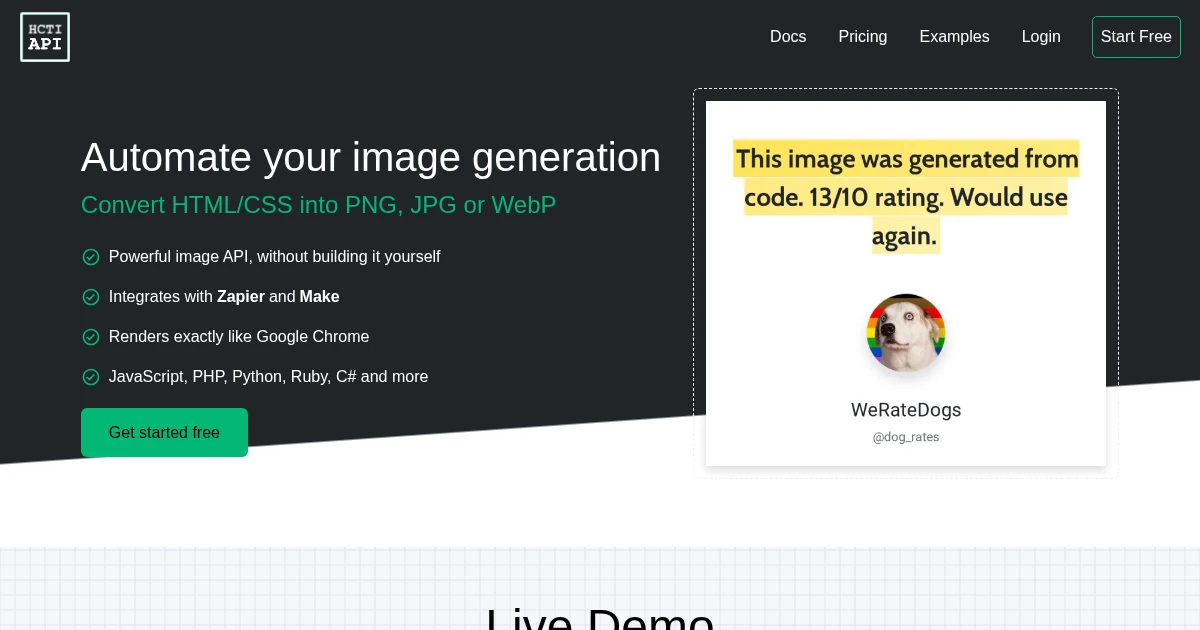
HTML to Image: How to Render HTML to PNG, JPG, or WebP
Three ways to turn HTML into an image: a client-side DOM library, an online converter, and a screenshot API that renders your HTML at a URL and returns a hosted PNG, JPG, or WebP.
Jun 22, 2026 · 6 min read
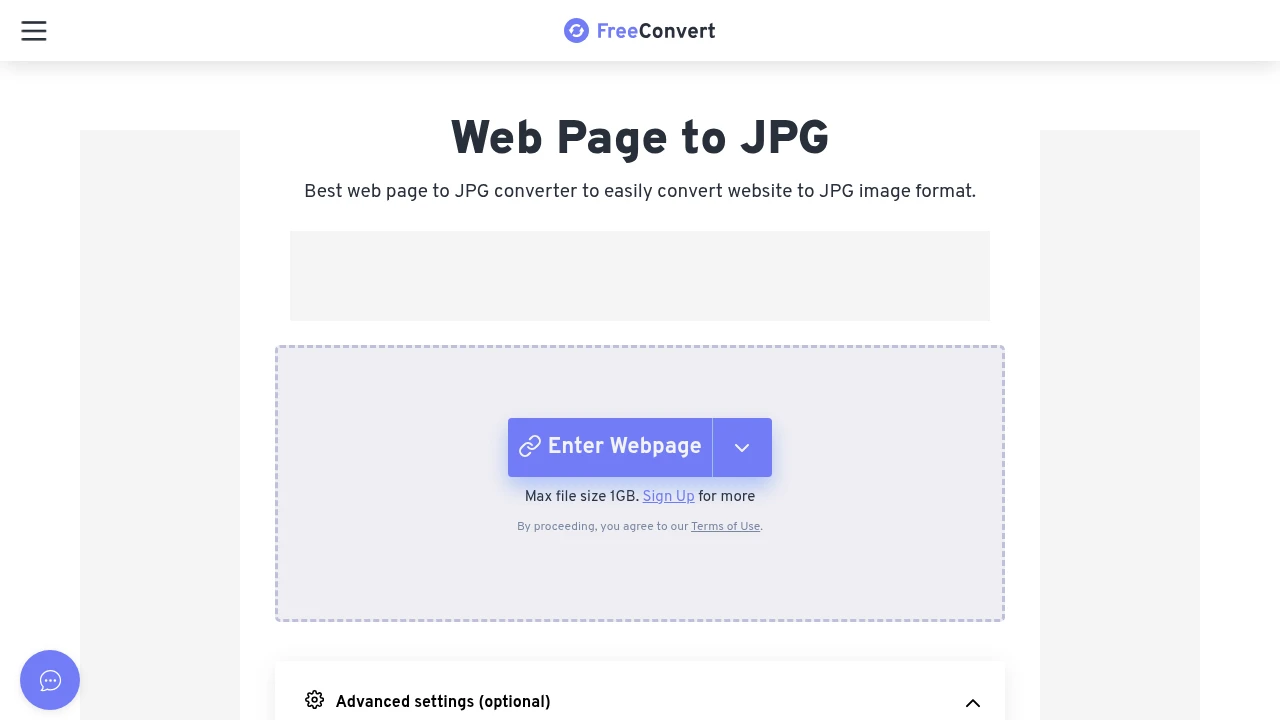
How to Convert a Webpage to JPG (URL to JPG Image via API)
Turn any URL into a hosted JPG with one API call. How the URL-to-JPG job differs from a file converter, when JPG beats PNG or WebP, and how to capture the full page.
Aug 3, 2026 · 7 min read
How to Screenshot a Website from a URL (No Browser Needed)
Skip the headless browser setup. Learn the three ways to capture a screenshot from a URL, and when a screenshot API beats Puppeteer or Playwright for production workloads.
Jun 15, 2026 · 7 min read