Testing & monitoring
How Percy Visual Testing Works (and When a Screenshot API Fits Your Workflow)
July 30, 2026 · 5 min read · Grabbit Team
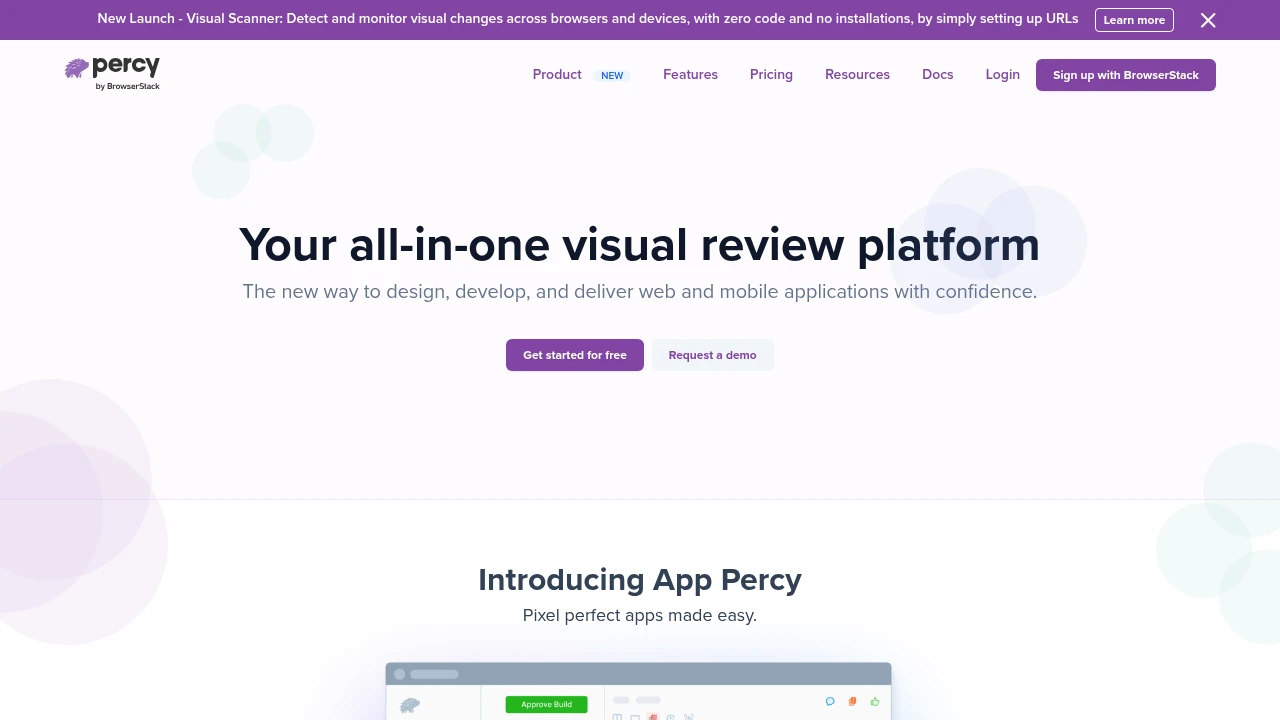
Percy is a hosted visual testing platform, now part of BrowserStack, that catches UI changes you did not mean to ship. You add a snapshot call to your existing tests, Percy renders each snapshot in its own browser fleet, diffs it against a stored baseline, and shows the visual differences in a review dashboard where someone approves or rejects the change. This guide walks through how that pipeline works, where it shines, and the narrower job where a screenshot API is the simpler fit.
How Percy visual testing works
Percy is visual regression testing with the hard parts managed for you: baseline storage, consistent rendering, and a review UI. The pipeline has four stages.
1. Snapshot. In your test, you call Percy's snapshot function at the moment you want to capture the page. With the Playwright or Cypress SDK it looks like one extra line:
import { test } from '@playwright/test';
import percySnapshot from '@percy/playwright';

test('homepage renders correctly', async ({ page }) => {
  await page.goto('https://example.com');
  await percySnapshot(page, 'Homepage');
});
The snapshot call does not diff anything locally. It serializes the page's DOM and assets and uploads them to Percy.
2. Render. Percy takes that serialized DOM and renders it in its own browser fleet, across the browser and viewport-width combinations you configure. Rendering server-side is the point: it removes the "passes on my Mac, fails in CI" problem that plagues locally captured baselines, because every snapshot is rendered in the same controlled environment.
3. Diff against the baseline. Percy compares each freshly rendered snapshot against the stored baseline for that page (the last approved version). It highlights the changed pixels. The first time a snapshot runs there is no baseline, so that render becomes the baseline.
4. Review and approve. Changed snapshots land in a Percy dashboard. A reviewer looks at the highlighted diff and either approves it (an intentional change, which becomes the new baseline) or rejects it (a regression to fix). Approval can gate the pull request, so a visual change cannot merge until a human has signed off.
The value is the loop: your existing tests feed snapshots in, and Percy handles rendering, baselines, and the human review step so you are not eyeballing every page after every commit.
What Percy is good at
- Reviewing intended vs. unintended change. The dashboard and approve/reject flow are the real product. Percy is built around a human confirming that a visual change was on purpose.
- Cross-browser and responsive diffs. Because it renders server-side, one snapshot can be checked across several browsers and viewport widths without you running each locally.
- Component and page coverage inside a test suite. If you already have Playwright, Cypress, or Storybook tests, adding snapshots is incremental.
Where the cost adds up
Percy prices per snapshot, per browser, per commit. That number grows fast: pages times viewport widths times browsers times how often your suite runs. A free tier covers small projects, but a busy team testing many pages across several browsers on every push can move through an allotment quickly. That is the tradeoff for a managed review UI, and it is worth it when reviewing visual change is the job. It is overkill when all you need is to capture and store an image.
Where a screenshot API fits instead
Percy diffs and reviews. A screenshot API captures. Those are different jobs, and plenty of "visual" tasks are pure capture with no diff or review step:
- Capturing pages outside your test suite. A live production page, a marketing page, or a third-party page you do not control is a capture job, not a test assertion. There is no baseline to approve.
- A stable baseline or reference image. If you want a consistent render of your deployed page to compare against, capturing it through a hosted browser gives you one image that does not depend on any developer's machine.
- Scheduled snapshots for records or monitoring. Grabbing the same set of URLs on a schedule to archive or watch them is capture, not per-commit regression testing.
For those, you do not need a snapshot SDK wired into a test runner or a per-browser review dashboard. You need one request that returns a hosted image:
curl https://api.grabbit.live/v1/grabs \
  -H "Authorization: Bearer sk_live_..." \
  -H "Content-Type: application/json" \
  -d '{
    "url": "https://example.com",
    "width": 1280,
    "full_page": true,
    "format": "png"
  }'
The response gives you a hosted image URL you can store as a reference or feed into your own diffing:
{
  "id": "grb_01jx...",
  "status": "done",
  "image_url": "https://cdn.grabbit.live/grabs/grb_01jx....png",
  "width": 1280,
  "format": "png",
  "bytes": 96420,
  "execution_ms": 1240
}
width accepts 320 to 1920 and height 240 to 1080, full_page captures the whole scroll height, format is png, jpeg, or webp, and delay_ms (0 to 10000) lets late-loading content settle before the shot. To be clear about scope: Grabbit captures the images. The diffing, the approve/reject review, and the pass/fail belong in Percy or your VRT tool. Pricing is flat at $0.002 per capture. Annual-plan credits reset at renewal rather than monthly, while separately purchased top-up credits do not expire while your account remains active.
Percy or a screenshot API: which to reach for
- Reach for Percy when the job is reviewing visual change: you want a managed baseline, cross-browser diffs, and a human approving each change before it merges, driven from your existing tests.
- Reach for a screenshot API when the job is capture: pages outside your suite, a stable reference image, or scheduled snapshots, where there is no baseline to approve and you just need the image.
Many teams use both. Percy guards the components and pages inside the test suite; a screenshot API captures everything that lives outside it.
For the fuller picture, see the practical guide to visual regression testing and the roundup of visual regression testing tools. If your stack is Playwright, Playwright visual regression testing shows the built-in, no-service version of the same loop.
FAQ
- What is Percy visual testing?
- Percy is a hosted visual testing platform (part of BrowserStack) that catches unintended UI changes. You add a snapshot call to your existing test suite, Percy renders each snapshot in its own browser fleet, compares it pixel by pixel against a stored baseline, and surfaces the visual diffs in a review dashboard where a human approves or rejects the change. It is visual regression testing with the baseline storage, rendering, and review UI managed for you.
- What is Percy used for?
- Percy is used to catch visual regressions: the CSS change, refactor, or dependency bump that silently breaks a layout, shifts a button, or drops an element. Instead of eyeballing every page after every change, your test suite sends snapshots to Percy on each commit, and Percy flags any page whose rendering changed so a reviewer can confirm it was intentional before it ships.
- What is Percy BrowserStack?
- Percy is owned by BrowserStack and often written as 'Percy by BrowserStack.' It integrates with BrowserStack's cross-browser rendering infrastructure, so snapshots can be compared across different browsers and viewport widths. The workflow is the same as standalone Percy: snapshot in your tests, diff against a baseline, review in a dashboard.
- What is the top tool for automated visual regression testing?
- There is no single top tool; the right choice depends on your stack. Percy and Chromatic are the common hosted platforms (Chromatic is Storybook-focused). Playwright and Cypress have built-in screenshot assertions that are free and need no service. BackstopJS is the open-source standard for self-hosting. Pick hosted when you want a managed review UI and baseline storage, and built-in or open-source when you want to keep the loop in your own CI.
- Is Percy free?
- Percy has a free tier with a monthly snapshot allotment, then paid plans priced by snapshot volume. Because pricing is per snapshot per browser, cost scales with how many pages, viewports, and browsers you test on every commit. If you only need to capture and store images rather than diff them in a review UI, a flat-priced screenshot API is usually cheaper for that specific job.
Capture any website with one API call
Get a free test key and wire your first request in two minutes.
Written by
Grabbit Team
Screenshots as a service
The team behind Grabbit, the screenshot API for developers and AI agents. We write about web capture, rendering, and automating screenshots at scale.
Keep reading
Visual Regression Testing: A Practical Guide for 2026
What visual regression testing is, how the baseline-and-diff workflow works, the best tools, and how consistent screenshots keep your visual tests from going flaky.
Jun 11, 2026 · 4 min read
The Best Visual Regression Testing Tools (Open Source and SaaS)
A practical rundown of the best visual regression testing tools in 2026, open source and SaaS, plus how to feed any of them consistent screenshots of deployed URLs.
Jun 14, 2026 · 7 min read
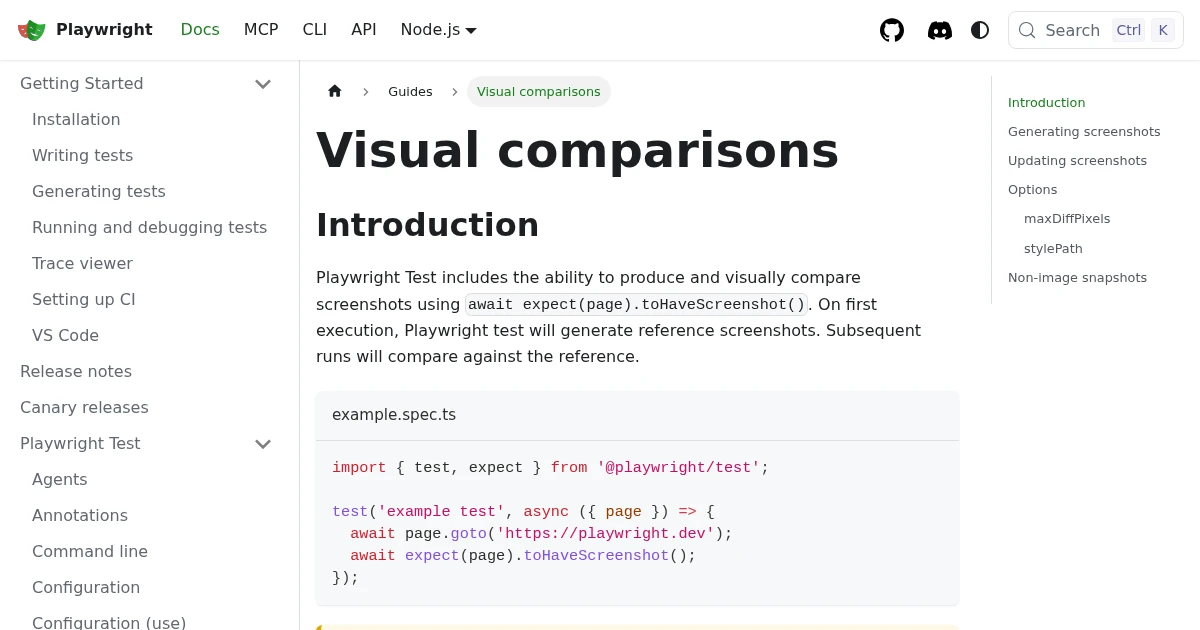
Playwright Visual Regression Testing: Catch UI Bugs in CI
Set up visual regression testing in Playwright with toHaveScreenshot: baselines, diff thresholds, the CI flake problem, and where a screenshot API fits as a stable baseline source.
Jun 17, 2026 · 5 min read