Dev frameworks
Puppeteer Alternatives in 2026: What to Use Instead (by Job)
July 15, 2026 · 6 min read · Grabbit Team
The most useful answer to "what should I use instead of Puppeteer?" is a question back: what are you actually trying to do? Puppeteer is a browser-automation library, and the right replacement depends entirely on the job you were using it for. Cross-browser testing, cross-language automation, app testing, and "just give me a screenshot of this URL" all point to different tools. This guide matches each real alternative to the job it wins, so you pick by need instead of by a leaderboard.
First, the honest framing: Puppeteer is not dead. It is actively maintained and still fine for Chromium-only scripts. Most people searching for an alternative have outgrown Puppeteer's scope (they need another engine, another language, or less infrastructure) rather than hit a wall with the library itself.
The short answer
- General automation and end-to-end testing: Playwright. Built by former Puppeteer engineers, nearly identical API, plus Firefox and WebKit and auto-waiting.
- Cross-language or legacy browser coverage: Selenium. Supports almost every language and browser.
- Testing your own web app with great debugging: Cypress. Runs inside the browser, time-travel snapshots, dev-friendly.
- You only need a screenshot of a URL: none of the above. A hosted screenshot API takes one request and returns an image, with no browser to run.
The rest of this post explains when each one is the right call.
Playwright: the natural full-automation replacement
If you were using Puppeteer to drive a real browser, click through flows, and run end-to-end tests, Playwright is the closest thing to a drop-in upgrade. The team that originally built Puppeteer at Google went on to create Playwright at Microsoft, so the APIs look familiar and migrating is straightforward.
What you gain over Puppeteer:
- Three engines, one API. Playwright drives Chromium, Firefox, and WebKit (the engine behind Safari). Puppeteer is Chromium-focused with experimental Firefox support.
- Auto-waiting. Actions wait for elements to be ready before firing, so you write far less manual
waitForSelectorandwaitUntiltiming code. - More languages. JavaScript and TypeScript, plus Python, Java, and .NET.
For the full head-to-head specific to screenshots, see Puppeteer vs Playwright for screenshots. If you are staying with a library, Playwright is the safe default for new work in 2026.
Selenium: cross-language and legacy coverage
Selenium is the oldest and most widely deployed browser-automation tool, and it wins on breadth. If your team writes in Java, C#, Ruby, or Python, or you need to drive older browsers that Chromium-first tools ignore, Selenium is built for exactly that. It is heavier to set up and more verbose than Puppeteer, but nothing else covers as many languages and browsers with one project.
Reach for Selenium when the constraint is "our stack is not Node" or "we have to support browser X." Skip it if you are on Node and Chrome, where Puppeteer or Playwright are simpler.
Cypress: testing your own web app
Cypress takes a different architectural approach: instead of controlling the browser from the outside over a protocol, it runs your tests inside the browser alongside your application. That buys best-in-class debugging, time-travel snapshots of each step, and a fast, dev-friendly setup. It is aimed at testing an app you own, not at general scraping or automation of third-party sites.
If you were using Puppeteer to test your own front end, Cypress is often a nicer developer experience. For capturing arbitrary external pages, it is the wrong tool. See taking screenshots in Cypress for where it fits and where it does not.
When all you actually need is a screenshot
Here is the case the roundups usually miss. A lot of Puppeteer code exists for one narrow reason: take a screenshot of a URL. Generate an OG image, capture a page for a report, render a thumbnail, or give an AI agent a picture of a page. If that is your whole use case, every library above is more machinery than the job needs.
The cost of a headless browser does not show up on your laptop. It shows up in production, and it is the same whether you picked Puppeteer, Playwright, or Selenium:
- Provisioning. Headless Chromium needs a long list of system libraries. Slim containers and serverless functions hit missing-dependency errors before the first pixel.
- Memory and zombie processes. A browser not closed on every error path leaks memory and orphans processes. Teams end up killing and respawning Chromium on a schedule just to stay upright.
- Patching. Browser engines ship security updates constantly, so a long-lived screenshot service becomes a browser fleet you have to keep current.
- Concurrency. One browser does one job at a time well. Thousands of captures a day means a pool, a queue, and back-pressure to build and operate.
None of that is screenshot code. It is infrastructure. When screenshots are a feature you ship rather than a step inside an existing test or scrape, a hosted screenshot API removes all of it. Here is the same capture as a single request to Grabbit:
curl https://api.grabbit.live/v1/grabs \
  -H "Authorization: Bearer sk_live_..." \
  -H "Content-Type: application/json" \
  -d '{
    "url": "https://example.com",
    "width": 1280,
    "full_page": true,
    "format": "webp"
  }'
The response includes a hosted image_url you can use directly:
{
  "id": "grb_01jx...",
  "status": "done",
  "image_url": "https://cdn.grabbit.live/grabs/grb_01jx....webp",
  "width": 1280,
  "format": "webp",
  "bytes": 48210,
  "execution_ms": 1180
}
The Puppeteer options you know map onto request parameters: fullPage becomes full_page, an element handle or locator becomes a selector field, and a manual wait becomes delay_ms (0 to 10000). Width accepts 320 to 1920, height 240 to 1080, and format is png, jpeg, or webp. Pricing is flat at $0.002 per live capture. Annual-plan credits reset at renewal rather than monthly, while separately purchased top-up credits do not expire while your account remains active.
To be clear about scope: this replaces Puppeteer only for the capture job. Grabbit renders and screenshots a URL. It does not run your click, type, or scrape scripts, so if you need real automation, stay with Playwright or Selenium.
How to pick
Match the alternative to the job you had Puppeteer doing:
- End-to-end tests and general automation → Playwright.
- Cross-language teams or legacy browsers → Selenium.
- Testing your own web app → Cypress.
- A screenshot of a URL, at scale, without running a browser → a hosted screenshot API.
- Already happy with Puppeteer on Chrome? → keep it. It is maintained and there is no urgency to move.
If your reason for leaving Puppeteer is the screenshot use case specifically, the framework deep dives in taking screenshots in Puppeteer and headless Chrome screenshots show the DIY path, and the screenshot API shows the one-request path when you would rather not run the browser at all.
FAQ
- What are the best Puppeteer alternatives?
- It depends on the job. For general browser automation and end-to-end testing, Playwright is the natural replacement (built by former Puppeteer engineers). For cross-language support, Selenium. For testing your own web app with great debugging, Cypress. And if all you actually need from Puppeteer is a screenshot of a URL, a hosted screenshot API removes the headless-Chrome maintenance entirely. Match the tool to what you are trying to do, not to a leaderboard.
- Is Puppeteer still maintained?
- Yes. Puppeteer is actively maintained and still a solid choice for Chromium-only scripts. It is not deprecated or abandoned. The reason people look for alternatives is usually scope (they need another browser engine, another language, or less infrastructure to run), not that Puppeteer stopped working. If you have a working Puppeteer codebase, there is no urgency to migrate.
- Is Playwright or Puppeteer better?
- For a Chromium-only script the two are close, with nearly identical APIs. Playwright pulls ahead when you need Firefox and WebKit from one API, want built-in auto-waiting so actions fire after the page settles, or need Python, Java, or .NET support. Puppeteer is the lighter pick when you are already on Chrome and want the smallest dependency. Playwright is the more common default for new projects in 2026.
- Which is better, Selenium or Puppeteer?
- Selenium supports nearly every browser and programming language, which makes it the choice for cross-language teams and legacy browser coverage. Puppeteer is faster to set up and more ergonomic if you are on Node and Chrome. For web scraping and automation on Chromium, Puppeteer (or Playwright) is usually simpler; for broad language and browser support, Selenium wins.
- What is the best headless browser for taking screenshots?
- If you are writing the automation yourself, headless Chromium via Playwright or Puppeteer covers most cases, and Playwright adds Firefox and WebKit. But the fastest path to a screenshot of a URL is not running a headless browser at all. A hosted screenshot API returns a hosted image from one HTTP request, with no browser to provision, patch, or keep alive.
- Is there a Puppeteer alternative for just taking screenshots?
- Yes. If screenshots are the only reason you reached for Puppeteer, a hosted screenshot API is the direct alternative. You send a URL and options like width, full_page, and format, and get back a hosted image. There is no Chromium to install, no memory leaks to babysit, and no browser fleet to patch. Reach for Puppeteer or Playwright when you also need to click, type, or scrape.
Capture any website with one API call
Get a free test key and wire your first request in two minutes.
Written by
Grabbit Team
Screenshots as a service
The team behind Grabbit, the screenshot API for developers and AI agents. We write about web capture, rendering, and automating screenshots at scale.
Keep reading
Puppeteer vs Playwright for Screenshots: Which Should You Use?
A practical comparison of Puppeteer and Playwright for taking screenshots: API ergonomics, full-page capture, cross-browser support, speed, and when a hosted API beats both.
Jun 15, 2026 · 6 min read
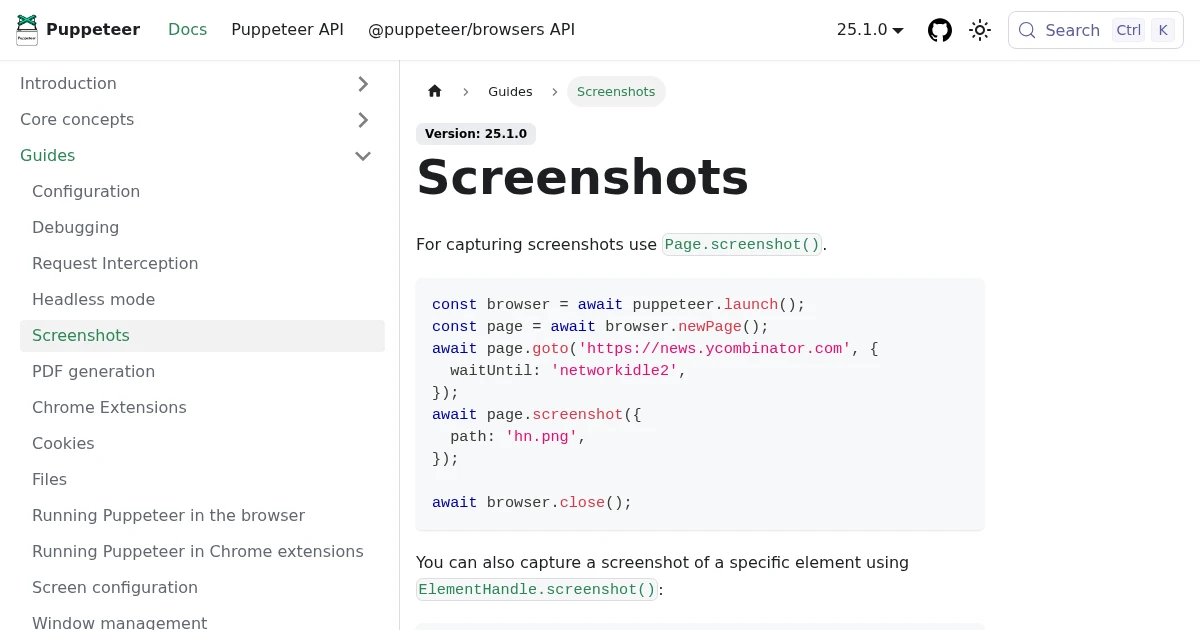
Full-Page Screenshots in Puppeteer (and When an API Is Faster)
How to take screenshots in Puppeteer: full page, specific elements, and high quality. Plus the failure modes that make people switch to a hosted screenshot API.
Jun 12, 2026 · 5 min read
How to Take Screenshots with Headless Chrome (and the API Alternative)
Capture a webpage screenshot with headless Chrome from the command line: the real chrome --headless --screenshot command, its window-size and full-page limits, and when a hosted API is less to maintain.
Jul 14, 2026 · 6 min read