Dev frameworks
How to Make Puppeteer Wait for a Page to Load Before Screenshotting
October 3, 2026 · 6 min read · Grabbit Team
The most common Puppeteer screenshot bug has nothing to do with the screenshot. It is the wait before it. The load event fires, your code captures, and the image comes back blank or half-rendered because the client-side JavaScript, the XHR data, or the web fonts had not landed yet. This guide covers every reliable way to make Puppeteer wait for a page to load, which one to reach for, and the one case where you can skip the wait plumbing entirely.
Start with the right waitUntil event
The fastest fix is usually the waitUntil option on page.goto(). Puppeteer gives you four events to wait on:
import puppeteer from 'puppeteer';

const browser = await puppeteer.launch();
const page = await browser.newPage();

// waitUntil accepts: 'load' | 'domcontentloaded' | 'networkidle0' | 'networkidle2'
await page.goto('https://example.com', { waitUntil: 'networkidle2' });
await page.screenshot({ path: 'example.png' });

await browser.close();
What each one means:
domcontentloadedresolves when the HTML is parsed, before stylesheets, images, and subresources. Too early for a screenshot.loadresolves on theloadevent, after images and stylesheets. This is the default, and it is still too early for anything client-rendered.networkidle0waits until there have been zero network connections for 500ms. Strict and good for static pages.networkidle2waits until there are no more than two network connections for 500ms. This is the most reliable default for real pages, because it tolerates a lingering analytics beacon or a polling request that would keepnetworkidle0waiting until it times out.
For most screenshots, networkidle2 is the right starting point. It waits for the XHR and font requests that load ignores, without hanging on background chatter.
When networkidle is not enough: wait for a selector
Network idle is a proxy for "the page is done." On a single-page app that keeps a websocket open, or one that renders a spinner first and swaps in content later, the network can go quiet while the thing you actually want is still missing. Wait for the specific element instead:
await page.goto('https://app.example.com/dashboard', { waitUntil: 'domcontentloaded' });

// block until the real content is in the DOM
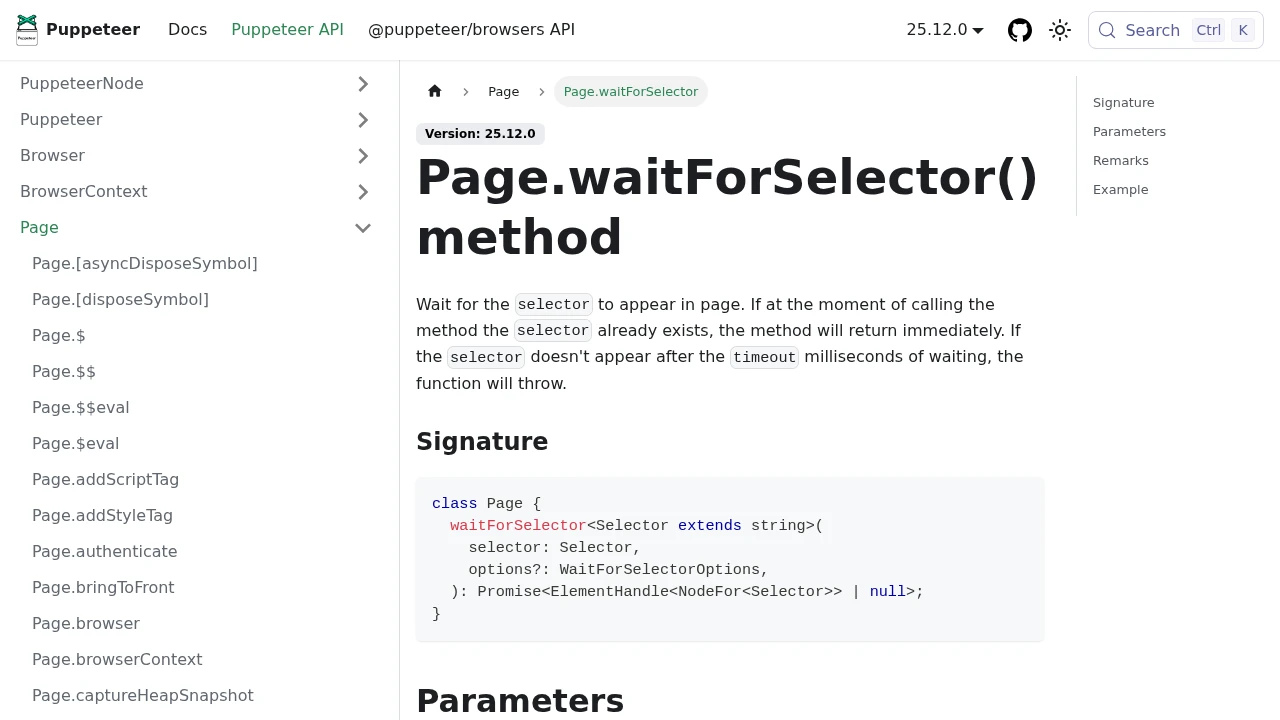
await page.waitForSelector('#results', { visible: true });

await page.screenshot({ path: 'dashboard.png' });
waitForSelector is the most dependable wait in Puppeteer because it ties the capture to the one thing you care about. The visible: true option is important: it waits not just for the node to exist but for it to have a non-empty bounding box and no display: none, which is what you want before a screenshot.
When a selector is not enough: wait for a function
Sometimes "ready" is not a single element. It is a condition: a chart finished animating, a global flag flipped, a list reached a certain length. waitForFunction runs a predicate inside the page and resolves when it returns truthy:
// wait until the app sets its own ready flag
await page.waitForFunction(() => window.__APP_READY__ === true, { timeout: 15000 });

// or: wait until a list has fully populated
await page.waitForFunction(
  () => document.querySelectorAll('.row').length >= 20,
  { polling: 'raf' },
);
Use polling: 'raf' to check on every animation frame for a visual condition, or pass a number of milliseconds for a cheaper poll. Always set a timeout so a condition that never becomes true fails loudly instead of hanging your job.
Do not forget the fonts
A page can be fully loaded and still screenshot wrong, because web fonts load asynchronously and the capture caught a fallback font. This is the single most common "looks slightly off" bug in automated screenshots. Wait for the font set explicitly:
await page.evaluate(() => document.fonts.ready);
await page.screenshot({ path: 'with-fonts.png' });
For a full-page capture of a page that lazy-loads sections on scroll, you also need to scroll the page so those sections render before you capture. That combination, network idle plus a selector plus fonts plus a scroll pass, is what a reliable screenshot actually requires.
The fixed-delay escape hatch (use sparingly)
Modern Puppeteer removed page.waitForTimeout(). When you genuinely cannot detect readiness any other way (a CSS animation with a known duration, say), use a plain promise:
await new Promise((resolve) => setTimeout(resolve, 2000));
Treat this as a last resort. A fixed delay is either too short, which is where "racey waits" come from, or too long, which makes every capture slow. Wait on an event or a selector whenever you can.
When you can skip the wait plumbing
Everything above is the correct way to drive Puppeteer, and if you are already running a browser for scraping, logins, or end-to-end tests, keep doing it. But notice how much of this code exists only to get a clean screenshot: the waitUntil tuning, the selector waits, the fonts check, the scroll pass, and the headless Chromium you have to provision, patch, and keep from leaking memory.
If a screenshot is all you need, a hosted screenshot API collapses the wait plumbing into two parameters. You send a URL, and delay_ms and selector replace the manual waits. There is no browser to keep alive:
curl https://api.grabbit.live/v1/grabs \
  -H "Authorization: Bearer sk_live_..." \
  -H "Content-Type: application/json" \
  -d '{
    "url": "https://app.example.com/dashboard",
    "width": 1280,
    "full_page": true,
    "selector": "#results",
    "delay_ms": 500,
    "format": "webp"
  }'
The selector field waits for that element to render before capturing, the same job waitForSelector does in your own code, and delay_ms (0 to 10000) is the settle time you would otherwise hand-roll with a promise. The response is a hosted image URL:
{
  "id": "grb_01jx...",
  "status": "done",
  "image_url": "https://cdn.grabbit.live/grabs/grb_01jx....webp",
  "width": 1280,
  "format": "webp",
  "bytes": 48210,
  "execution_ms": 1180
}
Width accepts 320 to 1920, height 240 to 1080, and format is png, jpeg, or webp. Grabbit runs the browser fleet and the wait logic so you do not have to. Pricing is a flat $0.002 per successful live grab, or $50 a year for 25,000 prepaid credits that never reset or expire. Test keys render a placeholder for free so you can wire up the integration before spending a credit.
This does not replace Puppeteer for clicking, filling forms, or evaluating scripts. It replaces the browser you were keeping alive only to take a picture.
Which wait to reach for
A quick decision guide:
- Static or mostly-static page:
waitUntil: 'networkidle2'ongoto. - Content rendered by client-side JavaScript:
page.waitForSelector()for the element you need. - A readiness condition that is not one element:
page.waitForFunction()with a timeout. - Text that must render in the right font: add
document.fonts.ready. - You only want the screenshot, not the automation: send the URL to an API with
selectoranddelay_msand skip the browser.
For the capture side of this once the page is ready, see taking screenshots in Puppeteer, the Playwright equivalent, and, if you are weighing hosted options, the honest comparison of screenshot APIs.
FAQ
- How do I wait for a page to load in Puppeteer?
- Pass a waitUntil option to page.goto(). The four events are load, domcontentloaded, networkidle0, and networkidle2. For a screenshot of a content-heavy page, networkidle2 (no more than two network connections for 500ms) is usually the most reliable, because it waits for XHR and fonts to settle rather than just the initial HTML. For a single-page app that keeps a socket open, waitUntil never fully settles, so wait for a specific element with page.waitForSelector() instead.
- How do I wait for JavaScript until a page is loaded?
- The load event fires when the initial resources download, which is before client-rendered content appears. To wait for JavaScript-rendered content, wait for the element that content produces: await page.waitForSelector('#results'). For a condition that is not a single element, use page.waitForFunction(() => window.__ready === true), which polls in the page until the predicate returns true.
- What is the difference between networkidle0 and networkidle2 in Puppeteer?
- Both wait for the network to go quiet for 500ms. networkidle0 requires zero in-flight connections; networkidle2 allows up to two. networkidle0 is stricter and good for static pages, but it times out on pages that keep a long-lived connection open (analytics beacons, polling, websockets). networkidle2 tolerates that background chatter, so it is the safer default for real-world pages you want to screenshot.
- Why is my Puppeteer screenshot blank or half-rendered?
- Almost always the capture ran before the page finished. The initial load event fired, Puppeteer took the shot, and the client-rendered content or web fonts had not arrived yet. Fix it by waiting on the right signal: networkidle2 on goto for background XHR, page.waitForSelector() for a specific rendered element, and await page.evaluate(() => document.fonts.ready) so text is not captured in a fallback font.
- How do I make Puppeteer wait a fixed number of seconds?
- Modern Puppeteer removed page.waitForTimeout(). Use a plain promise: await new Promise(r => setTimeout(r, 2000)). A fixed delay is a last resort, since it is either too short (flaky) or too long (slow). Prefer waiting on an event or a selector; reach for a fixed delay only for an animation or a known settle time you cannot detect any other way.
Capture any website with one API call
Get a free test key and wire your first request in two minutes.
Written by
Grabbit Team
Screenshots as a service
The team behind Grabbit, the screenshot API for developers and AI agents. We write about web capture, rendering, and automating screenshots at scale.
Keep reading
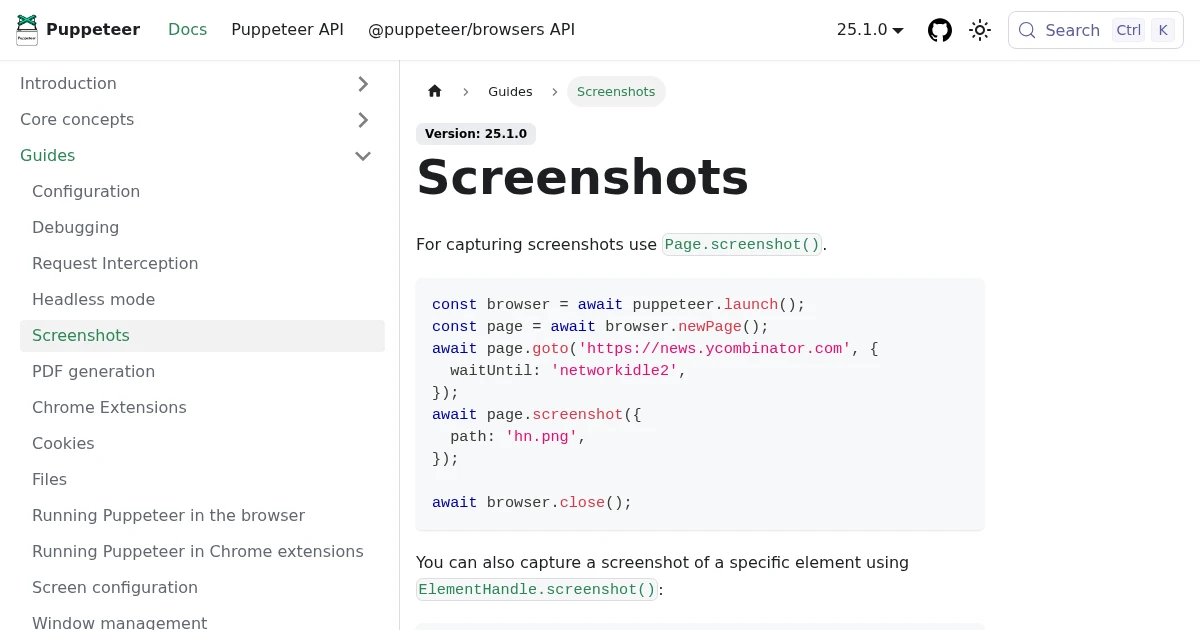
Full-Page Screenshots in Puppeteer (and When an API Is Faster)
How to take screenshots in Puppeteer: full page, specific elements, and high quality. Plus the failure modes that make people switch to a hosted screenshot API.
Jun 12, 2026 · 5 min read
How to Take Screenshots in Playwright (Full Page, Elements, CI)
Everything you need to take screenshots in Playwright: the viewport default, full-page captures, element-level shots, and wiring it all into CI. Plus when to reach for an API instead.
Jun 14, 2026 · 11 min read
The Best Screenshot APIs in 2026 (An Honest Comparison)
Comparing the top screenshot APIs on billing model, per-grab cost, features, and agent support so you can pick the right one for your project.
Jun 11, 2026 · 5 min read