Product
Playwright MCP: When Your Agent Needs the Accessibility Tree (and When It Needs to See)
July 20, 2026 · 6 min read · Grabbit Team
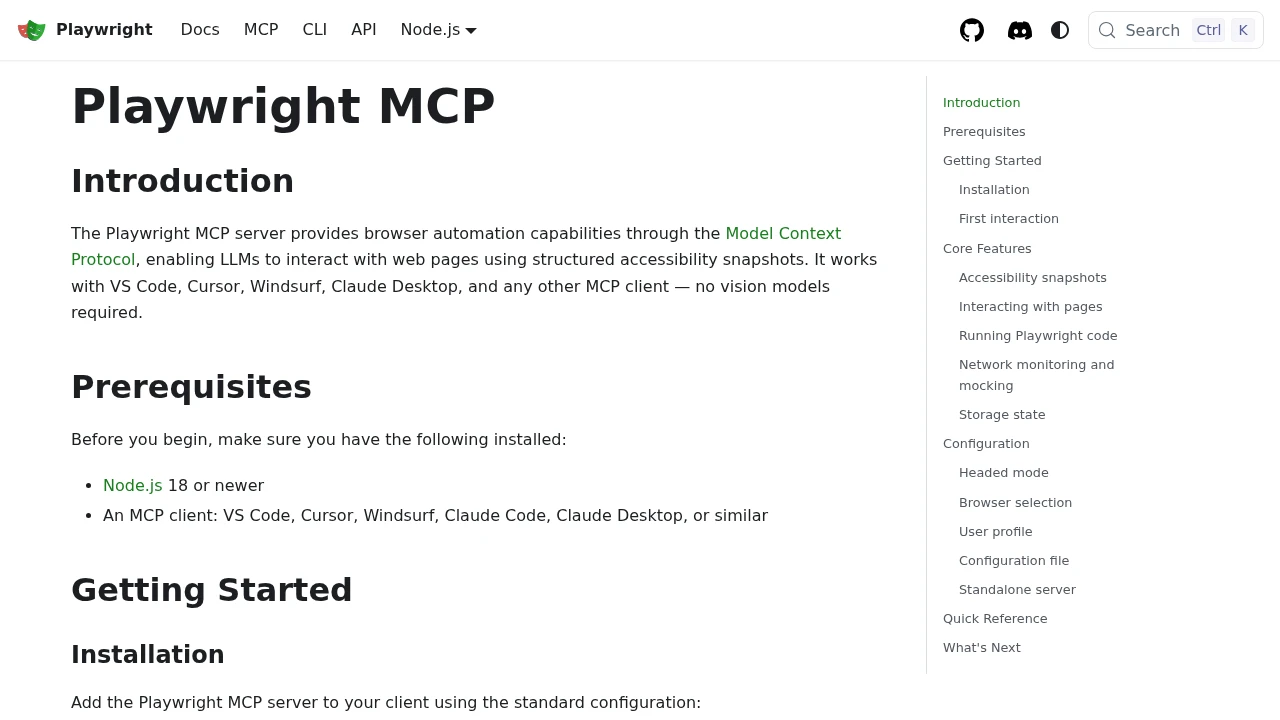
Playwright MCP gives an AI agent a real browser and, instead of feeding it screenshots, exposes each page as a structured accessibility tree the agent reads and acts on. That is the right answer when your agent needs to do something on a page: click, type, log in, submit a form, generate a test. It is the wrong answer when your agent needs to see whether the page actually looks right. Those are two different senses, and most real agent workflows need both.
This post explains what Playwright MCP is, why the accessibility-tree approach is cheaper and more deterministic than screenshot-and-vision for interaction, and where a rendered image is still the tool you reach for.
What Playwright MCP actually is
Playwright MCP is an open-source Model Context Protocol server from Microsoft that wraps Playwright's browser automation and exposes it as MCP tools. Point an MCP-compatible host at it (Claude, Cursor, VS Code, and others), and your agent gets tools to navigate to a URL, click an element, type into a field, wait for content, and read the page.
The design choice that defines it: rather than screenshot the page and hand the image to a vision model, Playwright MCP returns the page's accessibility tree. That is a structured, text representation of the page built from ARIA roles, labels, and hierarchy. The agent sees something like button "Sign in", textbox "Email", link "Pricing" instead of a picture of the page.
Two consequences follow from that choice, and they are the whole reason to care about it.
Why the accessibility tree wins for interaction
It is deterministic. When an agent reads button "Sign in" from the tree, that element exists with that role and that label. There is no guessing coordinates from a screenshot and no hallucinated selector. The agent acts on real page structure, so clicks land where they should and forms fill the fields they mean to.
It is dramatically cheaper in tokens. A full-page screenshot passed to a vision model on every step is expensive. A structured tree is a fraction of the tokens. For a multi-step task, that difference compounds turn over turn, so agents that read the tree run cheaper and faster than agents that screenshot-and-look at each step.
That combination is exactly why the tool exists, and it is genuinely excellent at what it does. If your agent's job is to drive a browser (run a login flow, walk a checkout, generate a Playwright test by exploring a site) the accessibility tree is the right input, and Playwright MCP is free and well built. This post is not an argument against it.
Where the accessibility tree hits a wall
The tree tells your agent what is on the page. It does not tell your agent what the page looks like. Those are different questions, and a large class of agent tasks is fundamentally the second one:
- Is the layout broken? A deploy shipped, the nav overlaps the hero, and every element is still present in the DOM. The accessibility tree looks fine. The page looks wrong.
- Did the OG card render correctly? Before a post goes live, you want to confirm the title is not clipped and the logo is present. That is a visual judgment on a rendered image, not a tree walk.
- Is there a CSS regression? Spacing, color, a shifted button. The semantics are unchanged; the pixels are not.
- Does the chart look right? A dashboard renders data into an SVG or canvas with no accessible labels. The tree is empty where the meaning is.
- You need to feed a real image to a vision step. The task is inherently visual: describe the page, compare two captures, read a screenshot the way a user would.
For all of these, the agent needs a rendered image, not a structured description. And critically, it often needs an image of a page it does not drive: a competitor's pricing page, a live production URL, an OG route it just deployed. That is a capture job, not an automation job.
The complementary pattern: read the tree, then see the page
The clean mental model is two senses. The accessibility tree is the agent's sense of structure; a screenshot is its sense of appearance. A capable agent uses whichever the task calls for, and often both in sequence: drive the flow with Playwright MCP, then capture the result and check it with a vision model.
For the capture half, a screenshot API is the one-line tool: send a URL, get back a hosted image, pass it to your vision model. No second browser to manage inside your agent, no headless Chromium to keep alive, and it works on any public URL the agent needs to look at.
curl -X POST https://api.grabbit.live/v1/grabs \
  -H "Authorization: Bearer $GRABBIT_API_KEY" \
  -H "Content-Type: application/json" \
  -d '{
    "url": "https://yoursite.com/dashboard",
    "width": 1280,
    "height": 720,
    "format": "webp",
    "full_page": true
  }'
The response includes an image_url your agent hands straight to a vision model as an image input. Set full_page to true to capture below the fold, format to webp to keep the image small for a vision API, delay_ms (0 to 10000) to wait for late-loading content, and selector to capture just one element (a chart, a card) rather than the whole page. If you expose this as an MCP tool of your own, the agent gets a grab tool alongside its Playwright MCP tools, and it picks the right sense for each step.
For the full agent-side pattern, including registering the capture as a tool and the vision-analysis loop, see Screenshots for AI Agents.
When to reach for which
A short honest guide:
- Use Playwright MCP when the agent needs to interact: click, type, log in, submit, explore a site to write tests, walk a multi-step flow. The accessibility tree is cheaper, deterministic, and it is the right sense for acting on a page.
- Use a screenshot API when the agent needs to see: verify a layout, check an OG card, catch a CSS regression, read a chart with no accessible data, or feed a rendered image of a page it does not control to a vision model.
- Use both for the common real workflow: drive the flow with Playwright MCP, then capture and visually verify the result.
They are not competitors. Playwright MCP is a browser your agent drives; a screenshot API is an image your agent looks at. The agents that work best are the ones that know which sense a task needs.
For capturing any URL on demand from your agent or your own code, see the Grabbit screenshot API. If you are weighing hosted capture against running a headless browser yourself, Puppeteer Alternatives in 2026 covers the tradeoff.
FAQ
- What is MCP for Playwright?
- Playwright MCP is a Model Context Protocol server that gives an AI agent browser automation through Playwright. The agent calls MCP tools to navigate, click, type, and read a page. Instead of sending screenshots to a vision model, it exposes the page as a structured accessibility tree, so the agent works from the page's semantic roles and labels rather than pixels.
- What is the difference between the accessibility tree and a screenshot?
- The accessibility tree is a structured, text description of the page: roles, labels, and hierarchy (button 'Sign in', textbox 'Email'). It tells an agent what is on the page and is cheap and deterministic to act on. A screenshot is a rendered image that tells the agent what the page looks like: layout, spacing, colors, whether an element is visually broken. They answer different questions, so many agents use both.
- Is Playwright MCP free?
- Yes. Playwright MCP is open source from Microsoft and free to run. Your costs are the tokens the agent spends reading the accessibility tree each step and the compute to run the browser. The tree is far cheaper in tokens than sending a full-page screenshot to a vision model every turn, which is one of the main reasons it exists.
- What can I do with a Playwright MCP server?
- Drive a real browser from an agent: open URLs, click and type, fill and submit forms, wait for elements, run a login flow, and generate or debug tests. Because it reads the accessibility tree, it is well suited to deterministic, action-oriented tasks where the agent needs to interact with the page, not just look at it.
- Does an agent still need screenshots if it uses Playwright MCP?
- Often yes, for the visual jobs the accessibility tree cannot answer: is the layout broken, did the OG card clip, does the chart look right, is there a CSS regression. For those, the agent needs a rendered image. A screenshot API captures a URL and returns a hosted image the agent passes to a vision model, and it works for pages the agent does not control or drive.
- Is Playwright MCP safe to use?
- It runs a real browser that can navigate to and act on any site the agent chooses, so scope it like any tool with side effects: run it in an isolated or containerized browser, restrict which origins it can reach, and avoid pointing it at authenticated or destructive flows without guardrails. The accessibility-tree approach also reduces the risk of an agent acting on a hallucinated element, since it reads real roles and labels instead of guessing from a picture.
Capture any website with one API call
Get a free test key and wire your first request in two minutes.
Written by
Grabbit Team
Screenshots as a service
The team behind Grabbit, the screenshot API for developers and AI agents. We write about web capture, rendering, and automating screenshots at scale.
Keep reading
Screenshots for AI Agents: Giving Your LLM Eyes on the Web
Multimodal LLMs can reason about images, but they need a way to see web pages. A screenshot API is the one-line bridge that turns any URL into a hosted image your agent can analyze.
Jun 18, 2026 · 5 min read
How to Screenshot a Website from a URL (No Browser Needed)
Skip the headless browser setup. Learn the three ways to capture a screenshot from a URL, and when a screenshot API beats Puppeteer or Playwright for production workloads.
Jun 15, 2026 · 7 min read
Puppeteer Alternatives in 2026: What to Use Instead (by Job)
An honest guide to Puppeteer alternatives in 2026, matched to the job: Playwright for automation, Selenium for cross-language, Cypress for app tests, and a hosted API when all you need is a screenshot of a URL.
Jul 15, 2026 · 6 min read