Capture guides
How to Generate a Website Preview Image from a URL
June 26, 2026 · 6 min read · Grabbit Team
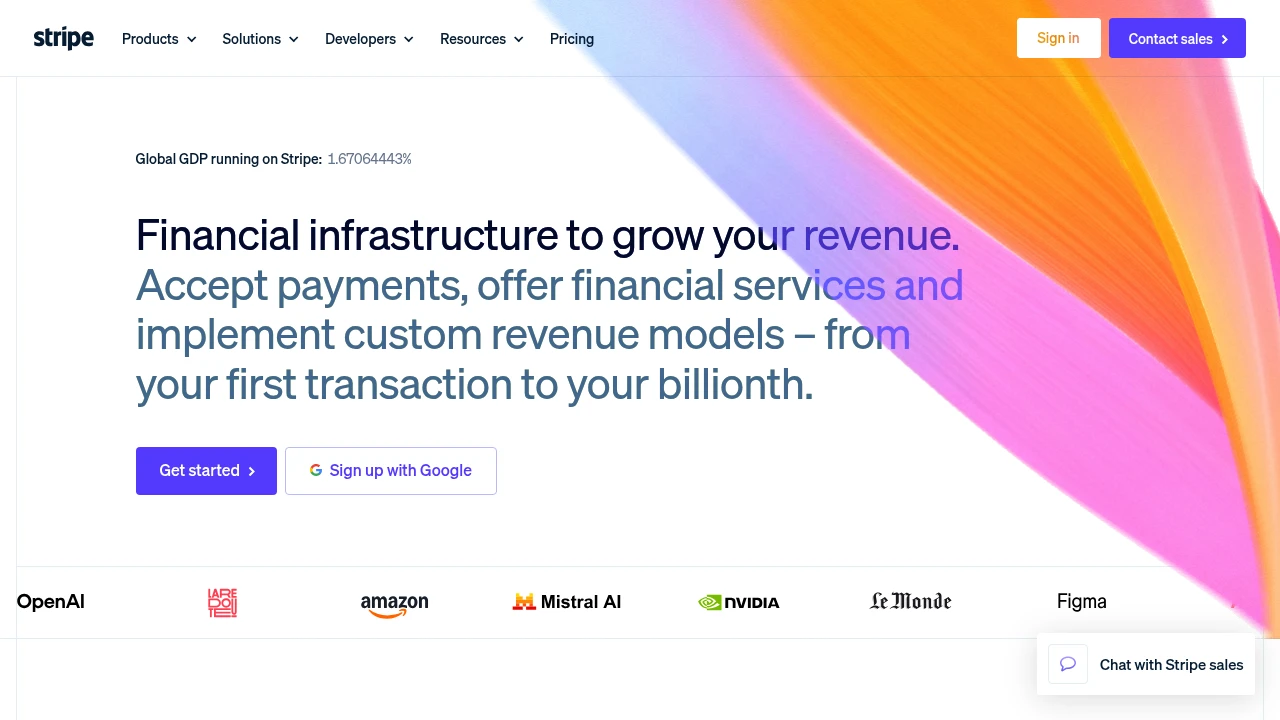
A website preview image is a rendered picture of a web page, almost always a screenshot of the page captured in a real browser. Link directories, dashboards, "recently added site" feeds, portfolio grids, and monitoring tools all show one so a person can recognize a site at a glance without loading it. To generate a preview from a URL, send the URL to a screenshot API and store the image it returns.
The preview itself is the easy part. The work is rendering the page faithfully, at the right size, for many URLs, on a schedule, without running a browser fleet yourself. This guide covers what a website preview actually is, how it differs from a social link preview, what size to capture, the build-it-yourself path, and the one-call API path.
Website preview vs social link preview
Search results for "website preview" mix two different jobs, so it is worth separating them up front:
- A website preview image is a screenshot of the page. You generate it for sites you link to, list, or watch, and it refreshes when you recapture. This is a render-the-URL problem.
- A social link preview is the
og:imagea site sets for itself, the card that shows when its link is shared on Slack, Discord, X, or LinkedIn. It is a hand-designed image, not a live screenshot, and you control it only for your own pages.
This post is about the first one: turning a URL into a real rendered image you can show. If you are trying to fix the card that appears when your own link is shared, that is an Open Graph problem. See what is an OG image for that path instead.
There is also a third thing people call a "preview": the browser-extension popup that shows a live page when you hover a link. That is an in-browser convenience, not an image you can store, host, or put in a dashboard. For anything programmatic you want a captured image, which is what the rest of this guide produces.
What size should a website preview be
Capture at a desktop viewport width, then display the result scaled down. The two decisions are separate:
- Capture width sets which layout renders. 1280px is a safe default: it triggers the desktop layout most visitors see. Rendering at a tiny viewport instead pushes the page into its mobile breakpoint, so the preview shows a hamburger menu and a single stacked column, which is not a recognizable preview of the site.
- Displayed size is a CSS concern. Render the captured image into whatever box your grid or card uses. Downscaling a wide capture keeps text crisp and the layout faithful.
For the most common framing, an above-the-fold preview, capture a fixed height rather than the whole page. A 1280x720 capture gives you a clean 16:9 crop of the top of the page. When you want the entire document (long landing pages, articles), use full_page instead and let the height grow.
The build-it-yourself path
You can generate previews with headless Chrome. The shape in Puppeteer:
// DIY: you own the browser, the scaling, and the storage
const browser = await puppeteer.launch();
const page = await browser.newPage();
await page.setViewport({ width: 1280, height: 720 });
await page.goto(url, { waitUntil: 'networkidle2' });
const buffer = await page.screenshot({ type: 'png' });
await browser.close();
// then: upload to storage, store the URL, serve the image
That works for one URL on your laptop. The cost shows up at scale:
- Infrastructure. Each capture needs a Chromium process. Previewing a directory of hundreds of sites means a browser pool, a queue, and memory limits, because one runaway page can take down the box.
- Reliability. Cookie and consent banners, lazy-loaded images, and pages that block headless browsers all produce blank or broken previews unless you handle each case.
- Storage. You still have to upload, host, and serve every image yourself.
For a handful of static previews this is fine. For an automated, always-current feed it becomes a service you maintain.
The one-call API path
A screenshot API does the rendering and hosting, so your code is just the request. Send the URL, get back a hosted image:
curl https://api.grabbit.live/v1/grabs \
  -H "Authorization: Bearer sk_live_..." \
  -H "Content-Type: application/json" \
  -d '{
    "url": "https://stripe.com",
    "width": 1280,
    "height": 720,
    "format": "webp"
  }'
width pins the desktop layout. height of 720 gives a 16:9 above-the-fold crop, the classic preview frame. format of webp keeps the file small, which matters when a feed loads many previews at once. The response includes an image_url pointing at the stored capture. Save that URL and render it in your <img> or as a CSS background-image in the card.
Want the entire page instead of the top crop? Set "full_page": true and drop height. For pages whose content loads after the first paint, add "delay_ms": 800 so lazy images settle before the capture. To preview just one part of the page, such as a hero or a pricing card, pass "selector": "#hero" and only that element is captured.
Generating previews in bulk
A directory or feed is the same request in a loop. There is no separate batch endpoint to learn:
- Iterate over your list of URLs.
- Call the API once per URL with the same width, height, and format.
- Store each returned
image_urlkeyed by the source URL. - Render the stored URLs in your grid or feed.
Because the API owns the browser pool, capturing a hundred previews is the same code as capturing one. If you are building this around a list of sites, how to screenshot a list of URLs covers the loop, concurrency, and error handling in depth.
Keeping previews current
A preview goes stale the moment the source site redesigns. The fix is to recapture, but recapturing on every page load is wasteful. The pattern:
- Cache the
image_url. Store it with the source URL and a captured-at timestamp. Serve the cached image, not a fresh capture, on every request. - Refresh on a schedule. Recapture each URL on a cadence that matches how often the sites change. A daily refresh is plenty for most feeds; weekly is fine for stable portfolios.
- Refresh on demand. Let users trigger a recapture for their own listing so a redesign shows up immediately instead of waiting for the next run.
This keeps the feed current without rendering a browser on every request.
Putting it together
To generate a website preview image from a URL: capture at a desktop width, request a small format, store the returned image URL, and recapture on a schedule. With a hosted API the whole thing is one request per URL plus a cache, with no browser fleet to run.
For the full set of capture options (viewport, format, full-page, selector, delay) see the screenshot API. For running previews across many URLs on a schedule, see automated screenshots. And if you want the top crop versus the whole document, how to generate a website thumbnail from a URL walks through the framing choices in detail.
FAQ
- How do I generate a preview image of a website?
- Send the URL to a screenshot API and store the image it returns. The API renders the page in a real browser at the viewport you specify and gives back a hosted image you can display. You can also do it yourself with headless Chrome (Puppeteer or Playwright), but then you own the browser pool, scaling, and storage. For one preview the DIY path is fine; for many URLs or an always-current gallery, the hosted call is one request per URL.
- Is there a way to preview a website from a URL?
- Yes. To preview the actual rendered page from a URL, capture a screenshot of it. Send the URL to a screenshot API and you get back an image of the page as a browser renders it, including layout, fonts, and images. This is different from a browser link-hover preview (an extension that shows the live page in a popup) and from a social link preview (the hand-set og:image a site shows when its link is shared).
- What is the difference between a website preview and a social link preview?
- A website preview image is a screenshot of the page itself, generated by rendering the URL. You make it for sites you list, link to, or monitor, and it updates when you recapture. A social link preview is the og:image a site sets for itself, shown when its link is shared on Slack, Discord, or X. The og:image is a hand-designed card you control only for your own pages, not a live screenshot of the page.
- What size should a website preview image be?
- Capture at a desktop viewport width so the page renders the way visitors see it. 1280px wide is a safe default; pair it with a 720px height for a clean 16:9 above-the-fold crop, or use full_page for the entire document. Display the result scaled down in your UI. Capturing wide and downscaling in CSS keeps text legible and the layout faithful, which beats rendering at a tiny viewport where mobile breakpoints distort the page.
- Can I generate website previews in bulk?
- Yes. Loop over your list of URLs and call the screenshot API once per URL, storing each returned image URL. A hosted API runs the browser pool and concurrency for you, so previewing hundreds of sites is the same code as previewing one, just in a loop. Cache each image URL so you only recapture when a site actually changes.
Capture any website with one API call
Get a free test key and capture your first screenshot in two minutes.
Written by
Grabbit Team
Screenshots as a service
The team behind Grabbit, the screenshot API for developers and AI agents. We write about web capture, rendering, and automating screenshots at scale.
Keep reading
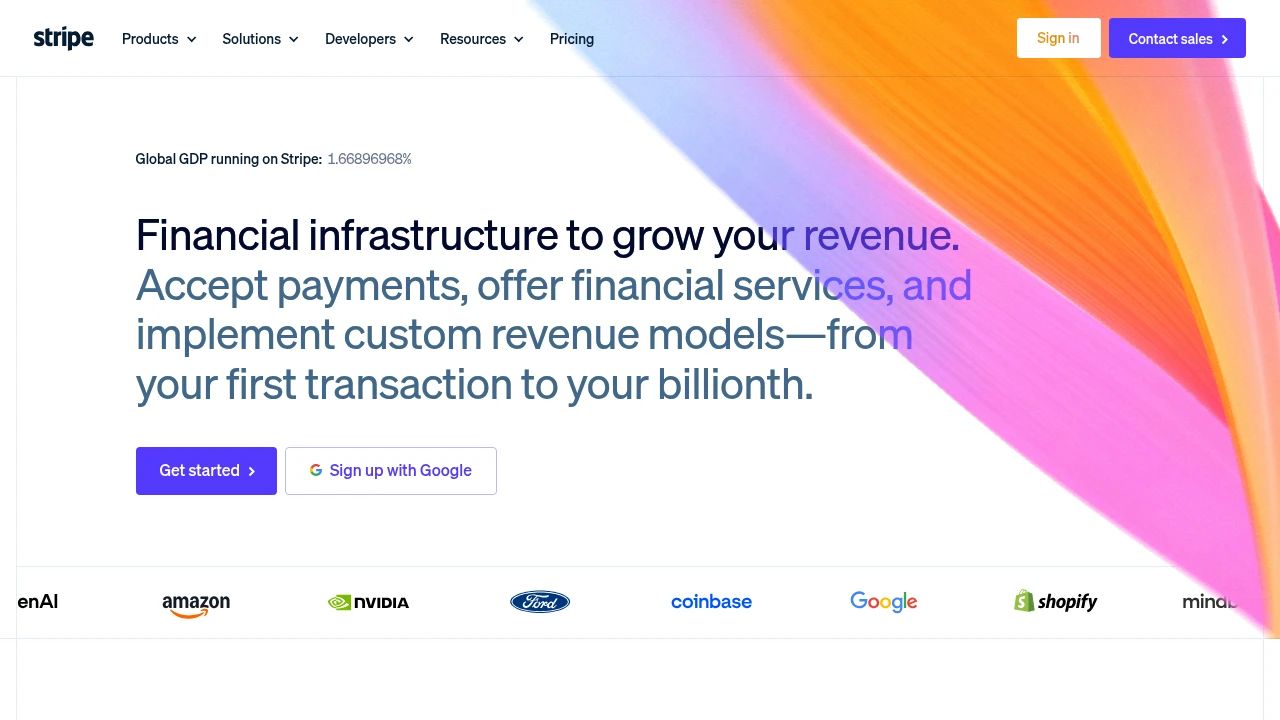
How to Generate a Website Thumbnail from a URL (Automatically)
Turn any URL into a website thumbnail with one API call. How automatic thumbnail generation works, what size to use, and how to cache the image for galleries, dashboards, and directories.
Jun 23, 2026 · 6 min read
How to Screenshot a Website from a URL (No Browser Needed)
Skip the headless browser setup. Learn the three ways to capture a screenshot from a URL, and when a screenshot API beats Puppeteer or Playwright for production workloads.
Jun 15, 2026 · 7 min read
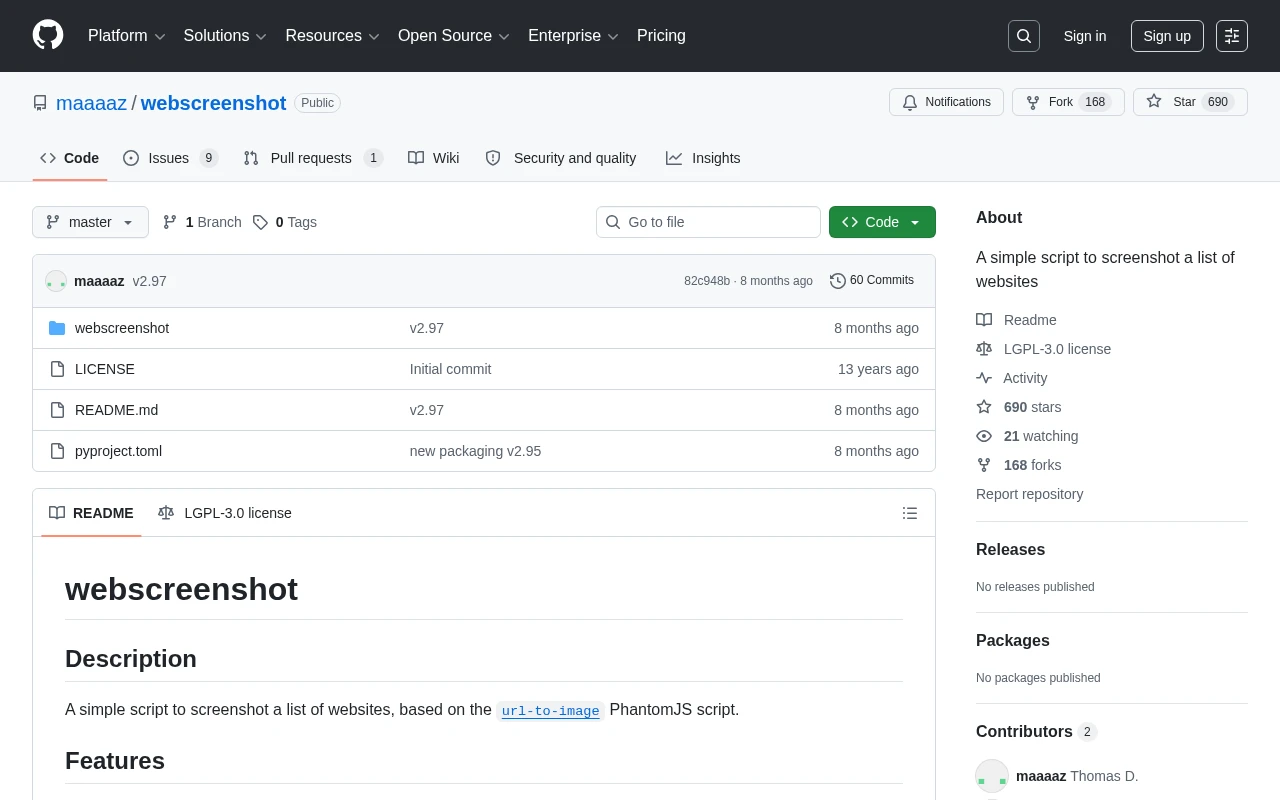
How to Screenshot a List of URLs (Bulk Capture for Research and Audits)
Capture screenshots of a whole list of URLs at once. Compare browser extensions, DIY scripts, and a screenshot API, with a runnable loop that turns a URL list into hosted images.
Jun 19, 2026 · 6 min read