Capture guides
How to Screenshot a JavaScript-Heavy Page (Waiting for Content That Loads Late)
October 13, 2026 · 7 min read · Grabbit Team
Most "screenshot APIs" that return a blank or half-built image are not broken. They captured the page exactly when you asked, which was before the page finished rendering. A JavaScript-heavy page reports load long before its content is actually on screen, and the gap between those two moments is where captures go wrong.
The fix is a real browser that executes the page's JavaScript, plus an explicit wait for the content you care about. This guide is about the server-side job: capturing an arbitrary URL as an image. If you are trying to capture the DOM already on a visitor's own screen in their browser, that is the opposite job, handled by the client-side html2canvas or the browser's Screen Capture API, and is covered at the end.
Why JS-heavy pages screenshot badly
A developer on r/nocode put the problem precisely: "Some pages technically finish loading while animations are still shifting layout or async data is still replacing skeleton states. That turns screenshot generation into a synchronization problem more than an image problem."
Another in the same community described the failure mode: "Most of the basic APIs just capture the raw HTML structure immediately, which completely ruins the screenshot if the page relies on heavy client side rendering or animations."
Both describe the same two traps:
- Capturing the raw HTML response. A single-page app returns a near-empty HTML shell on first fetch and builds everything client-side. Anything that renders only that initial HTML, with no JavaScript execution, captures a blank page. You need a real browser.
- Capturing too early. Even with a real browser, the page can report loaded while hydration, animations, and async fetches are still running. Shoot at that instant and you freeze a skeleton screen.
So two things have to be true: the page must run its JavaScript, and the capture must wait until the result settles.
Waiting, the part everyone skips
The naive instinct is a fixed sleep: wait three seconds, then capture. It is fragile. Three seconds is too long for a fast page and too short for a slow one, and a slow network makes it miss anyway. The reliable patterns wait for a condition instead of a clock:
- Wait for a specific element. If the page renders a chart, a product card, or a results table after its data arrives, wait for that element to exist before capturing. This is the most reliable signal because it tracks the actual content, not a guess.
- Wait for the network to go quiet, then give animations a beat to finish. This catches async data without hard-coding a duration.
- For below-the-fold content, scroll first. Lazy-loaded images only request themselves once they enter the viewport, so a full-page capture has to scroll the page to trigger them before stitching the final image.
If you run your own headless browser, these map to your library's wait APIs (Puppeteer's waitForSelector and waitUntil: 'networkidle0', or Playwright's auto-waiting and waitForLoadState). See making Puppeteer wait for a page to load for that path in full.
The hosted way: render it, then wait
If you do not want to operate Chromium, a screenshot API runs the browser for you. It loads the URL in a real hosted Chromium, executes the page's JavaScript, and returns a hosted image. The waiting is exposed as request parameters, so you shape the settle behavior without writing browser code:
const res = await fetch('https://api.grabbit.live/v1/grabs', {
  method: 'POST',
  headers: {
    Authorization: 'Bearer sk_live_...',
    'Content-Type': 'application/json',
  },
  body: JSON.stringify({
    url: 'https://example.com',
    width: 1280,
    full_page: true,
    format: 'webp',
    // let late content load before capturing
    delay_ms: 2000,
    // wait for the element that appears after the data arrives
    selector: '#results',
  }),
});

const { image_url } = await res.json();
The response is a hosted image URL for the fully rendered page:
{
  "id": "grb_01jx...",
  "status": "done",
  "image_url": "https://cdn.grabbit.live/grabs/grb_01jx....webp",
  "width": 1280,
  "format": "webp",
  "bytes": 51430,
  "execution_ms": 2240
}
Two parameters do the waiting work, and it helps to be exact about what each one is for:
delay_ms(0 to 10000) is the settle control. After the page loads, the capture waits this many milliseconds before shooting, which gives animations, hydration, and a latefetchtime to finish. Treat it as the floor for "how long this page takes to stop moving," not a magic number.selectoris the "wait for this element" lever. Point it at the element that only exists once the client-side render is done, and the capture targets that element. It is the closest hosted equivalent to waiting for a specific node to appear.
The rest of the parameters are the usual ones: width (320 to 1920) and height (240 to 1080) set the viewport, full_page captures the whole scrolling page and triggers the scroll that loads lazy content, and format is png, jpeg, or webp. There is no networkidle or waitForFunction parameter here: delay_ms is the settle knob and selector is the element-wait, so lean on those two rather than reaching for a condition the API does not expose.
A sk_test_ key returns a deterministic placeholder image for wiring up the integration without spending anything. A live capture of a real rendered page needs a sk_live_ key and a credit.
When to stay with your own browser
A hosted render is not always the right call, and it is worth being honest about the line:
- You need to interact with the page, not just see it. Logging in, clicking through a multi-step flow, filling a form, then capturing the result is a job for a browser you drive (Puppeteer or Playwright), where you control every step.
- The content is behind your own auth or on an internal network a hosted service cannot reach.
- You already run a browser for tests or scraping. Adding a
page.screenshot()call is free; a second service is not.
If the deliverable is simply a rendered image of a public URL, though, the hosted path removes the whole synchronization problem from your own code. The browser that waits for the page to settle is not one you have to provision, patch, or scale.
The other "screenshot in JavaScript": html2canvas
Searching for "screenshot API javascript" surfaces two different jobs, and it is easy to land on the wrong one. The server-side job above captures an arbitrary URL. The client-side job captures the DOM already rendered in a visitor's own browser, and that is what html2canvas and the browser's Screen Capture API (getDisplayMedia) are for.
They are not interchangeable. html2canvas reads the DOM on the current page and redraws it into a <canvas>, so it only ever sees what that visitor's browser rendered, cannot reach a cross-origin URL, and misenders complex CSS it cannot reimplement. The Screen Capture API asks the user for permission to record their screen. Both are the right tool when the thing you want a picture of is already in front of the user. When you want a pixel-accurate image of some other URL, rendered with its JavaScript run, you want the server-side render, not a canvas redraw.
Pricing, briefly
Grabbit bills a flat $0.002 per successful live grab: $50 for 25,000 prepaid credits on the annual plan. Prepaid top-up credits do not expire while the account is active, and there is no monthly quota to reset or waste. Test-environment keys render placeholders for free. Grabbit is not the cheapest per-grab option on the market, so if raw unit price is the only axis, compare it against the field; the flat, no-reset billing is the reason to pick it.
Capture the final frame, not the first
A screenshot of a JavaScript-heavy page is only as good as the moment you take it. Render the page in a real browser so its JavaScript runs, wait for the specific content to settle instead of guessing at a fixed sleep, and scroll before a full-page shot so lazy content loads. Do that in your own browser when you need to interact with the page, or hand the whole settle problem to a hosted render with delay_ms and selector when you just need the image.
For the broader picture, see how to screenshot a website from a URL and taking website screenshots in Node.js, or start from the screenshot API overview.
FAQ
- How do I take a screenshot of a JavaScript-rendered page?
- Use a real browser, not a raw HTML fetch. A headless Chromium (Puppeteer, Playwright) or a hosted screenshot API loads the page, executes its JavaScript, and captures the final rendered DOM. The one thing that separates a good capture from a half-built one is waiting: give the page time to hydrate and settle before you shoot, either with a wait condition in your own browser or a delay_ms value on a hosted API.
- Why does my screenshot show a half-loaded or blank page?
- Because the capture fired before the content finished rendering. A page can report 'load' while animations are still shifting layout and async data is still replacing skeleton states. If you screenshot at that moment you freeze the skeleton. Wait for the specific element you care about to appear, or add a settle delay, rather than capturing the instant the page reports loaded.
- What is the difference between a screenshot API and html2canvas?
- html2canvas runs in the visitor's browser and redraws the DOM that is already on their screen into a canvas, so it only sees what that browser rendered and often misenders cross-origin or complex CSS. A server-side screenshot API loads any public URL in a hosted Chromium, runs its JavaScript, and returns a pixel-accurate image, with no browser for you to run. They solve opposite jobs: html2canvas captures the user's own view, an API captures an arbitrary URL.
- How do I wait for lazy-loaded content before capturing?
- Lazy-loaded images and sections only appear once they scroll into view or their data arrives. In your own browser, scroll the page and wait for the element. With a hosted API, a full_page capture triggers the scroll, and a delay_ms value (0 to 10000) gives the late content time to load before the shot. For a specific element that appears after hydration, target it with a selector so the capture waits for it.
- Can a screenshot API handle single-page apps (SPAs)?
- Yes, as long as it renders with a real browser. SPAs return almost empty HTML on first fetch and build the page client-side, so anything that captures the raw HTML response gets a blank page. A hosted render executes the app's JavaScript the same way a browser does, waits for the view to settle, and captures the result.
Capture any website with one API call
Get a free test key and wire your first request in two minutes.
Written by
Grabbit Team
Screenshots as a service
The team behind Grabbit, the screenshot API for developers and AI agents. We write about web capture, rendering, and automating screenshots at scale.
Keep reading
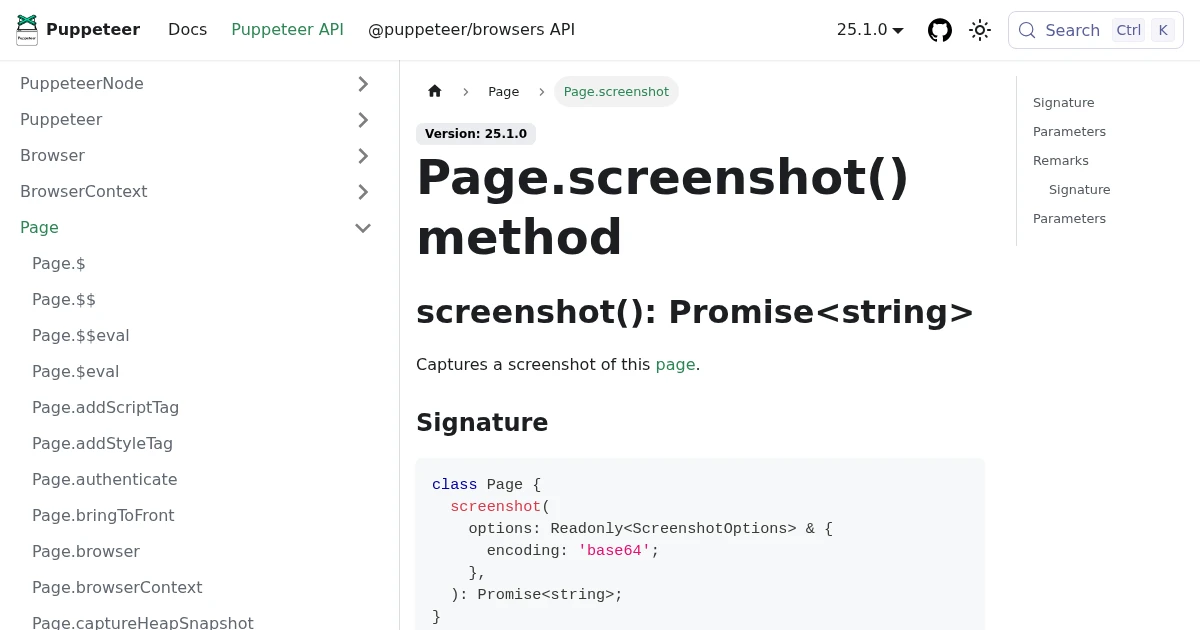
How to Take a Website Screenshot in Node.js (4 Ways)
Four ways to screenshot a website in Node.js: Puppeteer, Playwright, the capture-website wrapper, and a hosted API. Working code, the trade-offs, and when to skip running Chromium.
Jun 18, 2026 · 4 min read
How to Screenshot a Website from a URL (No Browser Needed)
Skip the headless browser setup. Learn the three ways to capture a screenshot from a URL, and when a screenshot API beats Puppeteer or Playwright for production workloads.
Jun 15, 2026 · 7 min read
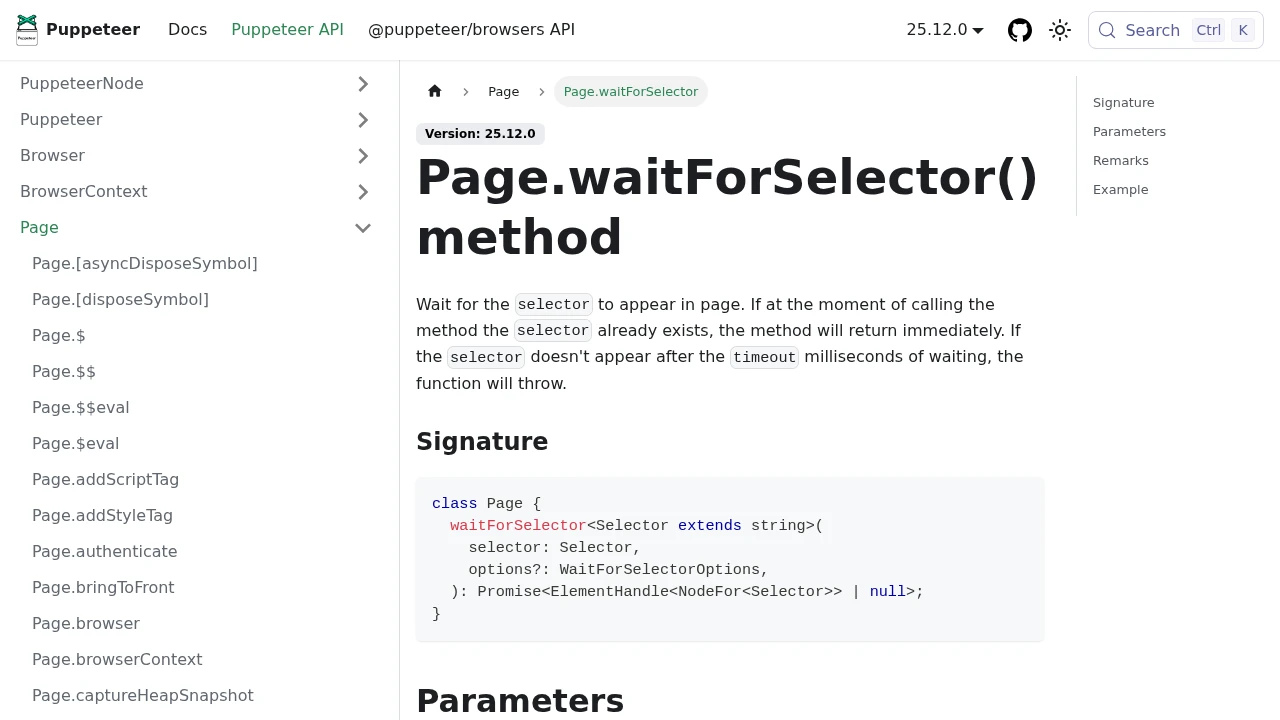
How to Make Puppeteer Wait for a Page to Load Before Screenshotting
The reliable ways to make Puppeteer wait for a page to load: the four waitUntil events, waitForSelector, waitForFunction, and fonts. Plus the one case where an API replaces the wait plumbing entirely.
Oct 3, 2026 · 6 min read